
Start your website from a finished WordPress site.
Canvas is a premium WordPress theme and website builder. Pick the demo closest to your business from 114 complete websites and import it, and every page, menu and form is in place. Change it yourself in the WordPress editor, or tell the CanvasAI Engine what you want.
- 3,000+ Canvas HTML reviews
- CanvasAI Engine built in


- 114Prebuilt websites
- 325Gutenberg blocks
- 533Theme options
- 3,000+Five-star Canvas HTML reviews
- 75,000+Canvas HTML customers
Change your site by typing what you want
The CanvasAI Engine works inside the WordPress block editor. Ask for a new section, a rewrite, a color change or a header button, and it builds the change from Canvas blocks and Theme Options. You review it before anything is saved, and you can undo any turn.
Build a section
add a services section after the intro, 3 services side by side with icons, then a button to book a visit
Adds a row of Canvas icon boxes and a button linked to your contact page.
Rewrite for search
rewrite the main heading and the intro so we rank for emergency plumber in denver
Rewrites the copy in place and fixes a heading order that skips levels.
Change the design
make the pricing section dark with white text and more space above and below it
Changes the section background, text color and spacing settings.
Edit the header and footer
add a Book a table button on the right of the header, going to the reservations page
Edits the header record and tells you the change is site-wide before you apply it.
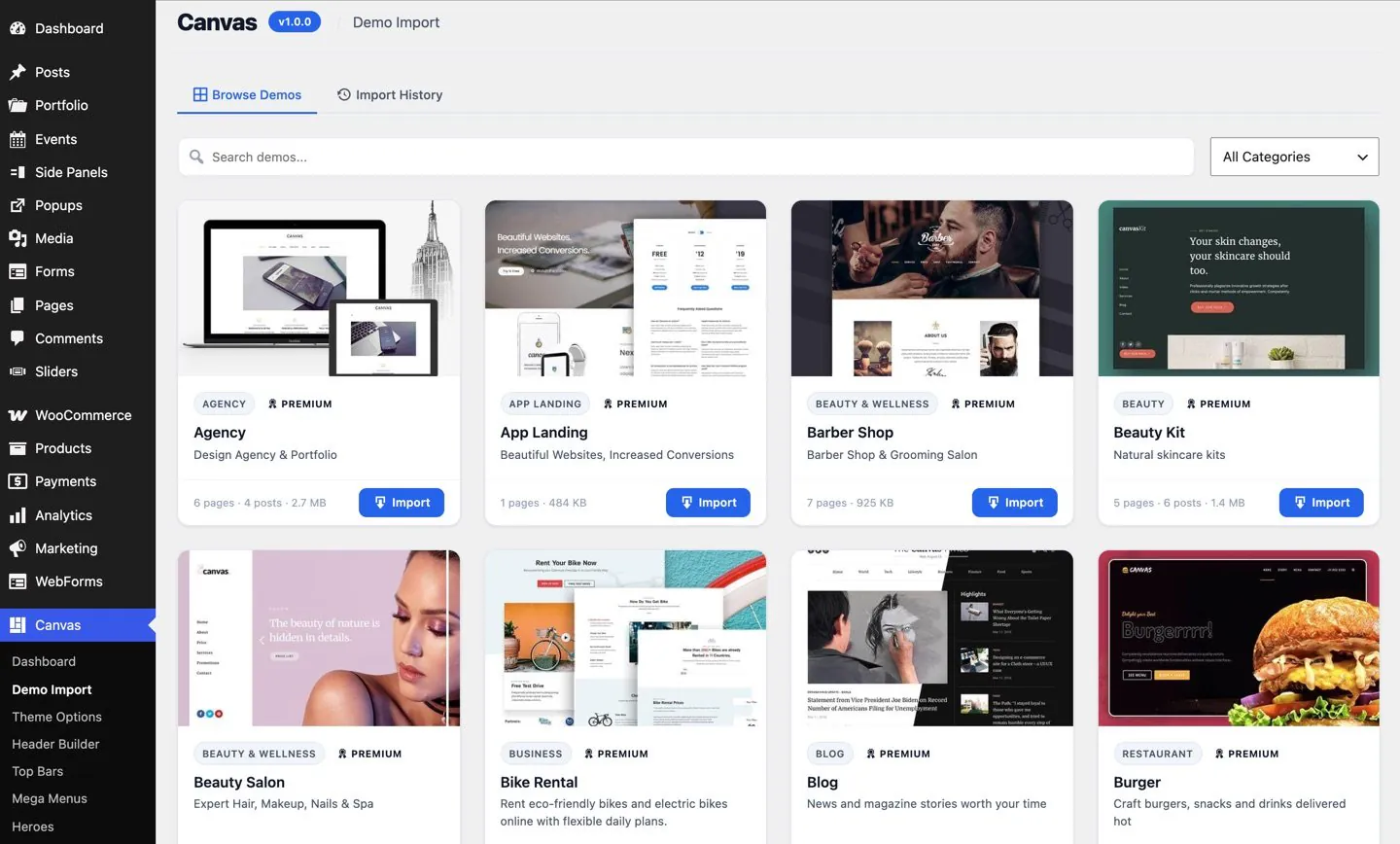
114 finished websites to start from
Every demo runs all the way to its inner pages, with real content types and working forms you can send a message through on the first day.

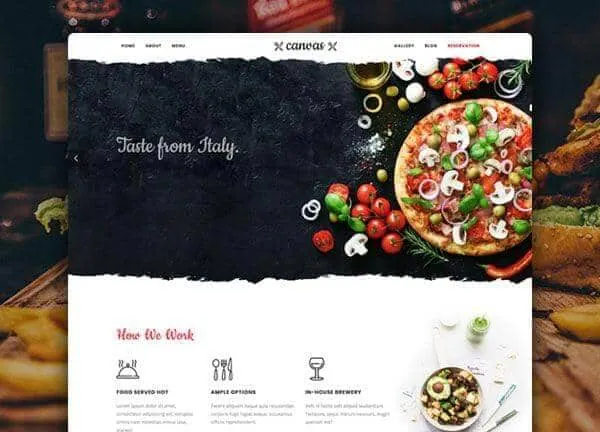



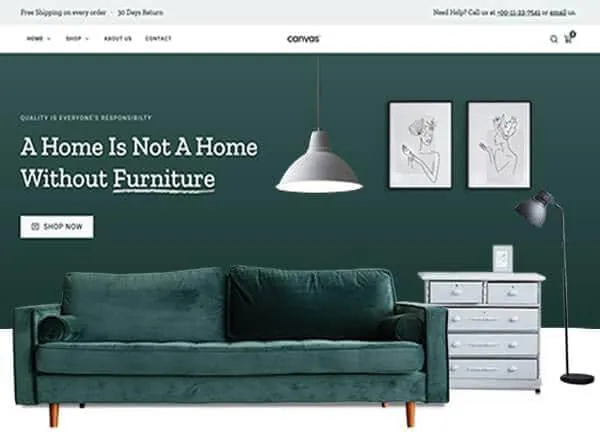

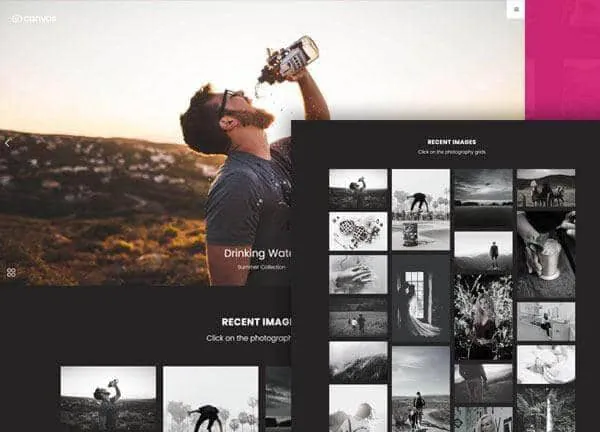
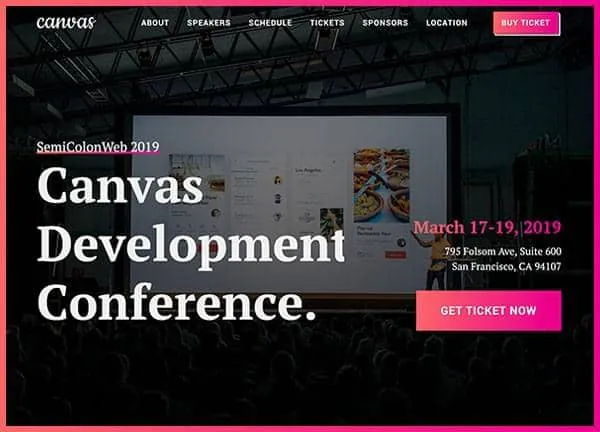
New demos ship every two weeks alongside new features, and every plan gets them at no extra cost. Need a design that is not here yet? Request it on the support forum.
Each trade has its own page: the demos drawn for that work, what they ship with, and where a plugin takes over.
Restaurant
4 demos · Italian Restaurant, Burger, Cafe, Wine Estate
Real estate
2 demos · Real Estate, Harrington Residences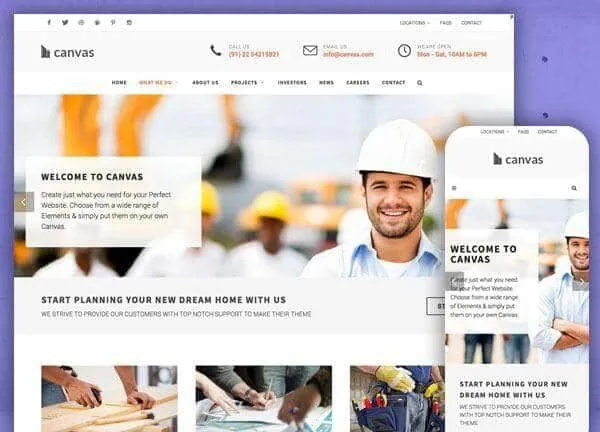
Construction
2 demos · Construction, Harrington Residences
Medical and dental
4 demos · Medical, Doctors, Dental Clinic, Therapy & Beauty
Agency
3 demos · Agency, Media Agency, SEO
Photography
4 demos · Photography, CanvasLens, Photographer, Videographer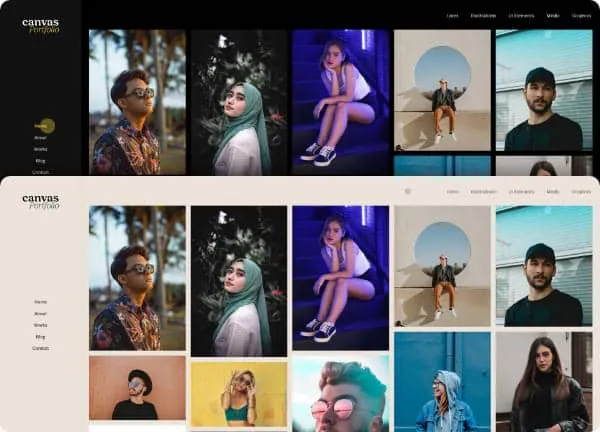
Portfolio and personal
5 demos · Portfolio, Illustrator, Freelancer, Olivia Chambliss, Pliff Jenkins
Law firm
1 demo · Law Agency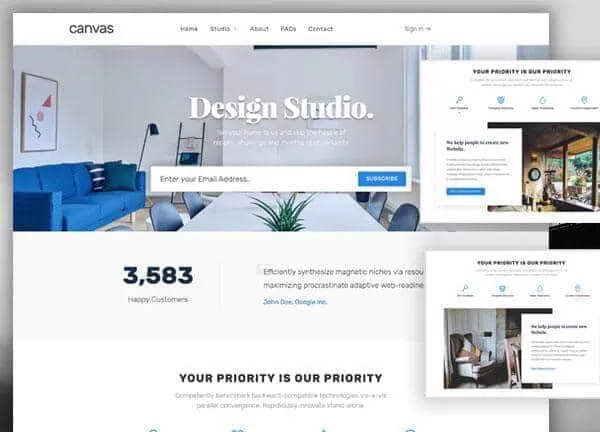
Interior design
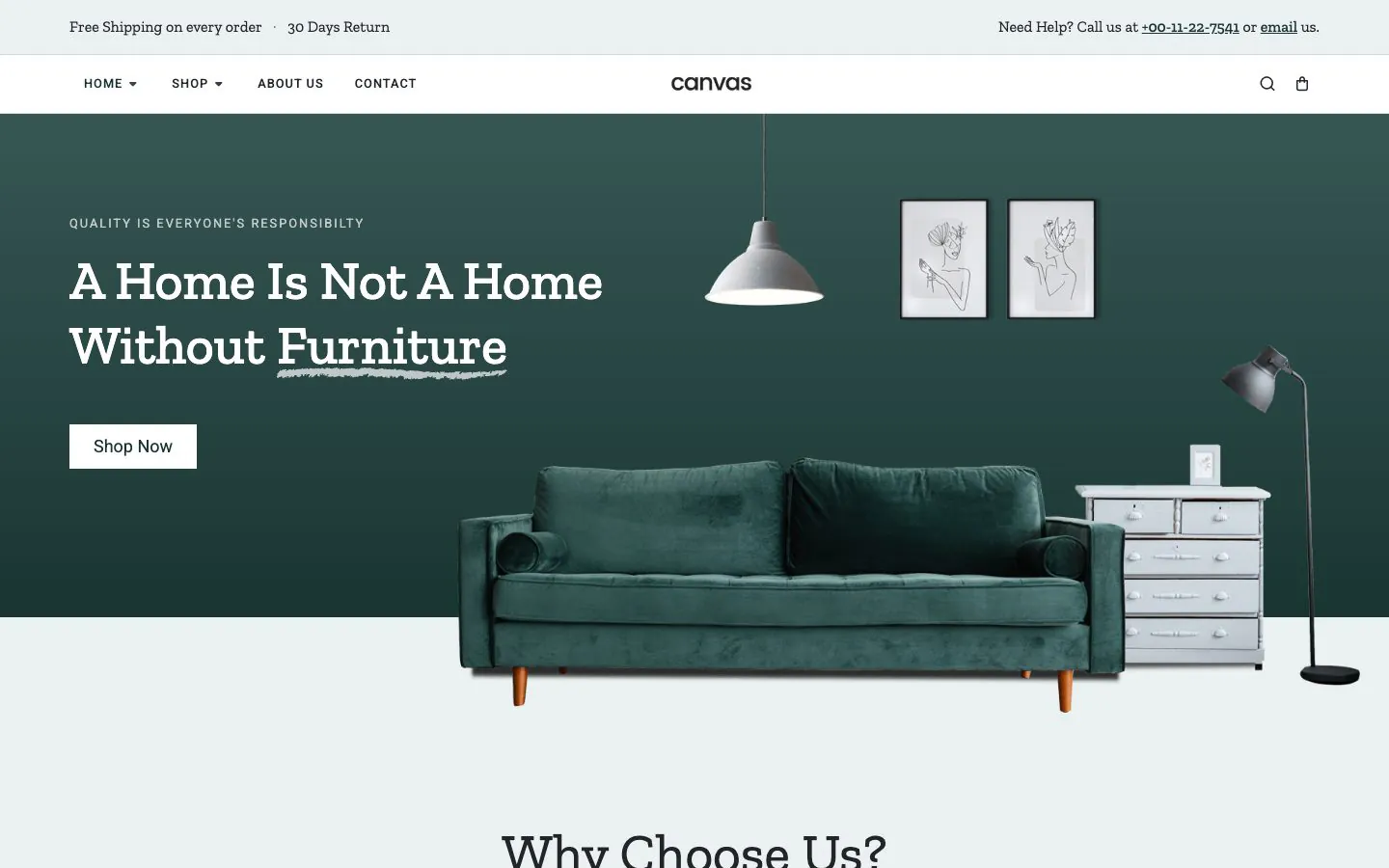
2 demos · Interior Design, Furniture
Online store
8 demos · Clothing Store, Fashion Shop, Furniture, Drone, Wildroot Gear, Speaker Store, Supplement Store, eBook
Beauty salon and spa
4 demos · Spa, Beauty Salon, Barber Shop, Beauty Kit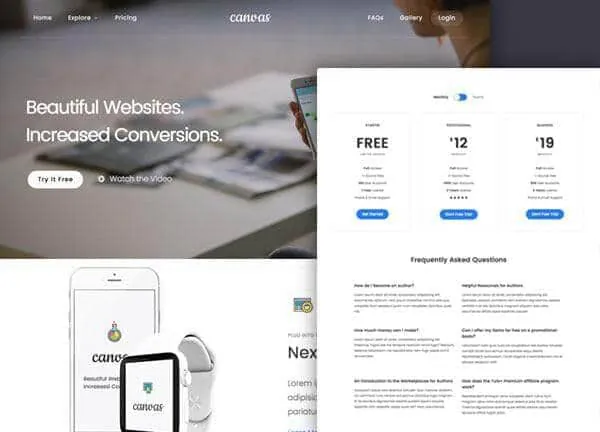
SaaS and apps
5 demos · App Landing, Landing, Hosting, AI Coding, CanvasPulse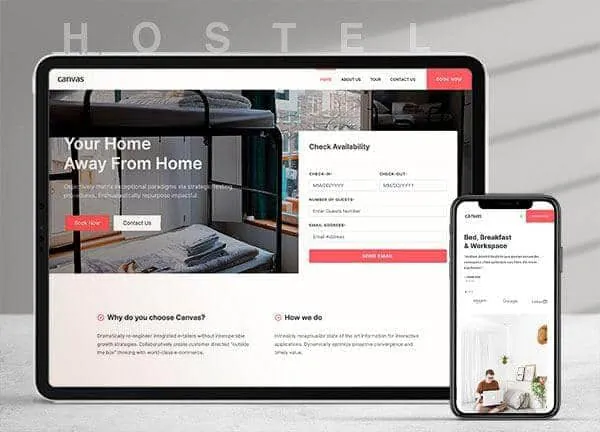
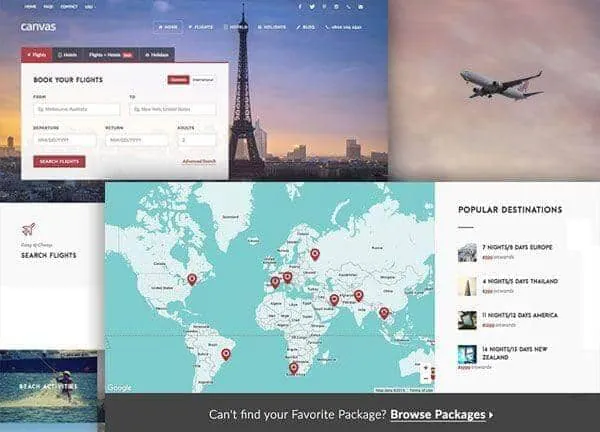
Hotel and travel
2 demos · Hostel, TravelWhat you can do with Canvas
Each of these is a screen you can open in the product. Both plans include all of it, CanvasAI Engine credits too.
CanvasAI Engine
Describe a section or a change in the block editor. The engine builds it from Canvas blocks and waits for your review.
See the examples114 demo websites
Complete multi-page websites with inner pages, real content types and working forms. Import one and edit it.
Browse the demos325 blocks
Real Gutenberg blocks in 10 families, every one of them driven from the editor sidebar.
See the libraryHeader builder
Drag the logo, menu and buttons into rows and zones. Any page can carry its own header.
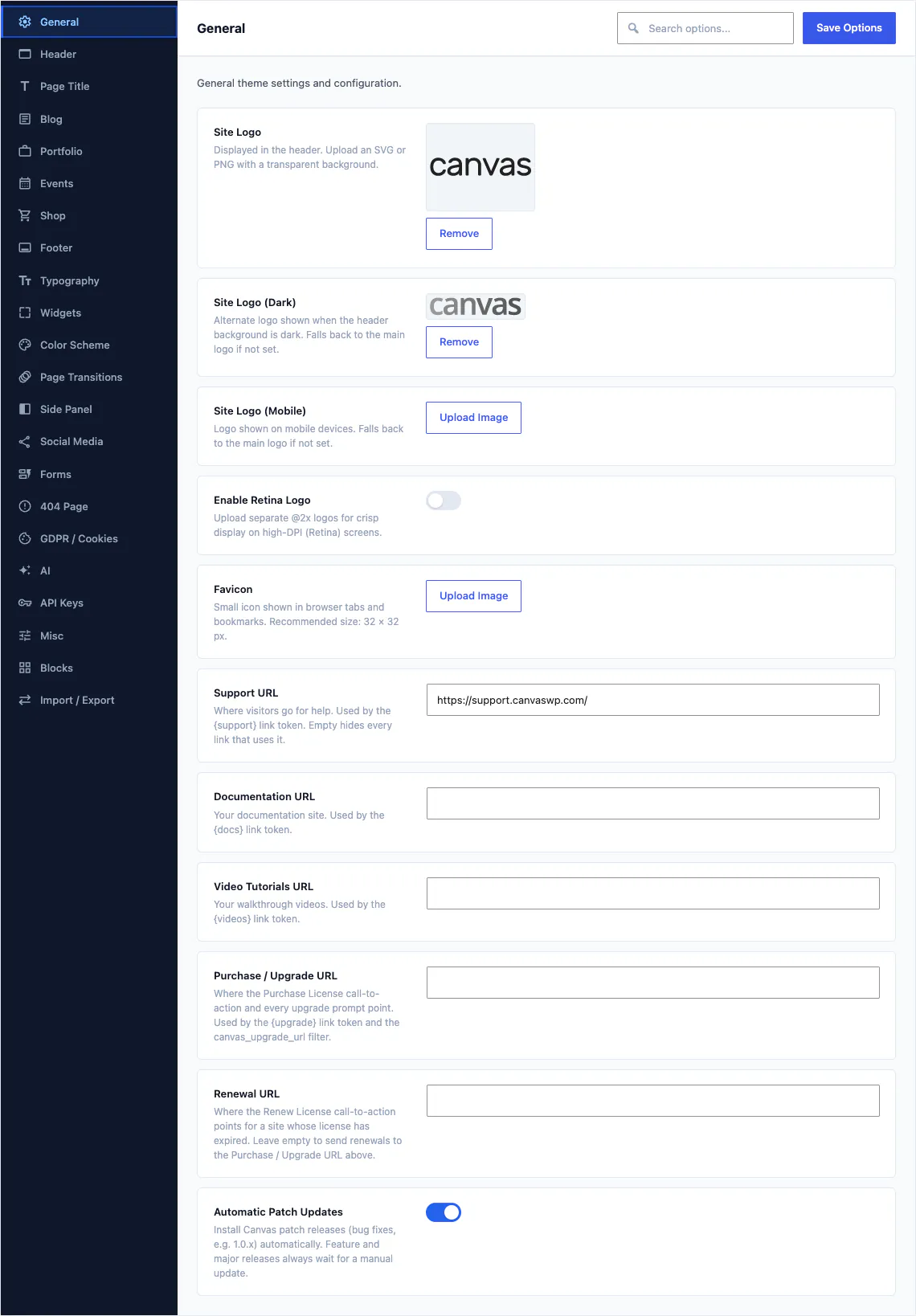
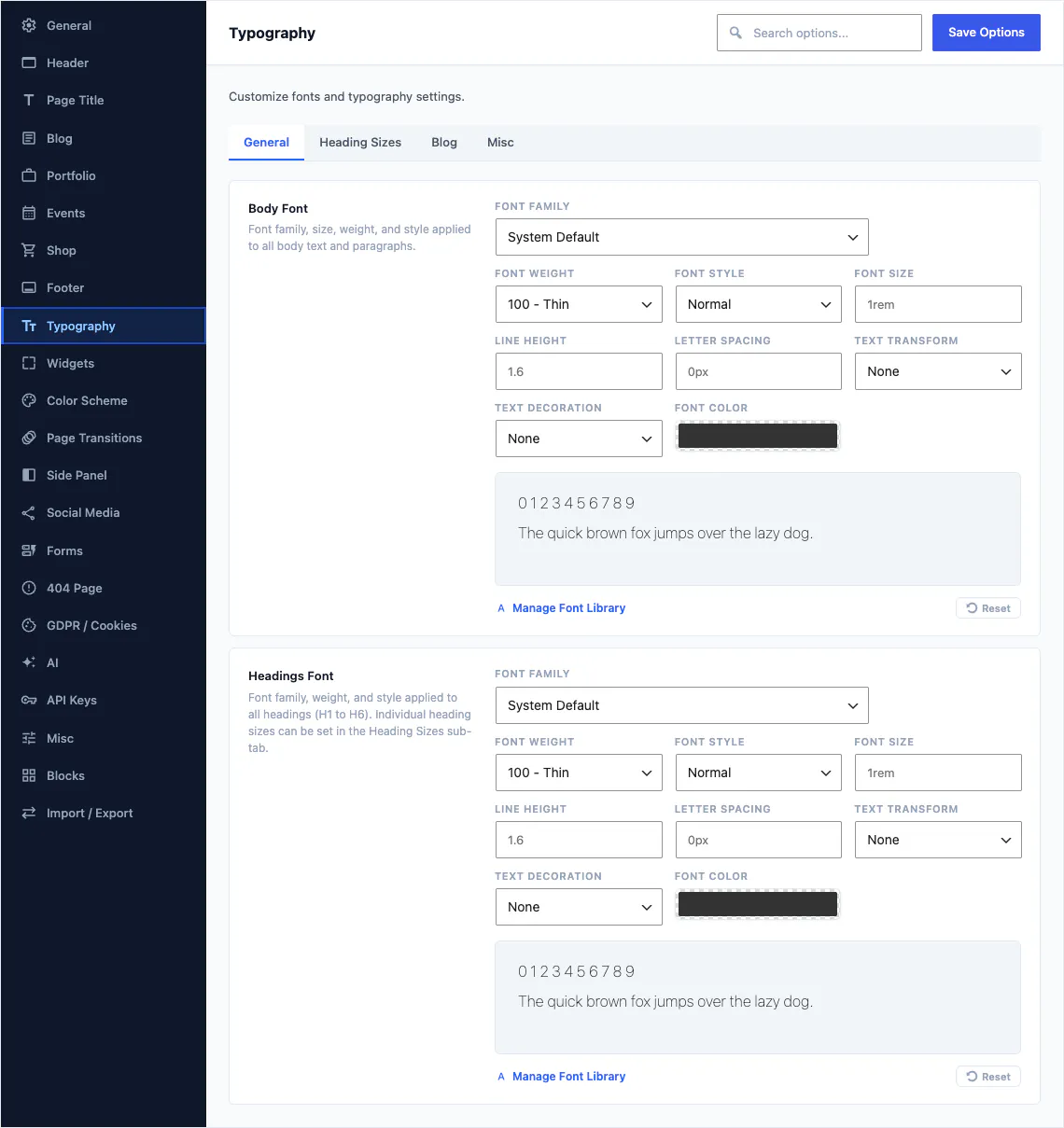
How it works533 theme options
Color and typography through to the performance switches, laid out in 24 sections.
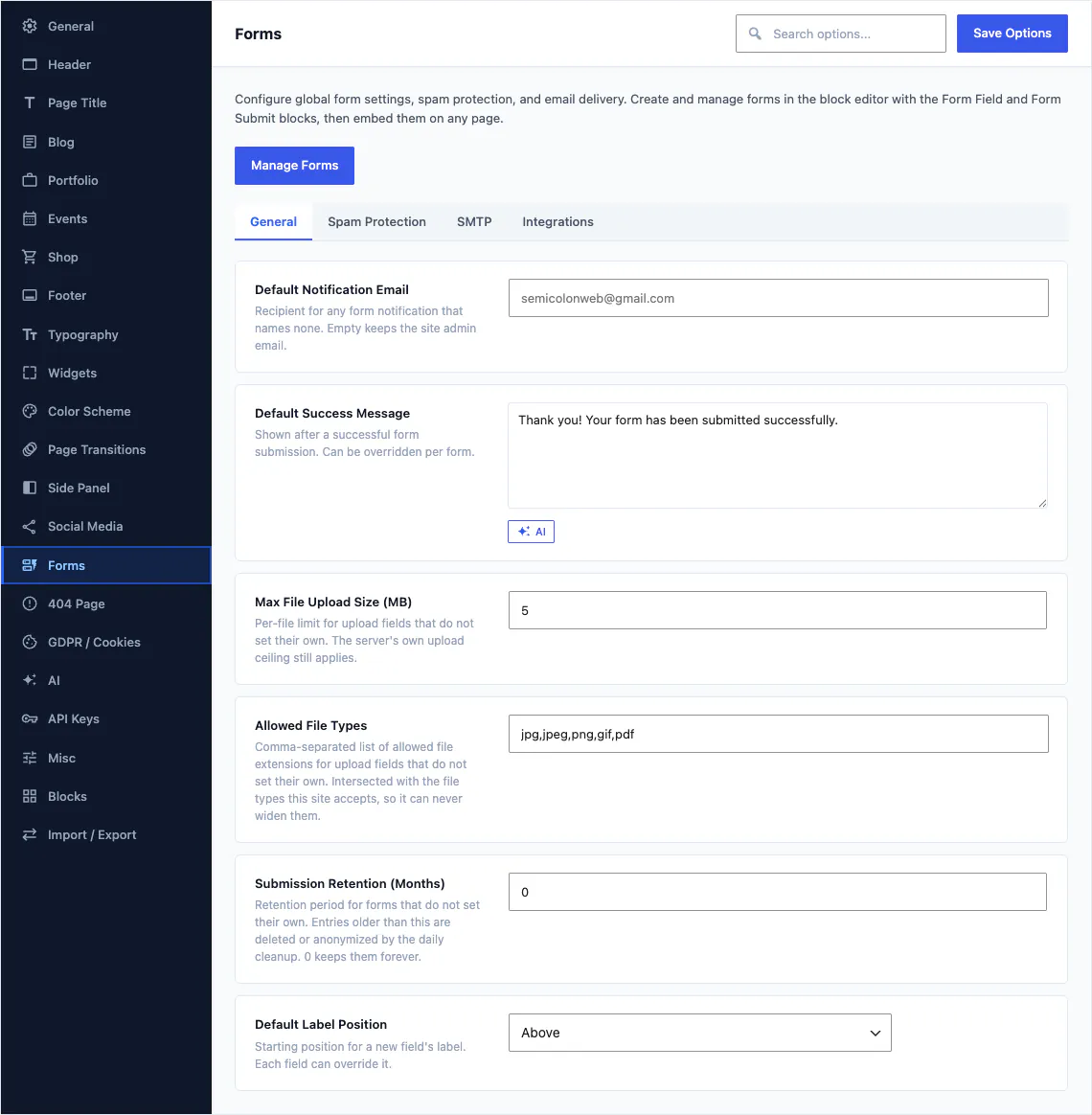
Open the tourTake inquiries through your own forms
A form builder with conditional fields, spam protection and auto-responders. Every submission is stored.
See the builder35 performance switches
A page loads the CSS and JavaScript of the blocks it renders. Nothing else. The rest is yours to switch on.
Read the detailSell with WooCommerce
24 store blocks and 18 store templates. 22 of the demos are working shops built on them.
See the storesSetup wizard
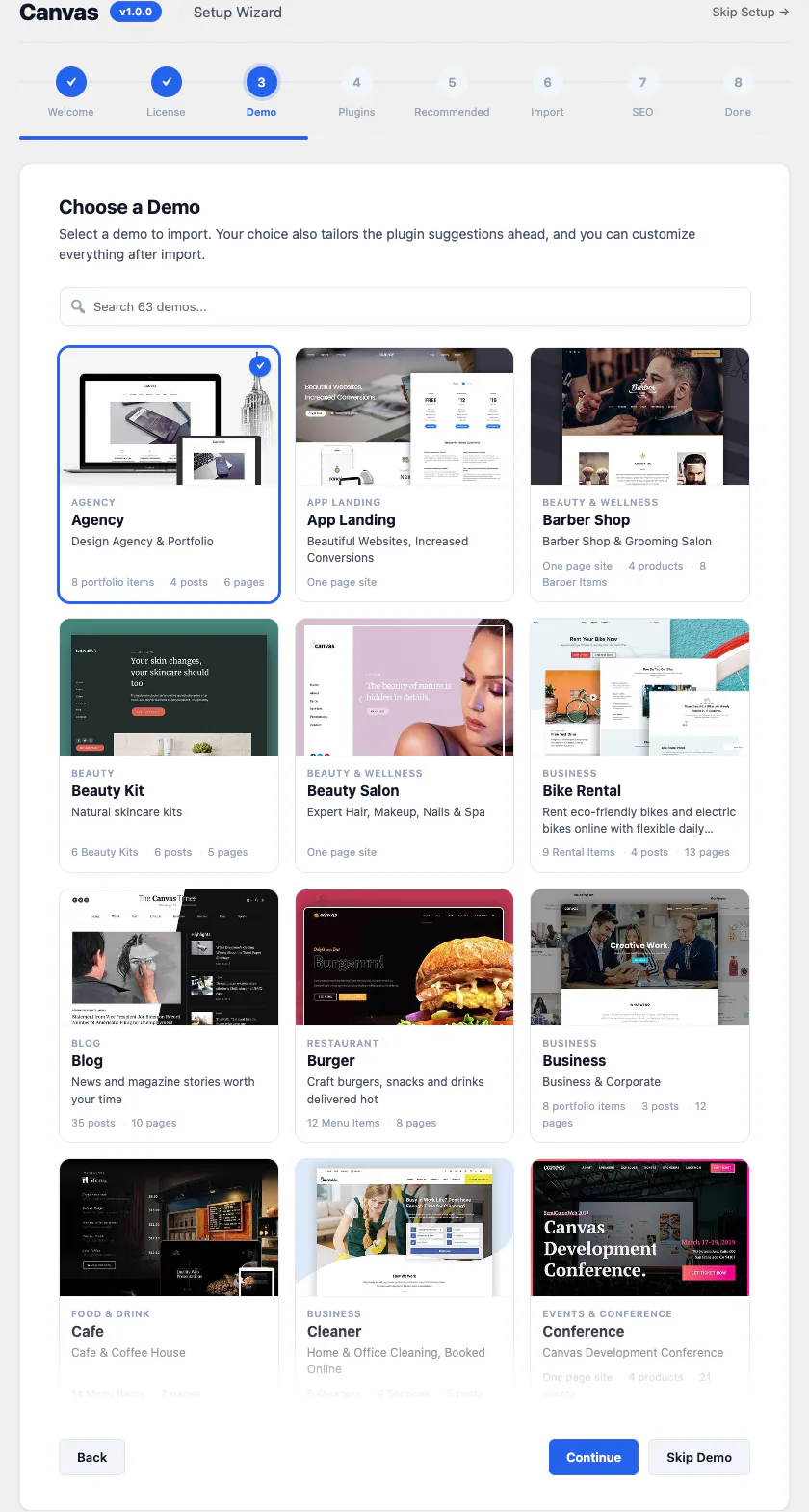
Install the theme, pick a demo, import it. You end the first day on a working website.
Walk through itDark mode
An adaptive color scheme that follows the visitor's system setting, and can be set per section.
See the optionsRight-to-left languages
The whole theme mirrors for Arabic, Hebrew and other right-to-left languages, and 112 demos are checked in RTL before they ship.
All featuresHelp when you are stuck
405 documentation articles, and a support forum answered by the people who build Canvas.
Read the guidesYour first site or your fiftieth
You start from a finished design either way and edit it in the standard WordPress editor, so the content stays yours if you ever change themes.
For beginners
Pick one of 114 complete demos. The 9-step setup wizard imports it, installs the plugins it needs and sets up the SEO basics, so your first job is editing real content.
Setup wizard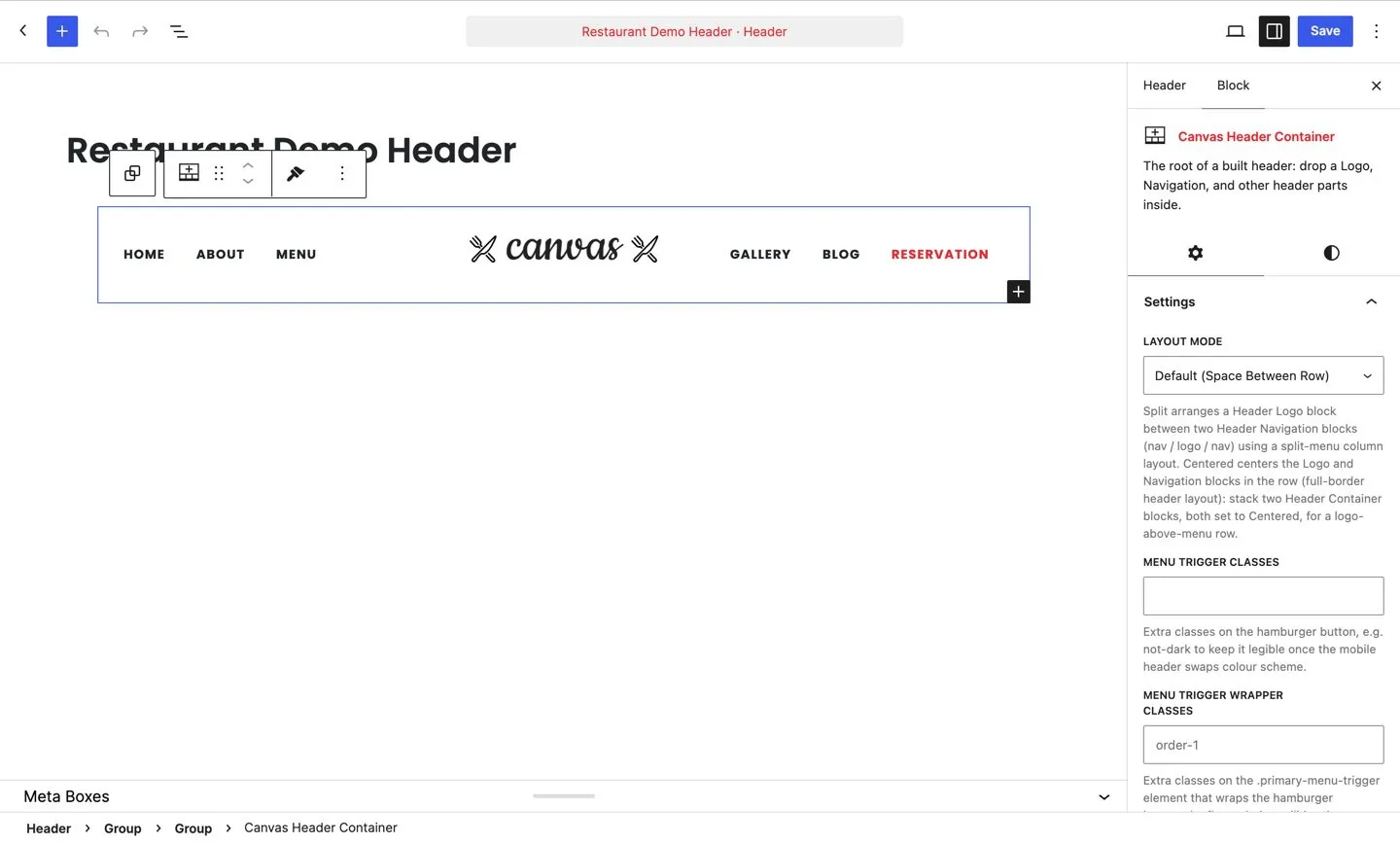
For professionals
License every client site on one key. Headers, footers and heroes are reusable records, so one change lands on every page that uses them. The White Label add-on puts your own brand on the WordPress admin you hand over.
Header builder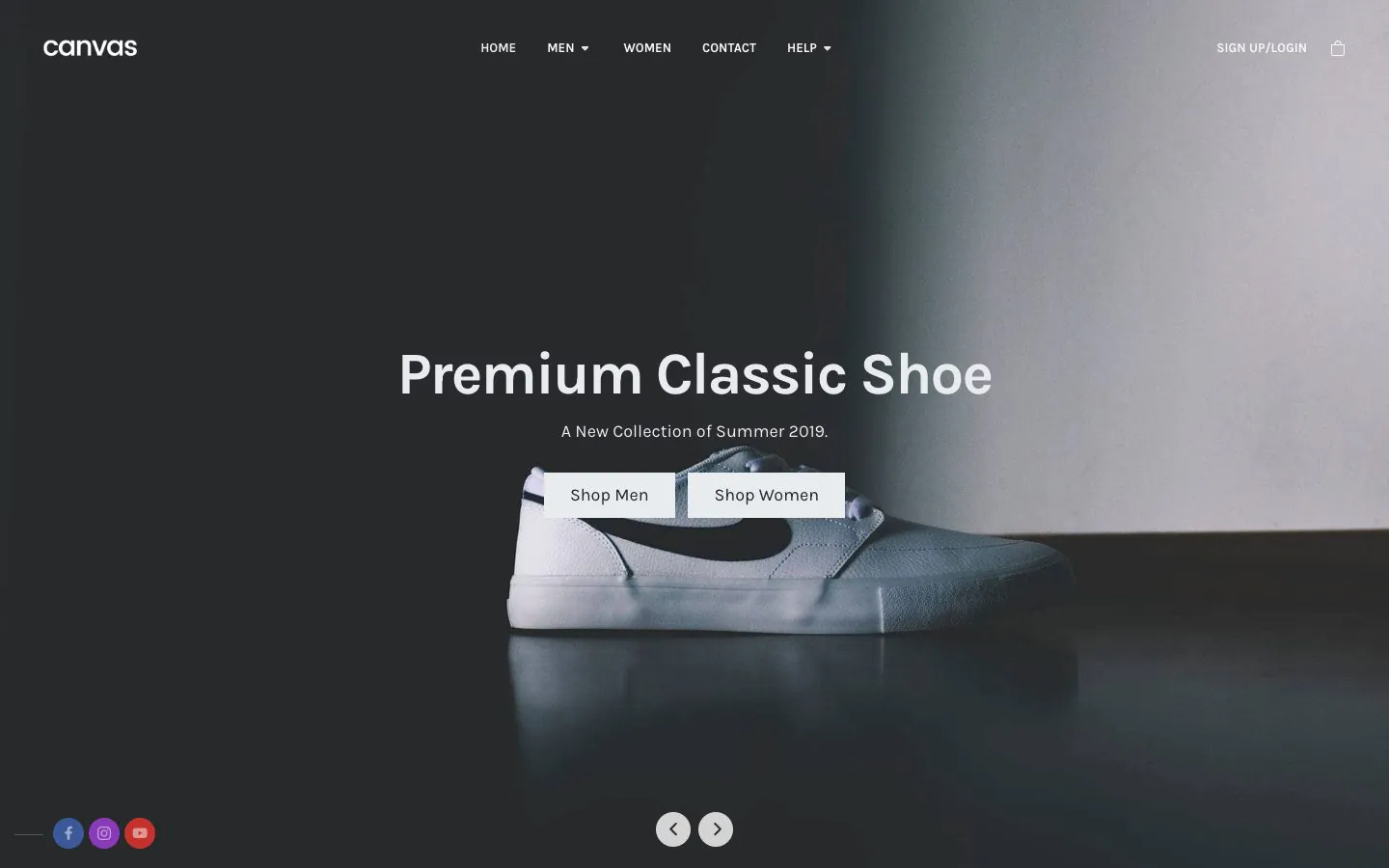
For marketers
Run the shop, the inquiry forms, the events calendar and the blog from one theme. You get 24 WooCommerce blocks, 31 blog blocks and a form builder that stores every submission.
WooCommerce blocksEvery part of a website
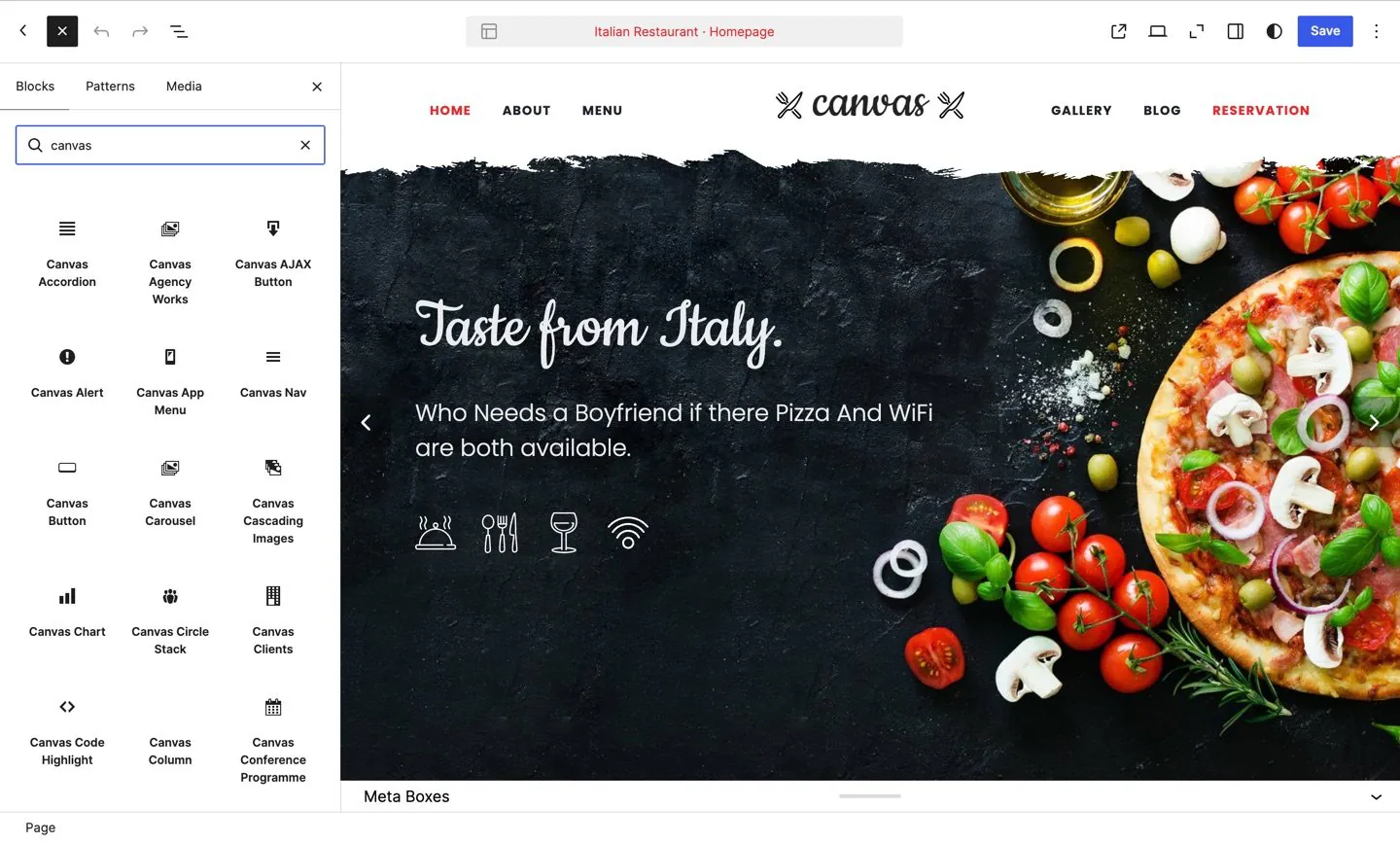
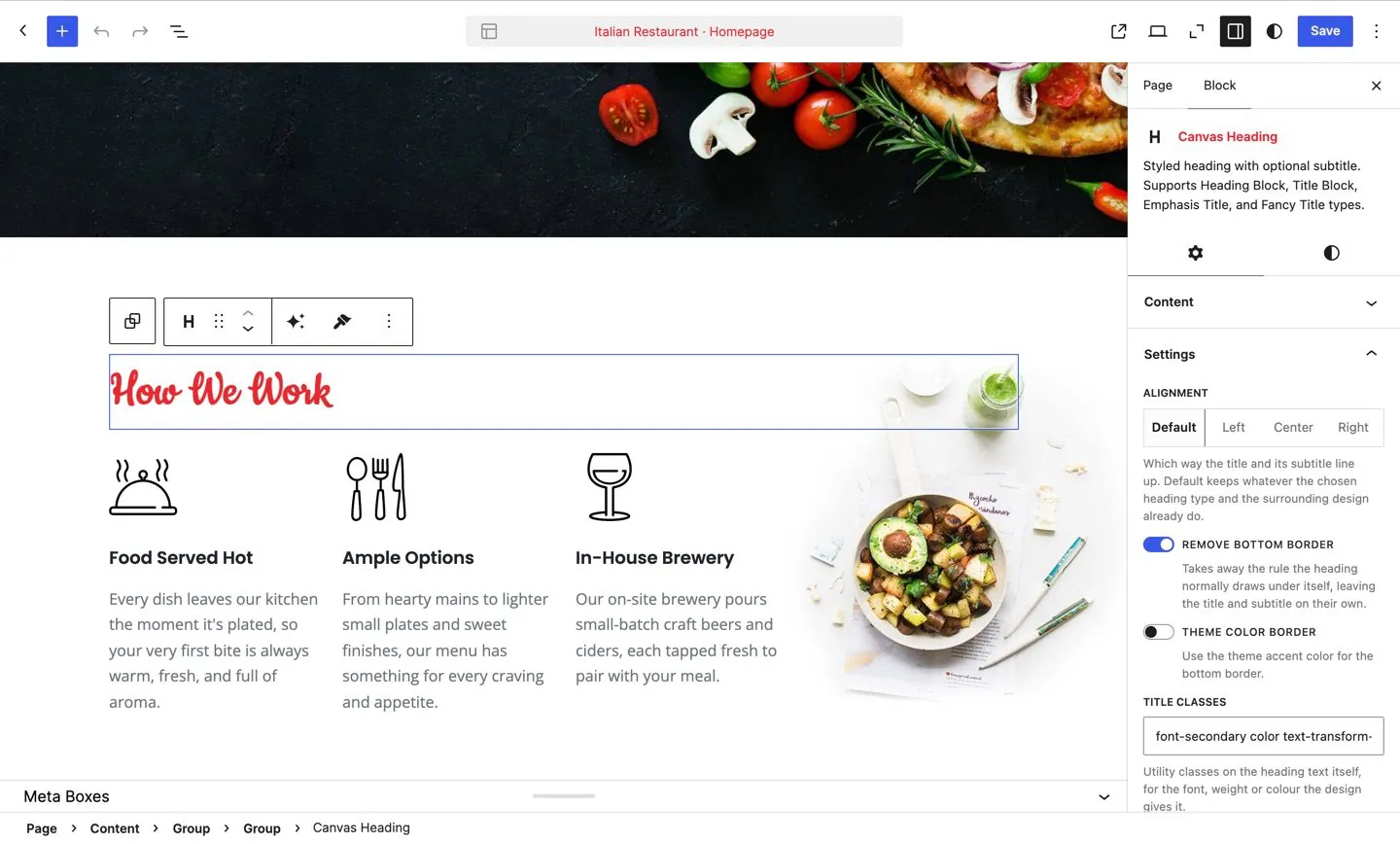
325 blocks, 183 patterns and 173 templates ship with the theme, plus the options and builders that drive them. Every plan gets all of it.
Built on what WordPress gives you
7 places you meet Canvas. Each one is a screen you can open for yourself.
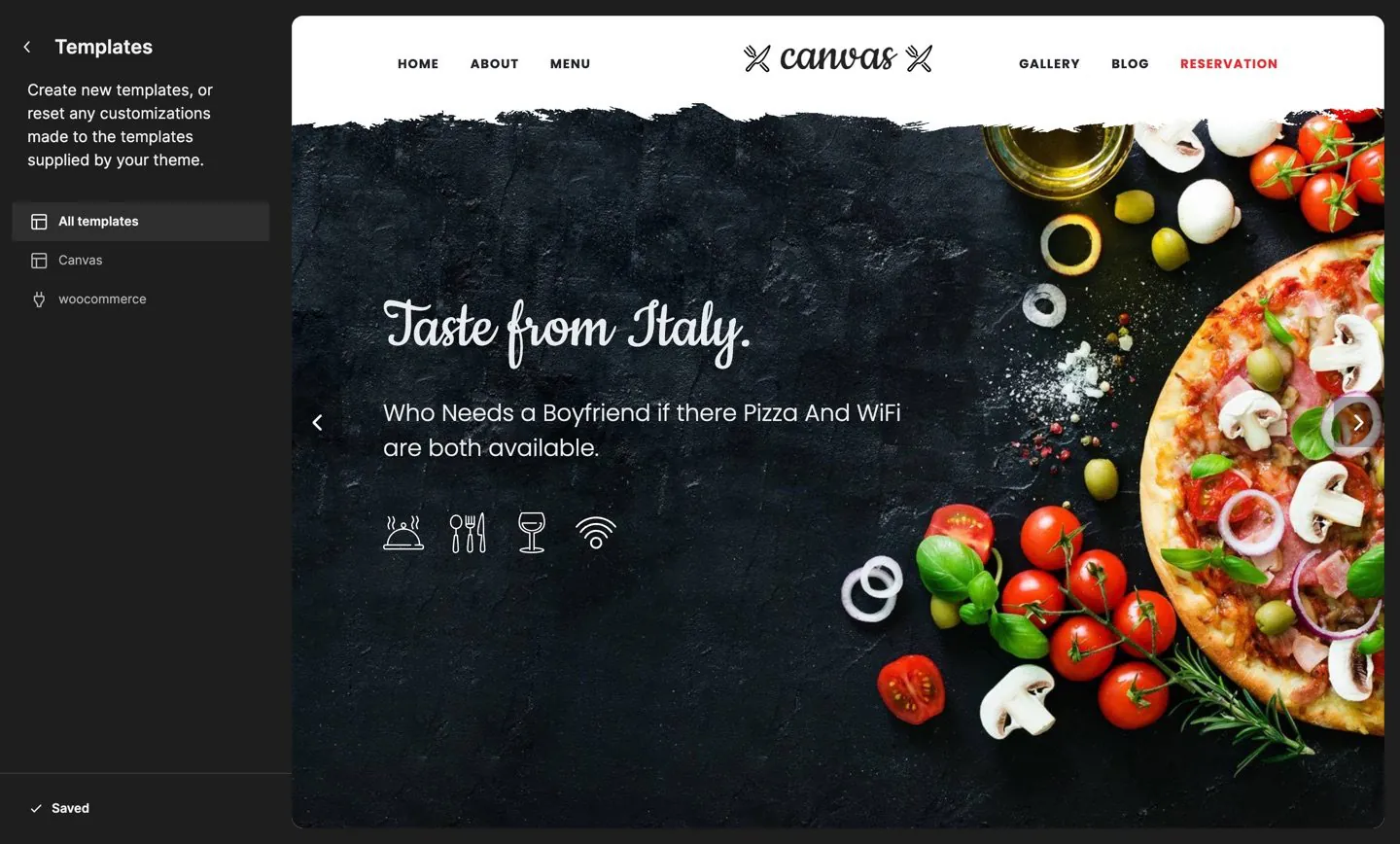
Templates, parts and styles where WordPress keeps them
Canvas is built on WordPress block templates. Templates are HTML block templates, headers and footers are template parts or builder records, and colors and typography flow through theme.json. Change a style variation and every page follows. Switch themes one day and your content is still standard blocks.
How the editor worksFrom activation to a finished site in 9 steps
Welcome, license, an optional child theme, demo, plugins, recommended tools, import, SEO and done. The wizard installs what the demo needs, imports it, writes the site title and description and hands you a site that already looks like the preview.
Setup wizardEverything a visitor sees is a setting you can reach
Text, links, images, color and size all live in the block’s settings panel. No “edit as HTML”, no shortcodes to memorize. Save any block’s settings as the default for the next one you insert, or as a named global style applied across the site.
Browse the block libraryHeaders and footers are records you build from blocks
Drag blocks into zones, set a different row for phones, make it sticky or transparent, and assign it site-wide or to one page. Top bars, mega menus, side panels and page titles are their own records too, so a change lands everywhere it should.
The header builderImport a whole website, then change your mind
Import site-wide or just the pages you pick. Every page, post, menu, form, header, footer and content type arrives with its images in your media library. Canvas records what it created, so Delete Demo Data takes it all back out again.
How import works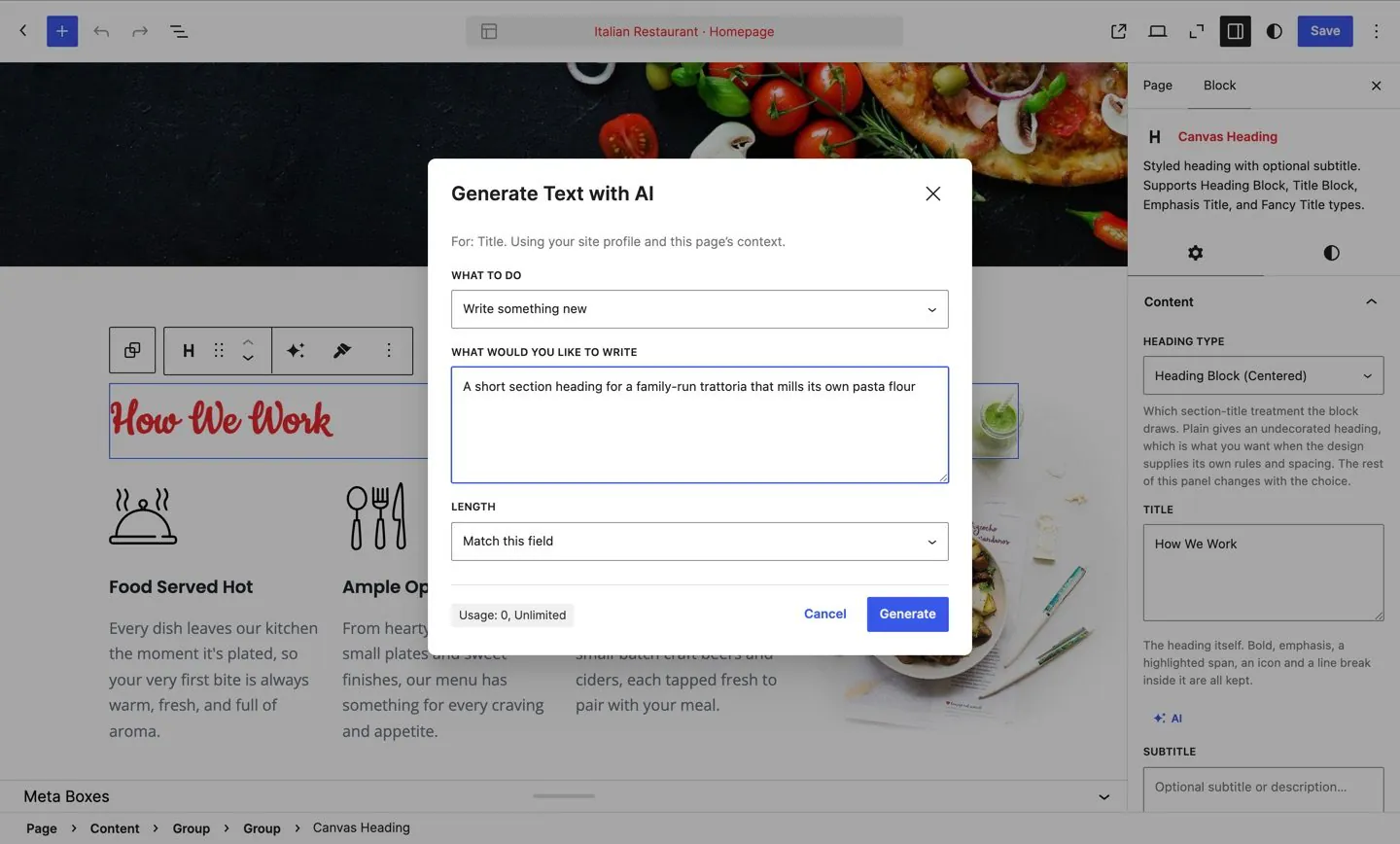
A first draft in the field you are editing
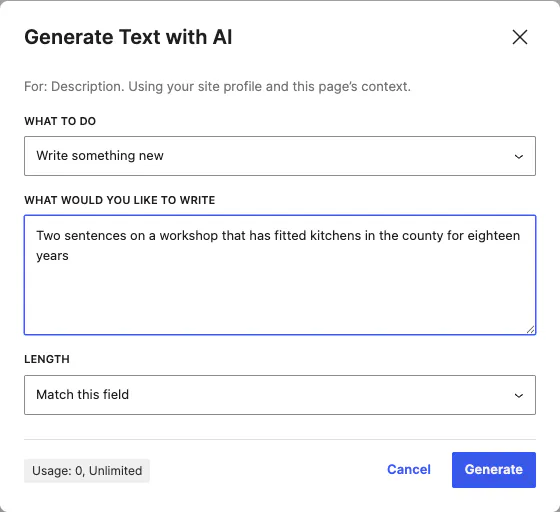
Canvas AI writes and improves text in any block field and generates images, using a business description you set once. The Yearly plan includes 200 AI credits a month for writing and images, and Lifetime includes 2,500 that never expire, so the writing help never becomes a second subscription.
What Canvas AI does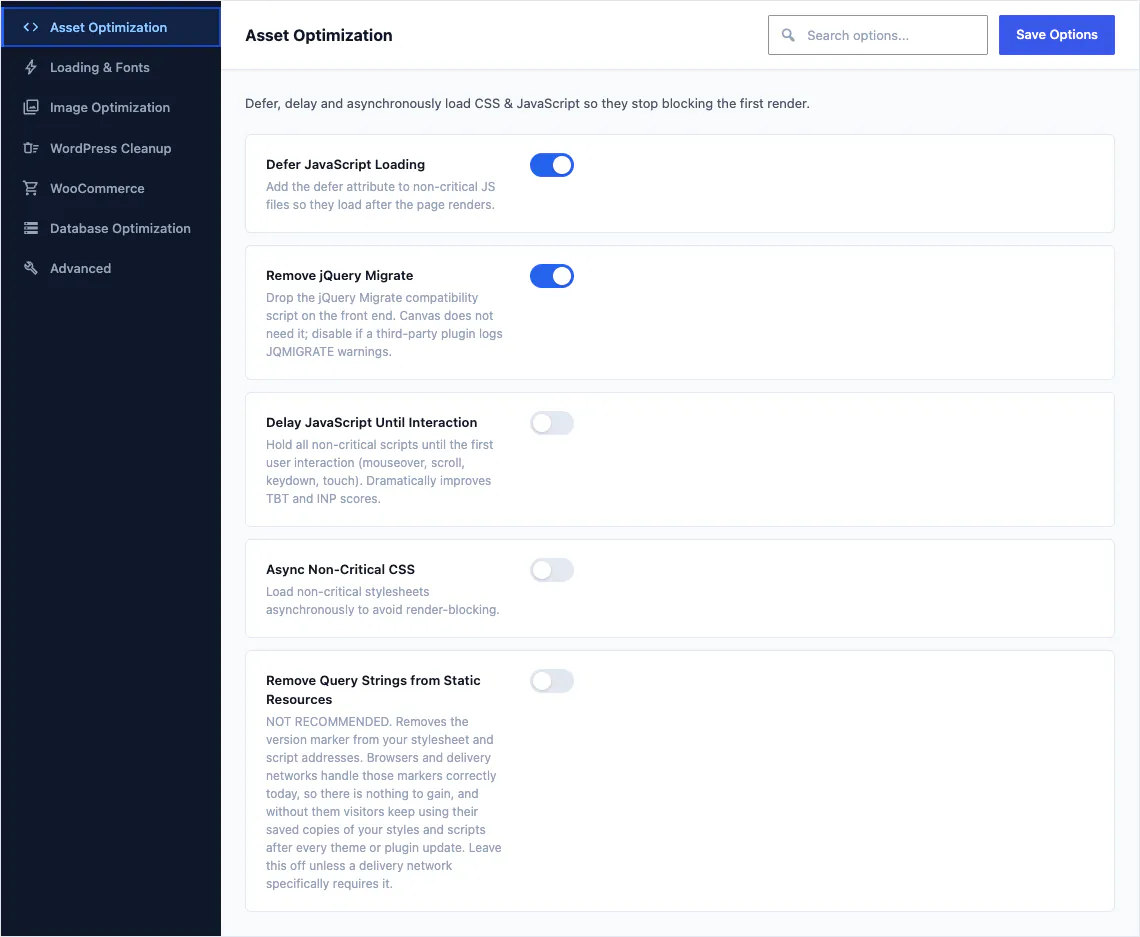
Fast and findable without a plugin
Canvas loads only the CSS and JavaScript a page actually renders, and adds 35 optimizations you switch on in Theme Options. Titles, descriptions, Open Graph tags and 16 schema types are derived from the content you wrote, so the technical SEO most sites bolt on later ships with the theme.
How Canvas measures performanceSee every variation of 57 content elements
Buttons and carousels through to tables, testimonials and sliders. Each name opens the live page that lays out every option it has.
A decade of Canvas, now for WordPress
Canvas HTML has 75,000+ customers and 3,000+ five-star reviews on ThemeForest over 10+ years of development. Those are that product’s figures, on its own listing. Canvas for WordPress is the same design language, rebuilt as a WordPress theme and website builder.
With over two decades of watching code and websites evolve, Canvas is by far in the winning circle of brands making the Internet experience more pleasing.
This template has it all. It is remarkably versatile and has tons of hidden elements. Definitely the most bang for your buck!
Pay by the year or once, and cover every site you build
Both plans include CanvasAI Engine credits. Pay yearly for monthly credits and writing help, or pay once and keep updates forever. Your site keeps working even if a yearly license is never renewed.
Yearly
Every feature on unlimited websites, with Canvas AI and the CanvasAI Engine every month.
Sale price for the first year, then $79 a year.
Unlimited websites Multisite networks
- Unlimited websites, client sites and WordPress multisite networks
- All 325 blocks and 183 patterns
- All 114 demo websites, one-click import with rollback
- Header, footer, page title, hero and slider builders
- 173 block templates, 4 style variations, 533 Theme Options
- Forms, portfolio, events and 24 WooCommerce blocks
- Built-in SEO and 35 performance optimizations
- 1,923 Google fonts and 5,711 icons
- 200 AI credits a month for writing and images
- Updates while your license is active, renewed at the same price
- Support while your license is active
Lifetime
Every feature on unlimited websites, paid for once, with AI and CanvasAI Engine credits that never expire.
Unlimited websites Multisite networks
- Unlimited websites, client sites and WordPress multisite networks
- All 325 blocks and 183 patterns
- All 114 demo websites, one-click import with rollback
- Header, footer, page title, hero and slider builders
- 173 block templates, 4 style variations, 533 Theme Options
- Forms, portfolio, events and 24 WooCommerce blocks
- Built-in SEO and 35 performance optimizations
- 1,923 Google fonts and 5,711 icons
- 2,500 AI credits for writing and images, once, that never expire and can be used up to 150 a month
- Updates forever, from one payment
- 1 year of support from purchase
White Label add-on $69.30 for the first year, then $99/year, with either plan. All sales are final, so try the live demos first. Compare plans and read the license terms.
Before you buy
The answers most people look for first. The full FAQ covers licensing, updates, support and compatibility in detail.
Do I need a page builder?
Canvas needs no page builder. It is a WordPress theme with a companion plugin, so every block, header, footer, hero and page title is edited in the WordPress block editor and Site Editor. There is no proprietary editor to learn, and your content stays standard block markup that any future theme can read.
What happens when my license expires?
When a Canvas license expires, your site keeps rendering exactly as it does today. Premium blocks stay on the page, nothing is hidden and nothing breaks. What stops is the service: theme and plugin updates, new demo imports, AI generation and editing of premium blocks pause until you renew. There is a 14-day grace period if a license check cannot reach our servers.
What does the CanvasAI Engine do?
The CanvasAI Engine builds and edits pages from a sidebar in the WordPress block editor. Describe a section, a rewrite or a design change and it makes it with Canvas blocks, the hero, header, footer and Theme Options, then waits for you to review and apply it. The Yearly plan includes 125 engine credits a month, and Lifetime includes 1,500 credits that never expire. The AI builder page shows it at work.
How many websites can I use Canvas on?
As many as you build. Both Canvas plans, Yearly and Lifetime, cover unlimited websites and activate whole WordPress multisite networks. A site is one WordPress install on one domain, and client sites you build and manage are covered as your own.
Is there a refund policy?
Yes, and it is short: all Canvas sales are final. Every demo runs as a live website and every block is documented, so check the fit before you pay. Refunds still apply where the law or the buyer terms of Polar, our merchant of record, require one, and a billing error such as a duplicate charge is always corrected. The details are in the refund policy.
Does Canvas work with WooCommerce?
Canvas works with WooCommerce and ships 24 WooCommerce blocks for product pages, the shop grid, cart and checkout, plus color swatches, AJAX add to cart and 18 store templates. 22 of the 114 demos are complete stores you can import with products, categories and checkout in place.
What exactly does a demo import include?
A Canvas demo import brings in every page, post, menu, form, header, footer, slider, popup and custom content type the demo shows in its live preview, with images sideloaded into your media library. Site-wide imports also adopt the demo's Theme Options, fonts and colors so new pages match. Every import is tracked and can be rolled back from one screen.
Is this the WooThemes Canvas theme or the free Canvas plugin?
Canvas on canvaswp.com is the WordPress theme from SemiColonWeb, the makers of the Canvas HTML template on ThemeForest, and it is sold through CanvasWP. It is unrelated to the retired WooThemes Canvas theme and to the free Canvas plugin on WordPress.org, and it is not a page builder. The demos, blocks and plans on this site belong to this theme alone.
Start from the demo closest to your business
Preview the demos, pick one and import it the day you buy. One license covers that site and every site you build after it.