

A construction WordPress theme with quote forms built in
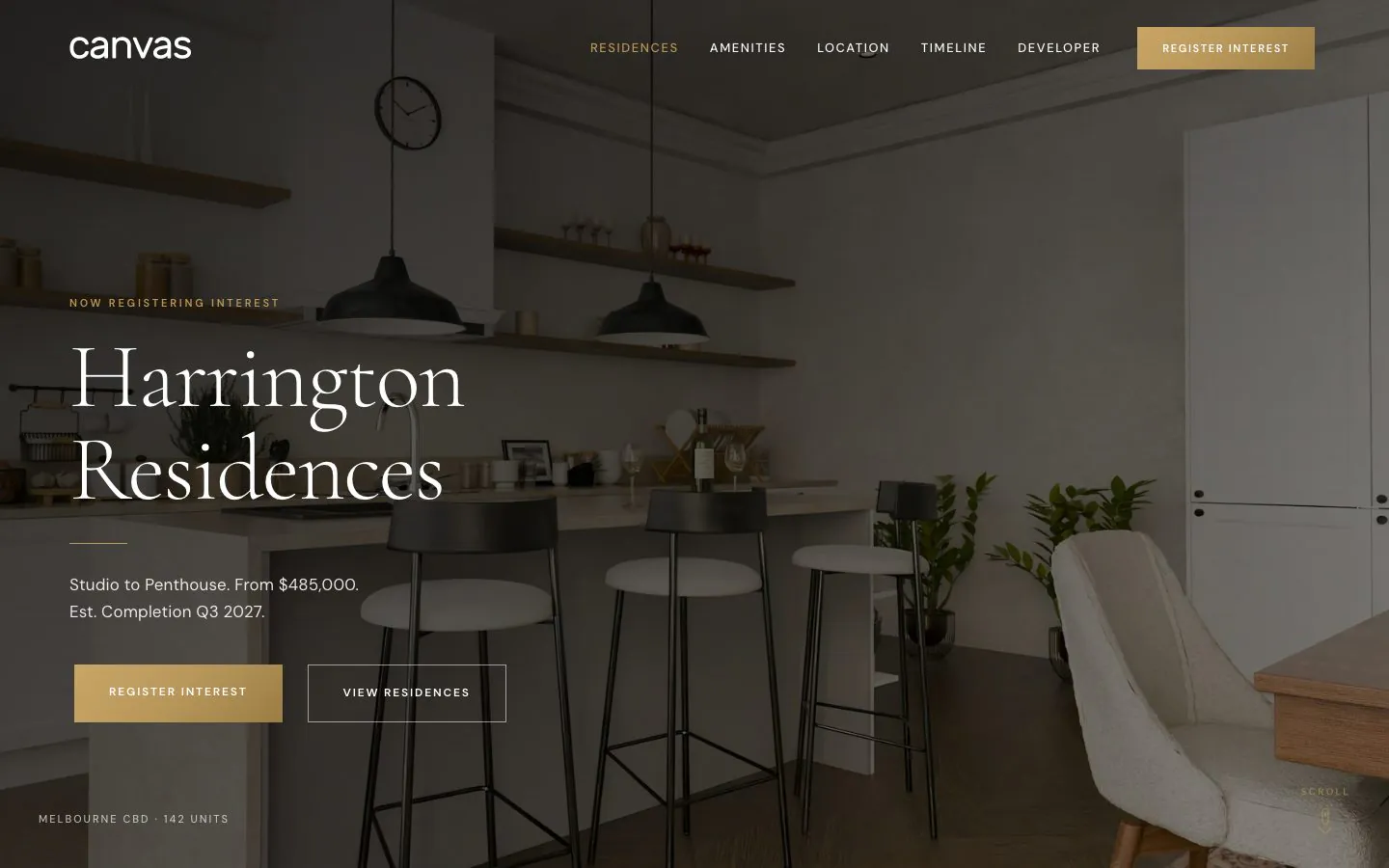
Two complete websites ship with Canvas: a contractor with 17 pages and 8 project records, and Harrington Residences, an apartment development sold off the plan. Import one, put your own jobs and photographs in it, and open.
Two building websites, ready to import
One is a contractor chasing work. The other is a single development selling units off the plan. Both import as working sites, down to the inner pages and the records behind them. Preview either one live before you buy.
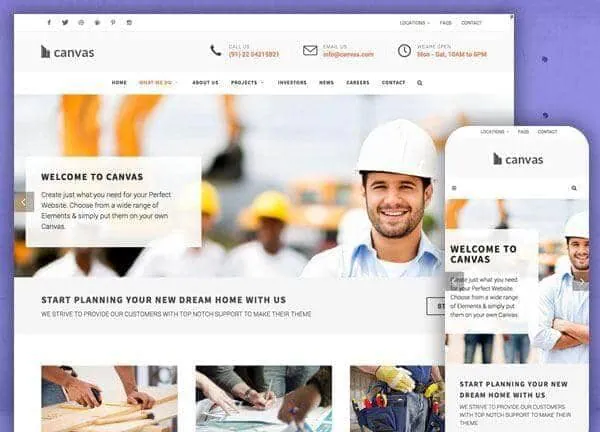
Construction demo, live preview (opens in a new tab)
Construction & Interiors · 17 pages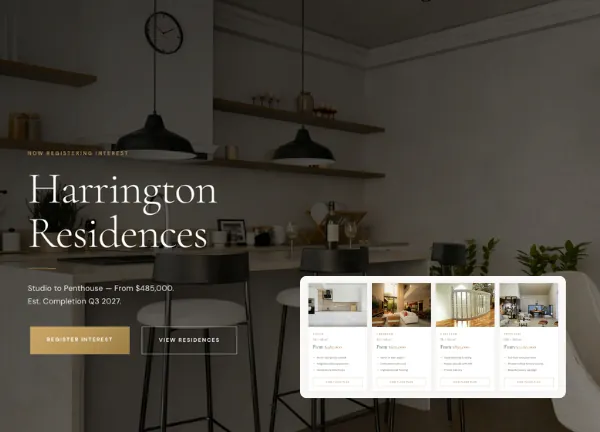
Harrington Residences demo, live preview (opens in a new tab)
Real Estate · 9 pagesA project is a record with a client, a year and a location
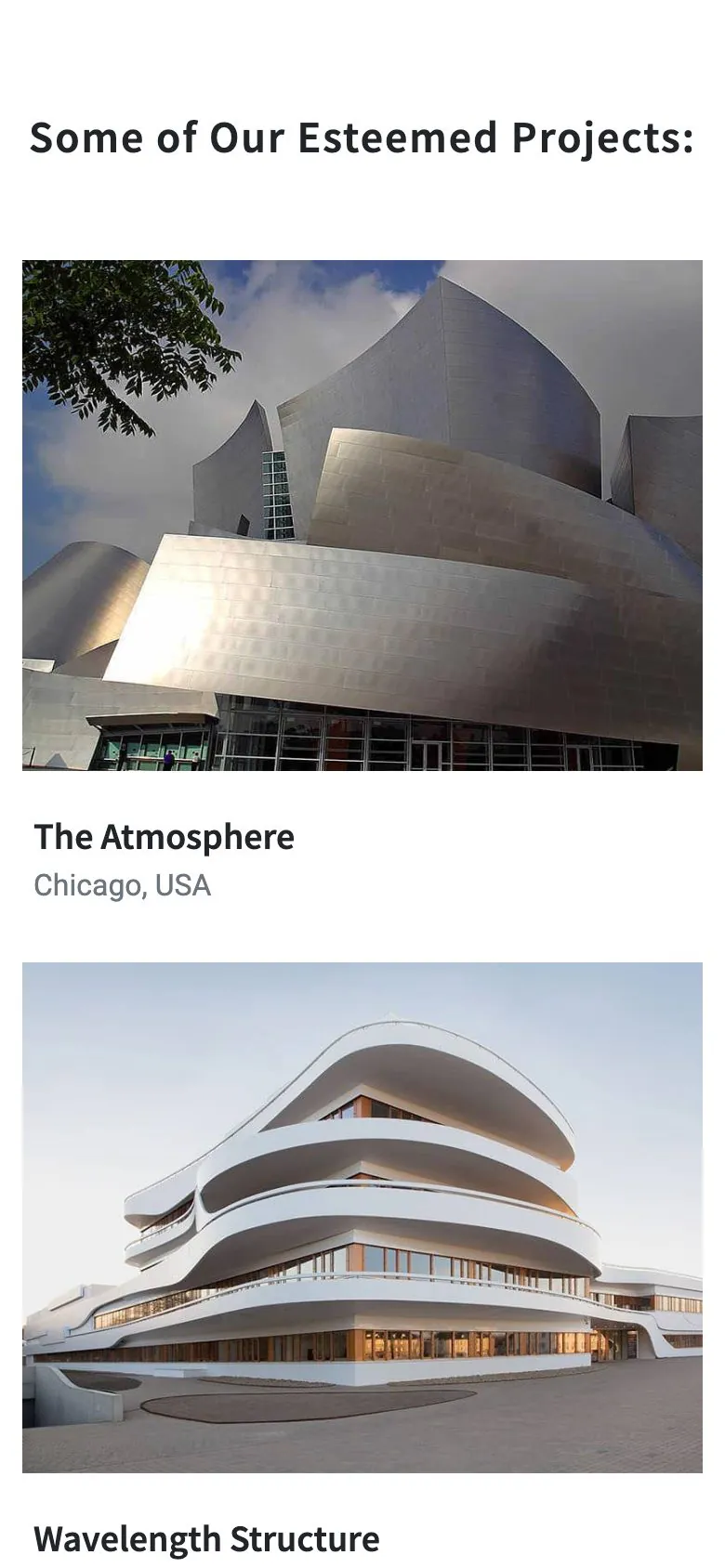
The Construction demo files its work in the portfolio content type. A project carries its photograph, its location, the year, the client and the floor area, and sits in a category. The Projects page, the category filter and the project's own page all read that one record.
- 8 projects in four categories: Residential, Commercial, Industrial and Public
- The Projects page ships in a two column, a three column and a five column version, so density is a setting
- Every project opens its own page with the attribute strip and a related row
- The portfolio content type carries 11 blocks and 57 single templates behind those pages
Careers and investors are written pages, not headings
A contractor gets asked for more than a gallery. The Construction demo ships 17 pages: what you do, who you are, the work, the roles you are hiring for, the numbers your investors ask about, the blog and the contact details.
- A What We Do page listing the services, with its own page for Architecture Design, Construction Planning, Interior Planning, Green Homes and Housing Management
- Careers and Investors pages, both built from blocks you edit in place
- A blog with 11 posts in the demo's design
- A top bar carrying the phone number, the email address and the opening hours above every page

A quote request is a form, not a mailto link
Both enquiry forms in the Construction demo are Canvas Forms. As shipped they keep every submission in WordPress, where you read and export it. Email notification, a webhook and Mailchimp are actions on the same form, and a honeypot, reCAPTCHA v3 or Cloudflare Turnstile keeps the bots out.
- 2 forms in the demo: a short quotation request and the contact form on the Contact Us page
- Fields are Form Field blocks, so adding a job type or a site address is an edit in the editor
- Entries are stored as well as sent, so an enquiry is not lost to a spam folder
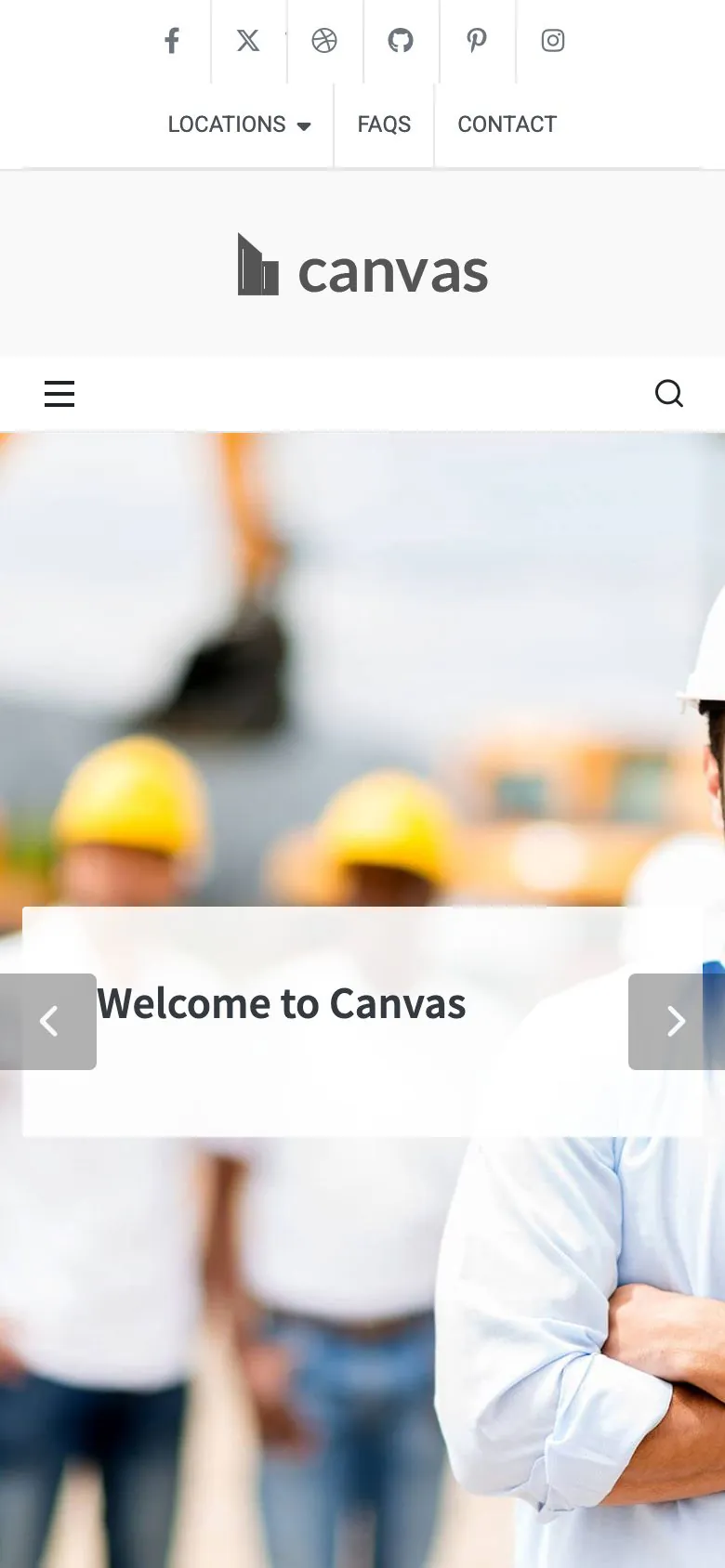
- The forms, the menu and the top bar all work at phone width, where most enquiries are typed
Harrington Residences sells 4 residence types off the plan
The second demo is a developer's launch site. Each residence type is a record carrying its size, price, bedrooms, bathrooms, aspect, the levels it sits on and the deposit terms, so the residences page and each type's own page read from the same figures.
- Studio, one bedroom, two bedroom and penthouse, each with its own record and page
- Amenities, Neighbourhood, Construction Timeline and The Developer pages
- A Register Interest page and form, plus a Press page carrying 5 updates
- One-page navigation on the home page: the menu scrolls down the document, with no new page to load
What a firm gets that a mockup cannot give it
The inner pages arrive with it
An import brings the inner pages, the menus, the forms and the project records together, so the projects and services pages have work in them the moment it finishes.
Edited in WordPress itself
A project field, a service, a headline: each one is a block field in the editor WordPress ships. No page builder to learn, and none to renew.
Reversible
Canvas logs everything an import writes. Delete Demo Data clears it again, so trying the contractor and then the development costs you nothing.
Copy help included
Project write-ups pile up faster than anyone writes them. Canvas AI drafts and rewrites text in any block field, with monthly credits on every plan.
Construction websites, asked plainly
Answers that hold for the two building demos as shipped.
Which of the two demos should a builder start from?
Of the two Canvas demos, Construction is the contractor site: 17 pages covering services, projects, about, careers, investors, a blog and contact, with 8 project records behind the projects pages. Harrington Residences is a single development being sold off the plan: 4 residence types, a construction timeline, a neighbourhood page and a register-interest form. Pick the contractor for a firm that wins work, the development for a building that sells units.
How is the project portfolio managed?
Each project is a record in the Canvas Portfolio content type, carrying its photograph, its location, the year, the client and the floor area, filed under a category such as Residential, Commercial, Industrial or Public. The Projects page lists them with the demo's own block, and that page ships in a two column, a three column and a five column version, so the density is a setting.
How do enquiries and quote requests arrive?
The Construction demo ships 2 Canvas Forms: a short quotation request and the contact form on the Contact Us page. As shipped both keep every submission in WordPress, where you read and export it. Email notification, a webhook and Mailchimp are actions on the same form: switch one on and enter the address. Notification email leaves WordPress through your server by default, so set an SMTP provider in the Forms tab of Theme Options if your host does not deliver mail reliably.
Are careers and investor pages included?
Yes, both are written and laid out in the Canvas Construction demo. Careers covers the open roles and what it is like on site; Investors carries the numbers and the partner logos. Both are ordinary pages made of blocks, so a new role or a new figure is one edit in the editor.
Can I publish site progress and news?
The Canvas Construction demo ships a blog with 11 posts in the demo's design, reached from the menu. Harrington Residences uses the same posts for its Press page, with 5 updates covering milestones and the display suite.
Is project management, estimating or scheduling included?
No: Canvas ships the pages, the project records and the forms that bring an enquiry in. Estimating software, project management, appointment scheduling and a CRM are plugin or third-party territory; the demo hands a lead to your inbox, a stored entry and a webhook, and what happens after that belongs to whichever tool your office runs on.
Put your firm online with Canvas
One licence covers every demo and every block. Import the construction demo from the setup wizard, then put your own jobs and photographs in its place.