

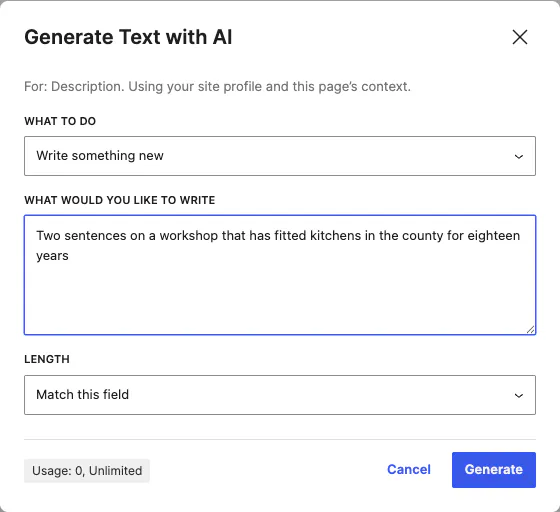
Ask for what you want
Choose whether to write something new or sharpen what is there, describe it in your own words, and let the length match the field.
Generate or improve the text in any block field, write custom CSS in code mode, and create images at the size the block needs. It happens in the editor you are working in, and the credits are part of your licence.
Two kinds of request, both aimed at the thing you have selected: text for a field, or an image for a block that needs one.
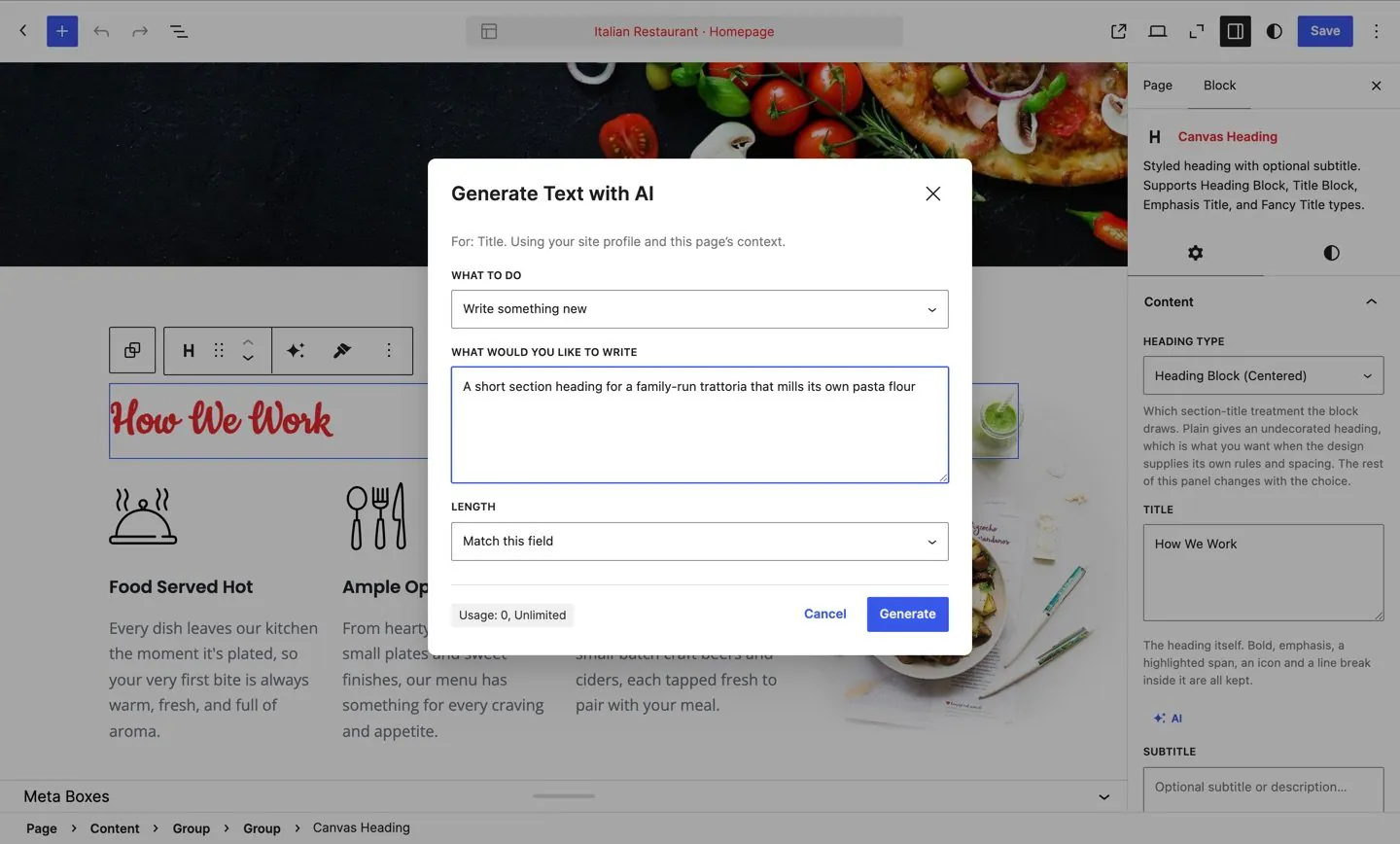
Choose whether to write something new or sharpen what is there, describe it in your own words, and let the length match the field.
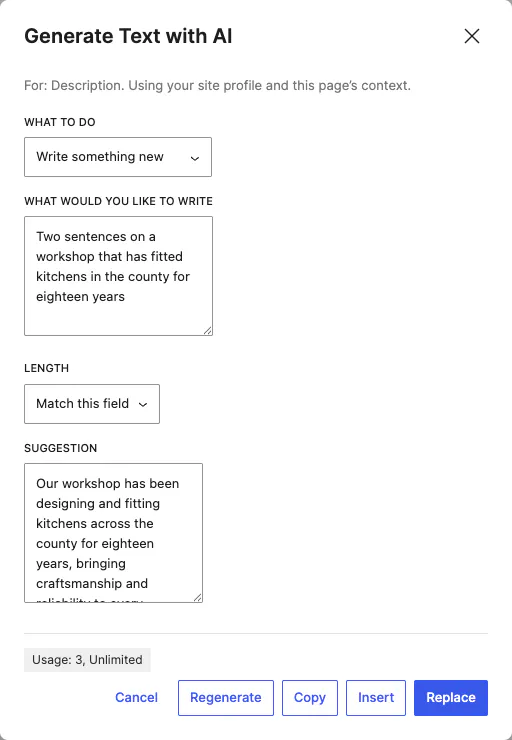
The suggestion appears next to your prompt. Insert it, replace the field, copy it or regenerate. Nothing in your content changes until you choose.
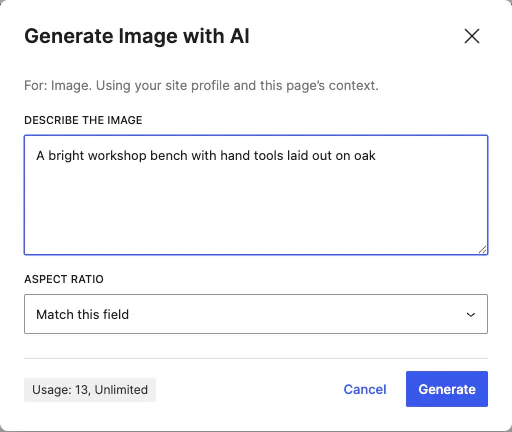
Say what you want to see. The aspect ratio starts from whatever the block expects, so a hero and a thumbnail each come out the right shape.
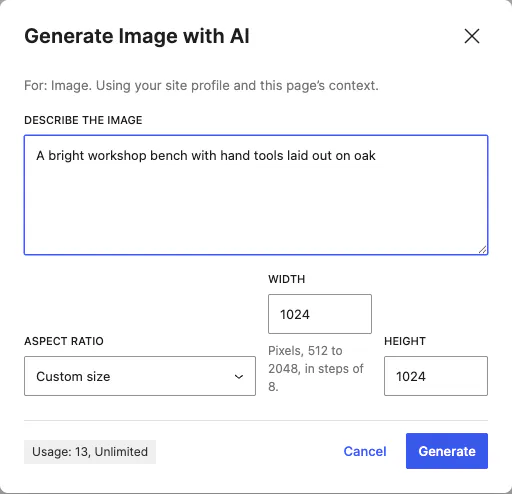
Switch the aspect ratio to a custom size and type the width and height you need, within the range the dialog shows.
Canvas AI is not a separate screen you go to. It appears next to the thing you are editing, in the places WordPress puts controls.
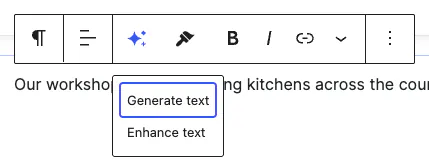
Select a block and the toolbar offers Generate text and Enhance text for it, in the same row as the formatting controls.
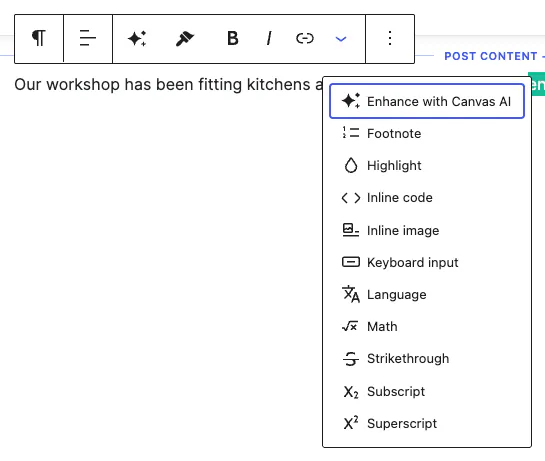
Select a phrase inside a paragraph and Enhance with Canvas AI sits with footnotes, highlights and the other formatting options.

Fields that hold copy carry their own AI button in the sidebar, so a subtitle, a title or a description can be written one field at a time.
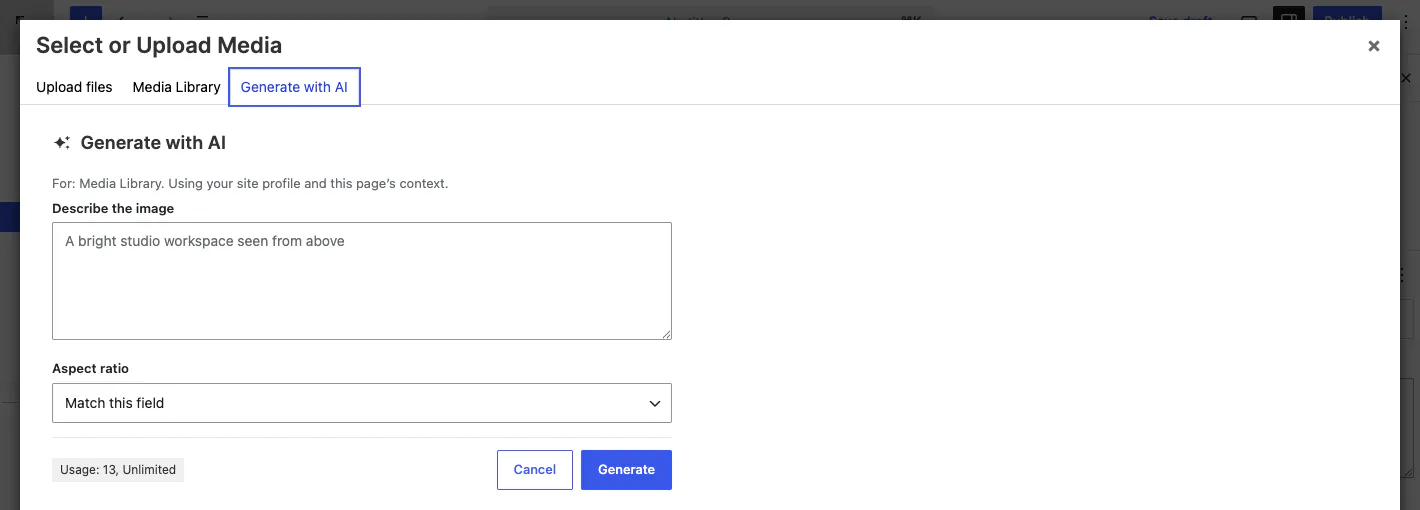
Generate with AI is a third tab beside Upload files and Media Library, so you can create an image anywhere WordPress asks for one.
Theme Options has an AI panel. What you put there travels with every request, so the answers come back in your own voice.
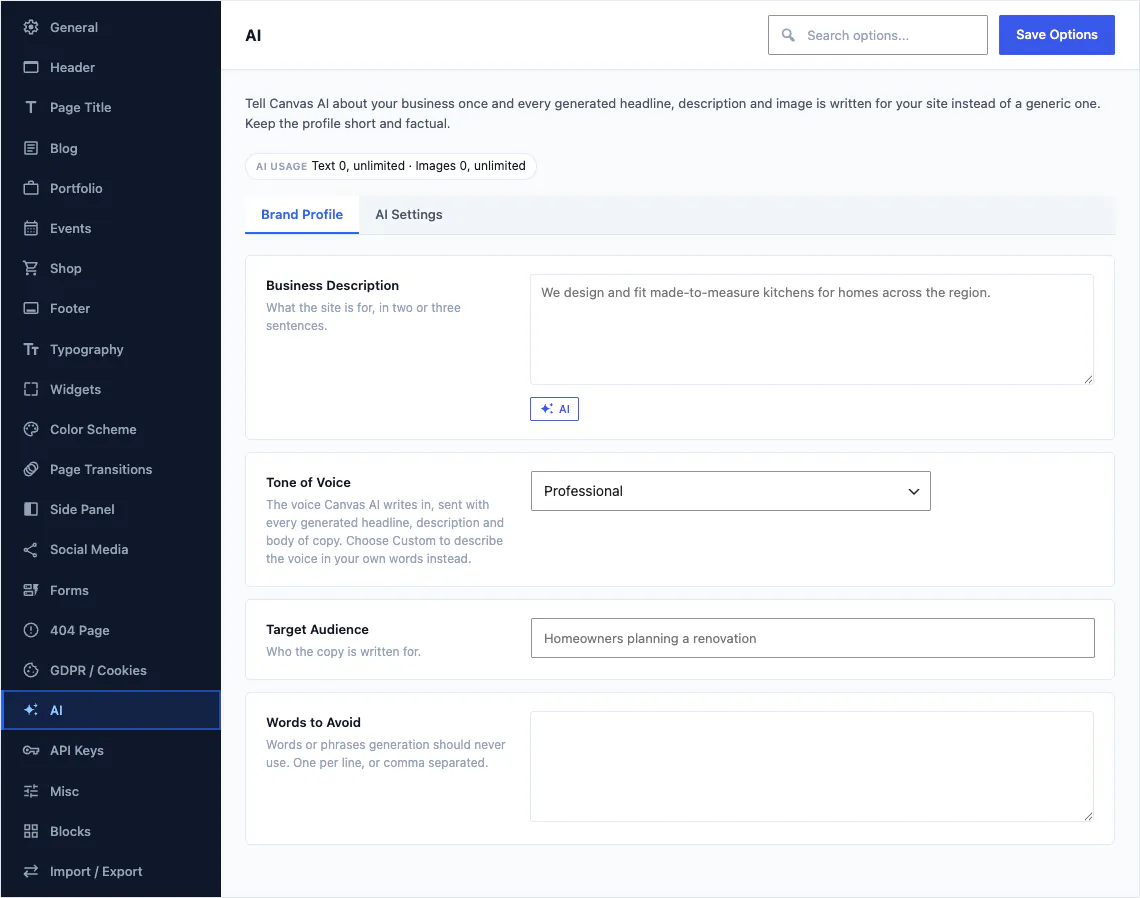
The block you are editing and the page it sits on are added automatically, so a product description and a contact page do not come back sounding the same.
Three settings in the same panel, aimed at teams and at sites you hand over to somebody else.
Set the lowest role allowed to send an AI request. Keep it to administrators or editors and everyone else carries on editing as normal, with the buttons absent.
The usage chip in the dialog can be switched off, which is what most people do before handing a finished site to a client.
Pick the shape new images start from, so everyone on the team gets consistent results without stopping to think about ratios.
AI is part of the licence you already bought. There is no second subscription, no wallet to top up and no per-generation invoice.

The usage chip sits in the dialog footer, next to the button that spends the credit.
Your website never talks to a model vendor directly, so there is no key to buy, no key to rotate and no key sitting in your database waiting to be found.
Canvas AI is a premium feature and needs an active licence. If a licence lapses, AI pauses alongside updates and new demo imports, while your website carries on rendering exactly as it did the day before, including everything AI produced for it.
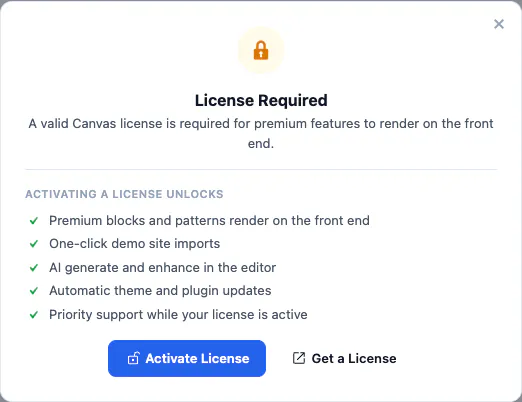
This is what an unlicensed install shows an administrator. AI generate and enhance is one line on it, alongside demo imports and updates, and it is the whole of the difference: nothing a visitor sees changes.
See plans and creditsKeys, credits, roles and what happens at renewal time. The full FAQ covers the rest of the product.
No. The editor sends your request to the Canvas API, which calls the model on your behalf and returns the result. There is nothing to sign up for separately, no key to paste into WordPress and no key sitting in your database.
Every plan includes a monthly allowance in two separate pools, one for text and one for images. Starter includes 200 text and 30 image generations a month, Pro 1,000 and 150, and Agency 2,500 and 500. The editor shows what is left while you work, and pools reset each month.
The dialog tells you which pool is exhausted and links to the upgrade page, and nothing else in the editor changes. You can carry on writing and building by hand, and the pool refills at the start of the next month.
Yes. Theme Options sets the minimum role allowed to send AI requests, so you can keep it to administrators or editors while everyone else edits as normal. The credit counter can be hidden as well, which is useful on a site you have handed to a client.
Straight into your media library as PNG, JPEG or WebP, at the size the block asked for. They behave like any other upload after that: reusable on other pages, editable in WordPress and included in your backups.
No. AI is one of the services that pause on expiry, along with updates and new demo imports. Your website carries on rendering exactly what it renders today, including images and text that AI produced, and renewing switches AI back on.
Describe a page or a section, and Canvas assembles it from its own blocks, patterns and your site's design system: real, editable blocks in the editor, not a picture of a page. It is in development now and will reach every plan through a regular update.
Canvas AI comes with every plan, alongside every block, every pattern and every demo website.