

An ecommerce WordPress theme with a catalogue in it
These 9 Canvas demos are built as shops first. Import one and the catalogue, the product pages, the cart and the checkout all arrive in that demo's design, with 112 demo products sitting there for you to swap out.
Nine store designs, 132 pages between them
Each one imports as a whole website: the products and their categories, the pages, the menus, the forms and every WooCommerce screen, all of it editable. Preview them live before you buy.

Clothing Store demo, live preview (opens in a new tab)
Shop & eCommerce · 19 pages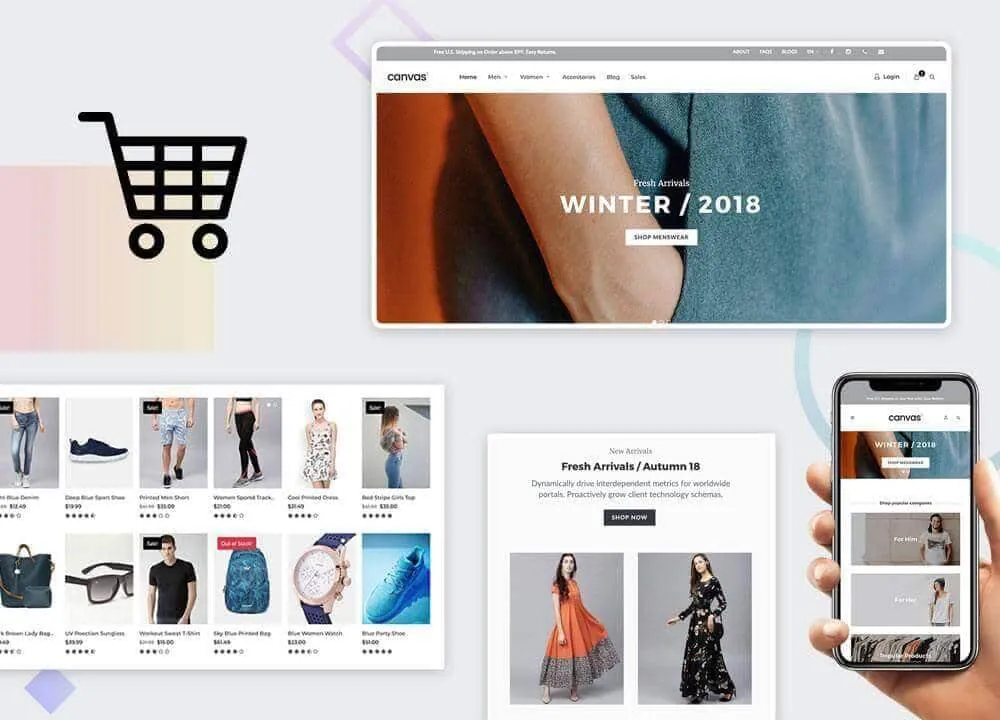
Fashion Shop demo, live preview (opens in a new tab)
Shop & eCommerce · 25 pages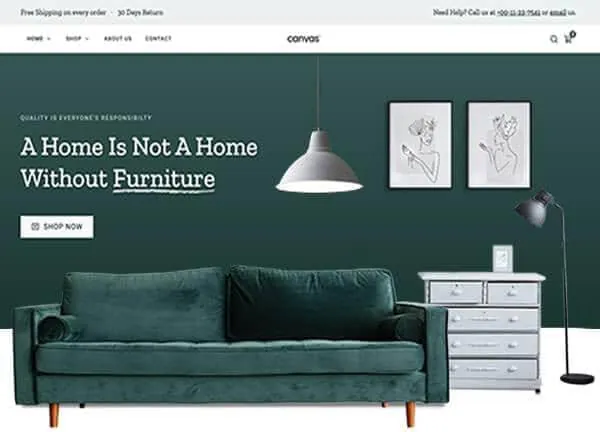
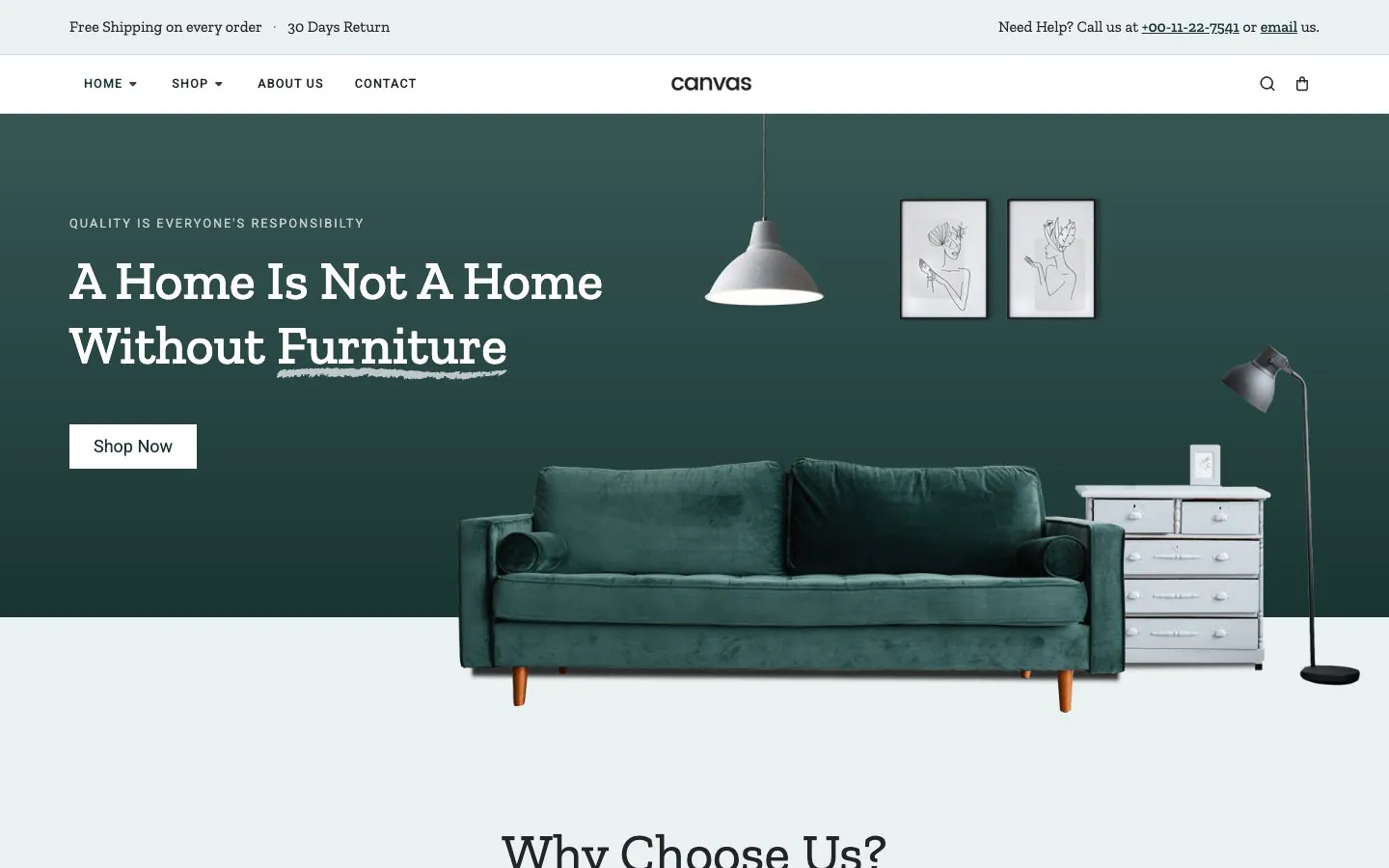
Furniture demo, live preview (opens in a new tab)
Shop & eCommerce · 12 pages
Drone demo, live preview (opens in a new tab)
Shop & eCommerce · 12 pages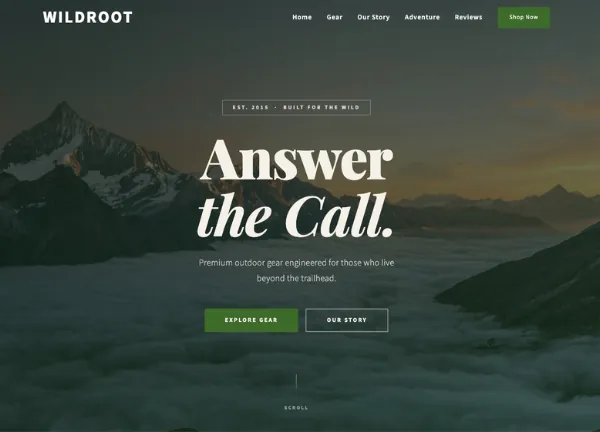
Wildroot Gear demo, live preview (opens in a new tab)
Shop & eCommerce · 14 pages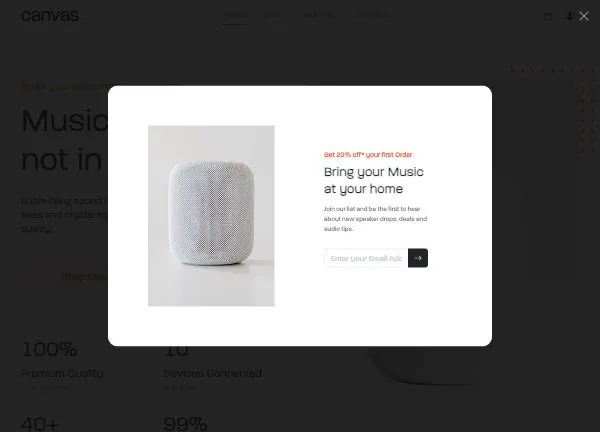
Speaker Store demo, live preview (opens in a new tab)
Shop & eCommerce · 11 pages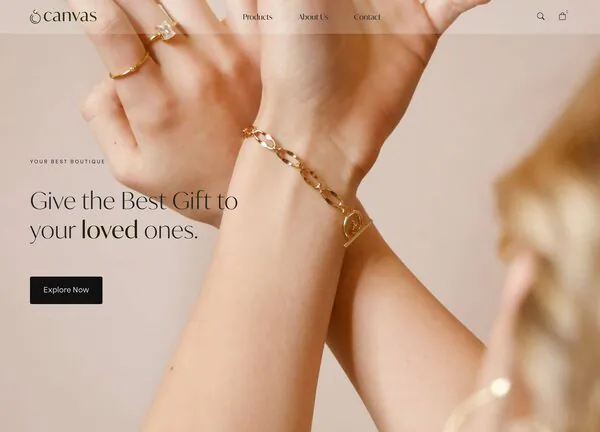
Jewellery Boutique demo, live preview (opens in a new tab)
Shop & eCommerce · 17 pages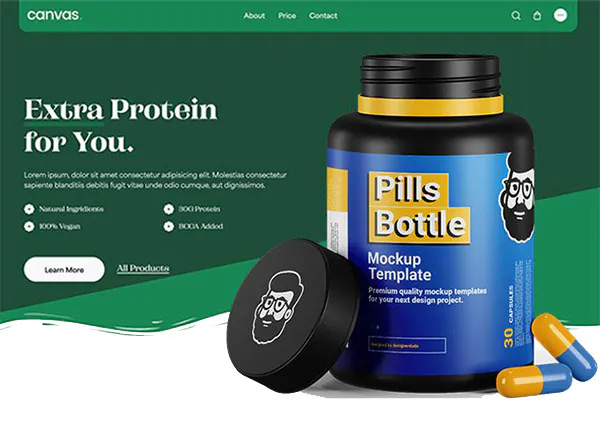
Supplement Store demo, live preview (opens in a new tab)
Shop & eCommerce · 13 pages
eBook demo, live preview (opens in a new tab)
Shop & eCommerce · 9 pagesWhy 9 here, when other pages count 19 stores? The catalogue has 19 demos that import a working WooCommerce store, and the 9 on this page are the general shops. The other 10 put a store inside another kind of site, or sell for one season or one craft: Barber Shop, CanvasRoam, Christmas Store, Conference, FORM 2026, Game of Canvas, Illustrator, Podcasts, Pottery Shop and Wine Estate. All 19 are on the WooCommerce page.
Edit one product record and every grid follows
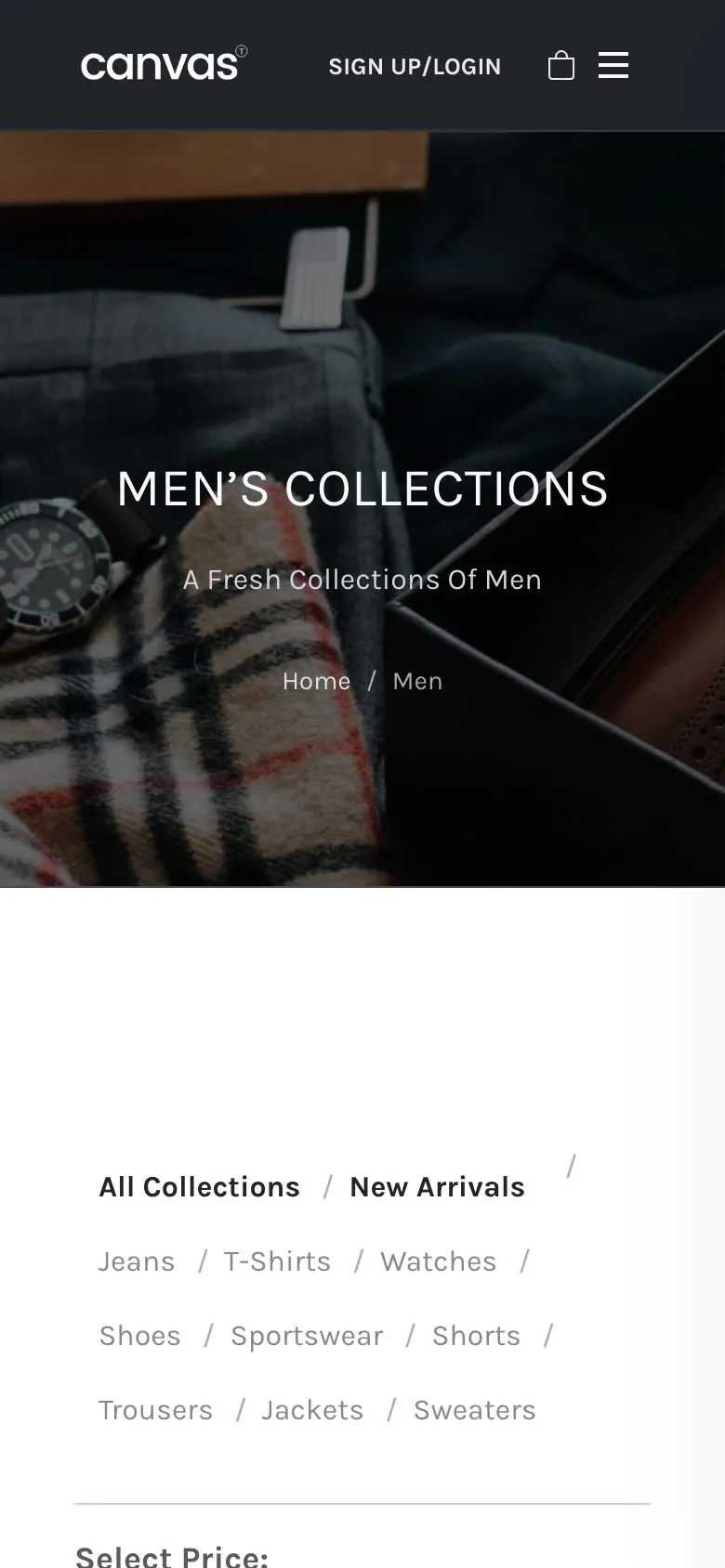
The demo's collection pages are built from Canvas store blocks reading your WooCommerce catalogue, so adding a product or changing a price is an edit to one record and every grid follows. The Clothing Store demo's Men's Collections and Women's Collection pages combine a category filter with a price range filter.
- 41 products in the Fashion Shop demo, 20 in Supplement Store and 16 in Furniture
- Grids, carousels, category cards and a price filter, each able to draw from a category, a tag, a search or a hand-picked list
- Give an attribute term a colour in the admin and variable products show swatches where a dropdown would be
- Adding to the cart from a grid or a card overlay updates the header cart without a page reload
Shop, product page, cart, checkout
Canvas ships 22 WooCommerce blocks and 18 store templates, so every screen a shopper looks at is a block with a settings panel, and there is no PHP template left for you to override.
The shop and the collections
Each demo ships its own catalogue pages, such as Men's Collections and Women's Collection in Clothing Store, or Rings, Earrings, Necklaces and Bracelets in Jewellery Boutique.
The product page
Lay a single product out as the default, a sticky summary that follows the gallery, a list, a colour-led design or a sidebar variant, set per product or as the store default.
The cart and the checkout
WooCommerce's own cart and checkout blocks sit inside the demo's page design, so the screens that take money stay standard while the page around them matches the shop.
Every WooCommerce block, every template and every shop option
A three-product launch and a 41-product catalogue
The nine stores are deliberately different sizes, because a single-product launch and a department store need different navigation. Start from the one whose shape matches yours and skip the afternoon spent deleting pages you will never use.
- Clothing Store ships 19 pages, a mega menu and 6 journal posts; Fashion Shop ships 25
- Wildroot Gear and eBook use one-page navigation for a short range
- Jewellery Boutique adds pages for shipping, for payments and for the story behind the pieces
- Supplement Store adds a blog, FAQs and a support page; Drone adds pages for offers, for videos and for accessories; Speaker Store adds reviews and support

Most of a shop's traffic never sees the desktop layout
The catalogue, the filters and the checkout come off the same responsive blocks, so there is no second layout to maintain and nothing to forget to update. The screenshot is the Clothing Store demo as shipped, 390 pixels wide.
- Canvas loads only the CSS and JavaScript a page renders
- Five switches drop WooCommerce scripts from pages that sell nothing, including the cart fragments poll
- Product images get width, height, lazy loading and responsive sizes from WordPress
- The header, the page title bar and the footer each take their own phone rules
Four things a shop needs past the front page
Every page a shop needs
The products and their categories, the collection pages, the policy pages, the menus and the forms import together, so the shop reads correctly while you swap your own catalogue in.
Edited in WordPress itself
A price, a badge, a sale banner: each one is a block field in the editor WordPress ships. No page builder licence to renew alongside the theme.
Reversible
Canvas logs everything an import writes. Delete Demo Data takes it out again, so trying a second store design costs you nothing but an afternoon.
Copy help included
Nobody enjoys writing product descriptions. Canvas AI drafts and rewrites text in any block field, with monthly credits on every plan.
Selling online, asked plainly
Answers that hold for the nine store demos as they ship.
Which of the nine store demos should I start from?
Match the Canvas store demo to the catalogue you actually have. Clothing Store and Fashion Shop are large fashion catalogues with mega menus and collection pages. Furniture and Jewellery Boutique are considered-purchase stores with long product pages. Drone, Speaker Store and Supplement Store are smaller ranges with a blog and a support page. Wildroot Gear and eBook are one-page launches for a handful of products. Every demo is the same theme underneath, so you are picking a starting design and nothing more binding than that.
Do I still need the WooCommerce plugin?
Yes: WooCommerce runs the store and Canvas designs it. WooCommerce keeps the products, stock, orders, tax rules, shipping zones and payment gateways, so your other WooCommerce extensions carry on working. Canvas supplies the design layer on top: 22 store blocks, 18 store templates and 22 shop options. Choose a store demo in the setup wizard and it installs and activates WooCommerce before the import runs.
I sell things today. Will an import give me a second checkout?
No: the Canvas importer looks for the shop page, the cart, the checkout and the account page you have, then points the demo's menus and links at those. It writes no duplicate set. Your products and your orders are untouched, and anything the import did create comes out again with Delete Demo Data.
Are the store blocks a separate purchase?
No: all 22 Canvas store blocks are premium blocks, and every plan includes every premium block, every store template and all 19 demo stores. There is no ecommerce tier and no store add-on. Elsewhere that is common: Kadence's Shop Kit comes with its Pro and Elite plans, Elementor's WooCommerce widgets start at Advanced Solo, and OceanWP sells Ocean eCommerce Pro as a product of its own.
What does Canvas not do for a shop?
Canvas does not run the commerce. Payments and tax, shipping rates, subscriptions, bookings, memberships, a CRM: all of that is WooCommerce and its extensions. Canvas designs the shop, the product page, the cart and the checkout, then stays out of the parts that take money. That is why swapping theme later leaves your orders alone.
How many websites does one licence cover?
A Canvas licence on Starter costs $39 a year and covers 3 websites; Pro covers 10 and Agency 100. The plans differ by seats, AI credits and the Agency plan's multisite activation, never by features, so a single-store licence ships the same blocks as an agency one.
Open the shop with a catalogue in it
One licence covers every demo store, every store block and every store template. Import one from the setup wizard, then put your own products and pictures in place of the demo's.