

A WordPress block theme for developers, built on theme.json
Canvas is a WordPress theme plus a companion plugin, and it is a block theme all the way down. The templates are block templates, the styles come from theme.json, and what the editor saves in the database is the same block markup any other block theme reads. Nothing here depends on a page builder.
A block theme, edited where WordPress keeps it
The theme carries the templates, the template parts and the style variations; the plugin carries the block library, the builders, the forms, the SEO and performance layers and the demo importer. Templates and global styles stay in the Site Editor, so nothing about the site is hidden inside a settings panel of ours.
- 173 block templates and 5 template parts, all editable in the Site Editor
- 4 style variations, including dark and midnight, switched in the Site Editor
- Colours and typography flow through theme.json, so the editor shows the same type as the front end
- 183 block patterns, inserted as a one-time copy of the markup
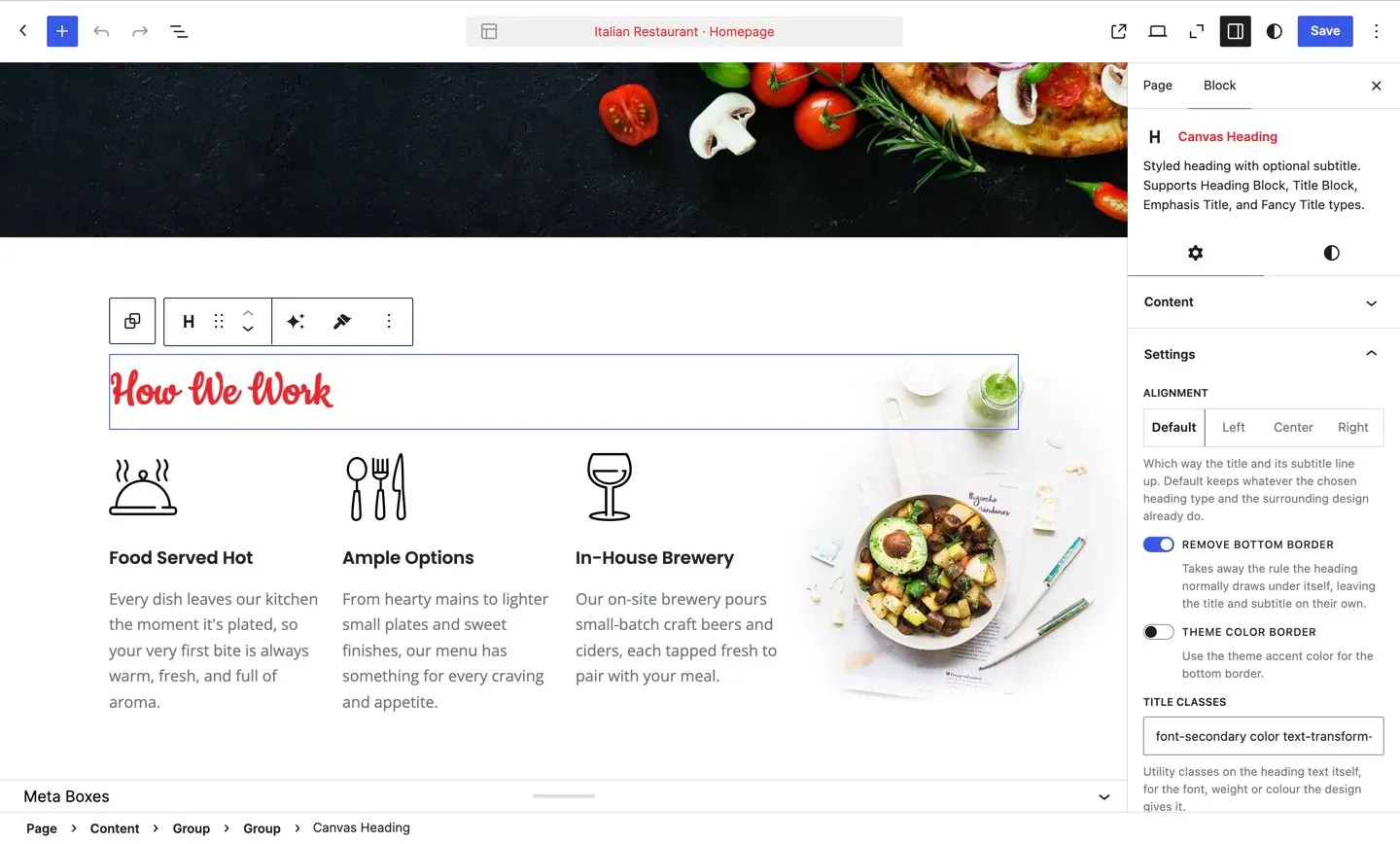
- A page opens with its whole template rendered around the content you are editing
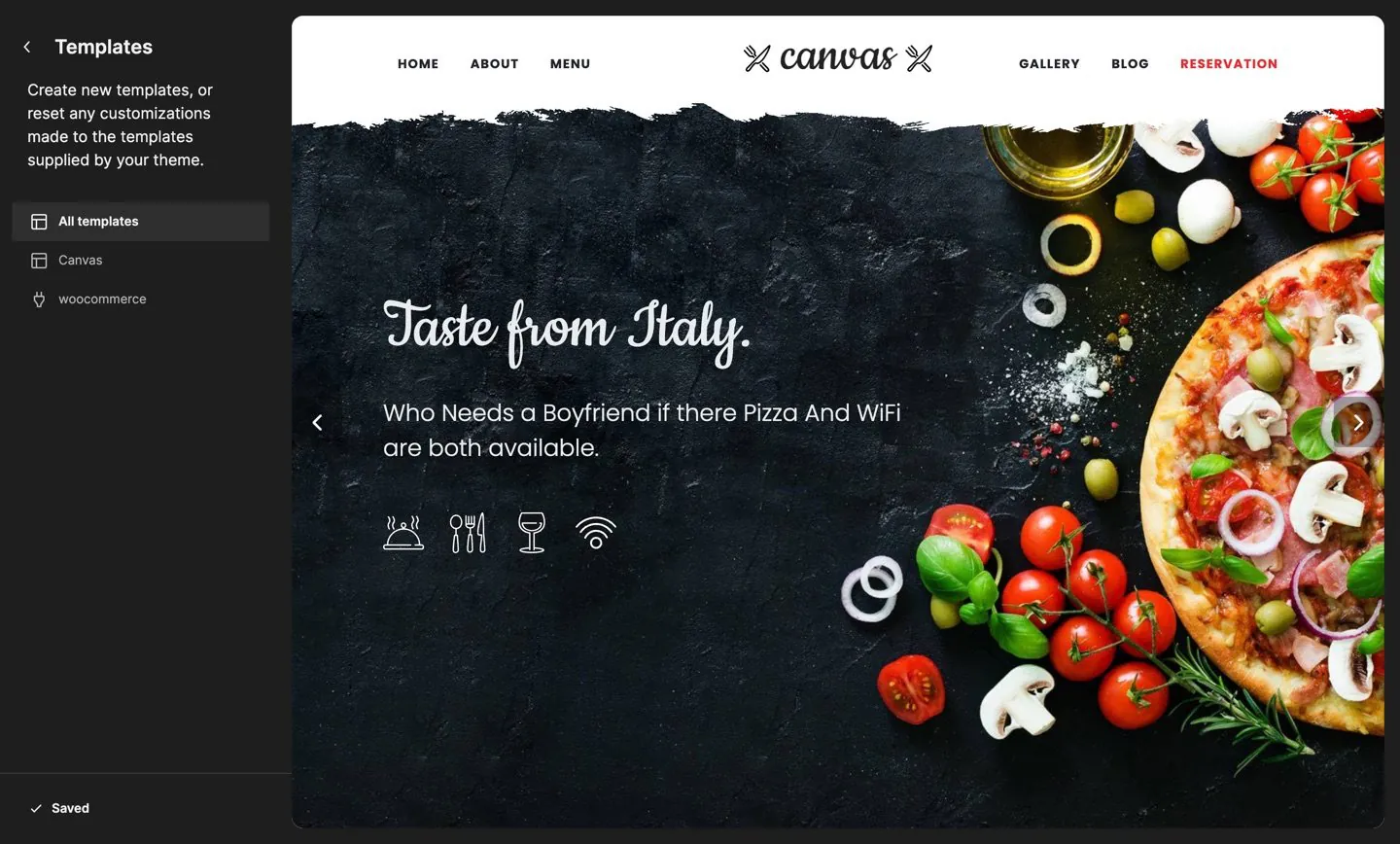
What ends up in the database is block markup
The reason to prefer a block theme is not a feature list. It is what you are left holding in five years.
No proprietary format
Canvas edits standard WordPress blocks, with no format of its own, so posts and pages keep their content if the theme ever changes. There are no shortcodes to memorise and no code view to open.
Settings, not snippets
Everything a visitor sees is reachable from a block settings panel. Where a demo needed something a block could not express, the block gained the setting, and the page never gained raw HTML.
Advanced panel on every block
Animation, display conditions, custom classes, custom attributes and per-block custom CSS are added to every block in the editor, core blocks and third-party blocks included.
Assets follow the page
A page enqueues only the CSS and JavaScript of the blocks it contains, so a pricing page never loads the slider script. 35 further optimisations are switches, with no plugin to install.
Coming from another theme? Elementor and Divi build pages in editors of their own, so the layout goes when the builder goes: see what an Elementor site keeps when it moves and how the Divi Builder compares. Kadence and GeneratePress also build in the block editor, with their blocks in free plugins (Canvas against Kadence, Canvas against GeneratePress), and Blocksy keeps its header builder in the Customizer.
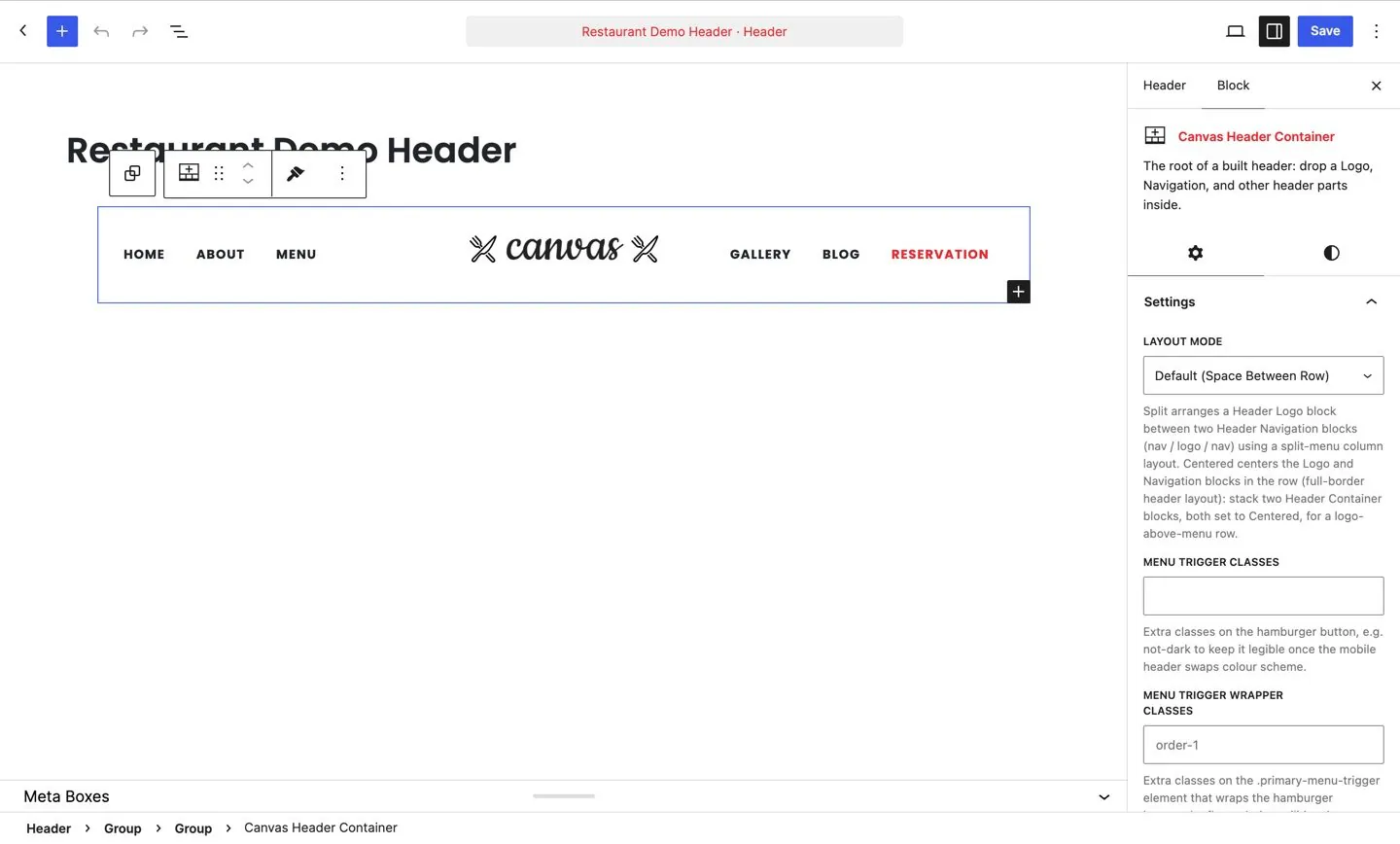
The header and footer builders render as template parts
Headers, footers, top bars, mega menus, side panels and page titles are records built from blocks, and they reach the front end through the theme's own template parts. The Header part renders whichever header the page is assigned; the Footer part renders the assigned footer record. That keeps the Site Editor able to see them and keeps the block settings identical to everywhere else.
- 14 header blocks and 92 header options behind the builder
- Assign a header globally or override it on a single page, and do the same for footers, top bars, mega menus, side panels and page titles
- Heroes and sliders are records too, placed by a slot block sitting in the template
- Both slot blocks render in the editing canvas, so a page opens with the section a visitor gets
22 store blocks and 18 store templates
WooCommerce is optional and, when it is there, it is served by blocks and templates, with no template overrides to keep in sync.
Store blocks
Blocks for the product page, the shop grid, the cart and the checkout, plus colour swatches and add to cart without a page reload.
Store templates
Templates for the shop, product, cart, checkout and account screens, edited in the Site Editor like every other template.
Demo stores
19 of the 80 demo websites import as complete stores, with products, categories, attributes and checkout in place.
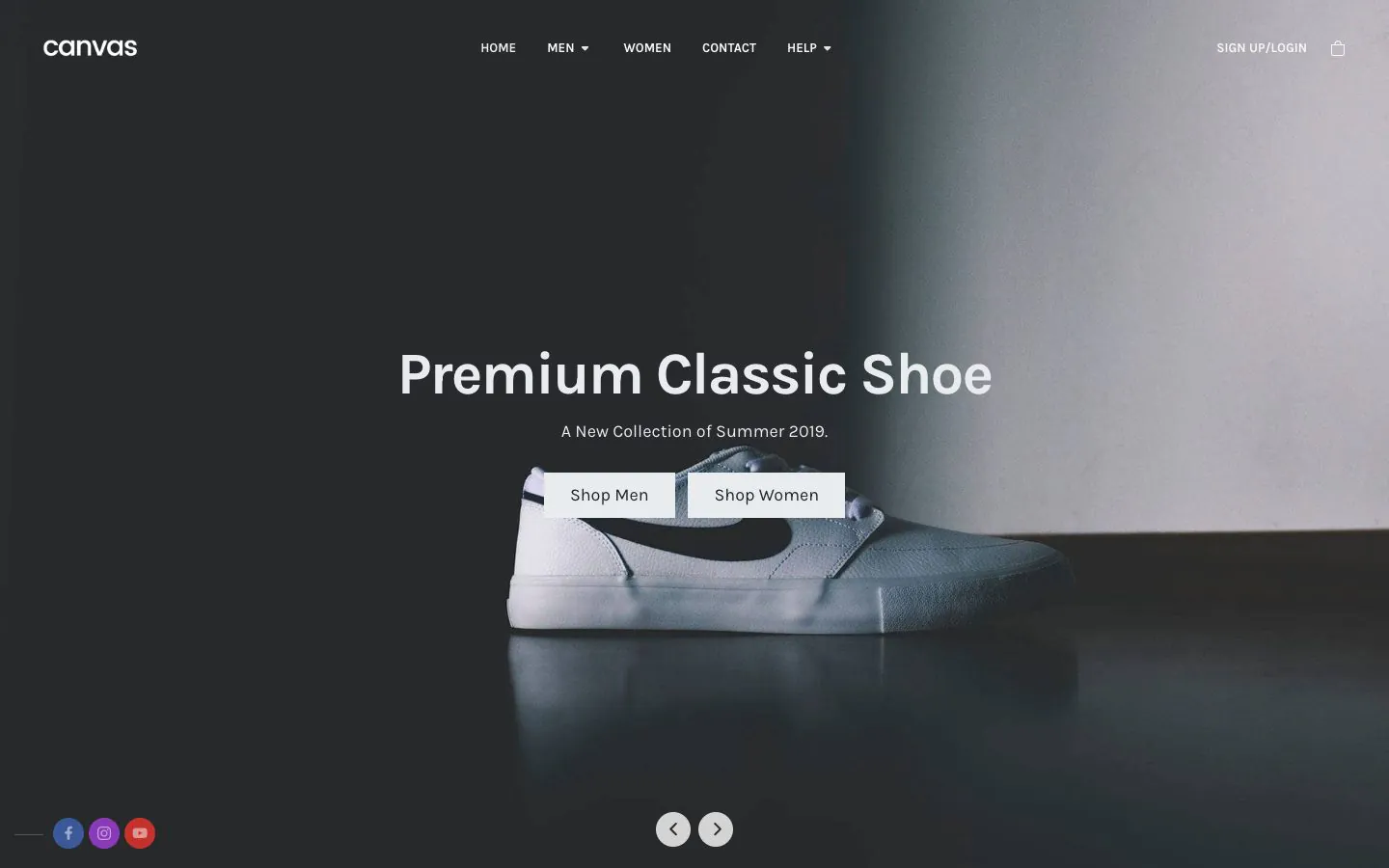
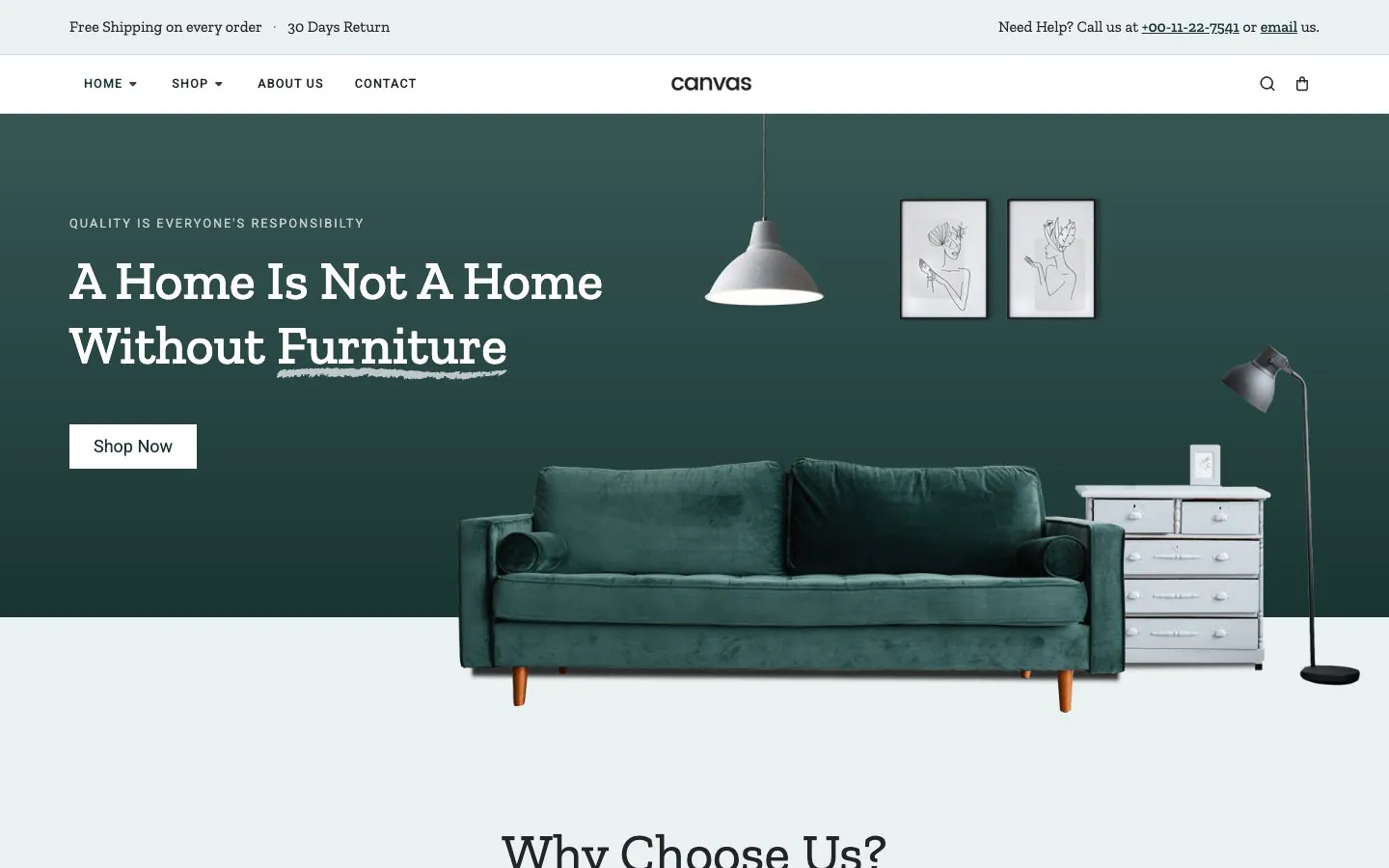
Two of the 19 demo stores, running on the store blocks and templates.
A child theme is in your dashboard, if you want one
Install the child theme only if you plan to edit Canvas template files directly, because that is what keeps such edits safe from an update. The child theme ZIP sits beside the theme ZIP in your dashboard Downloads and installs the same way, activated in the parent's place once the parent is installed. Most sites never need it, because the usual reasons are settings now.
- Site-wide Custom CSS, plus Custom JavaScript for the head and for the footer, in the Misc section of Theme Options
- Per-block Custom CSS, written as property and value pairs with no selector around them
- Per-block Custom Attributes, one per line as key and value, accepting data and aria attributes
- Custom typography rules for any selector you name, in the Typography section
- Register an icon pack of your own through the same interface the 4 built-in packs use
- Export a whole Theme Options configuration as a file and import it into the next site
What Canvas needs, and what it does on the way in
The floors are real floors, not suggestions. Canvas checks them against your host itself, so a failed import is never the first you hear of it.
- Canvas Core is never a separate download: it installs from inside WordPress once the licence is active, so there is no version pairing to manage
- Updates arrive on the WordPress updates screen, with maintenance mode, a temporary backup and a rollback from WordPress itself
- Automatic updates are opt-in and limited to patch releases, and a release that changes a template you customised names it
- A Health Check screen runs the server requirements against your actual host and reports what needs attention, and the same checks appear in WordPress Site Health
- Every string is translatable, with translation templates for the theme and the plugin regenerated with each release and a WPML configuration file in the plugin
- Technical SEO, an XML sitemap and 16 schema types are derived from your content at render time
The technical questions, answered
Five things a developer checks before committing a project, including the one Canvas does not do.
Is Canvas a block theme or a page builder theme?
Canvas is a block theme. Templates are WordPress block templates, template parts are template parts, colours and typography flow through theme.json, and everything is edited in the block editor and Site Editor that ship with WordPress. There is no separate builder to install, no second editor to learn and no builder subscription to renew.
What happens to the markup if the site changes theme later?
It stays standard WordPress block markup, because that is what Canvas saves. A Canvas block another theme does not recognise stops rendering its design, but headings, paragraphs, images and lists are core blocks and read normally anywhere. Nothing is stored as a shortcode or a proprietary layout format.
Where do headers and footers actually render?
Through the template parts Canvas registers, and there are 5: Header, Footer, Page Title, Sidebar and Sidebar Alt. The Header part renders whichever header record the page is assigned, the Footer part renders the assigned footer record, and the Page Title part renders whatever the page's page title settings resolve to. The parts are the plumbing; the design is the record you build from 14 header blocks.
Do I need a child theme?
Only if you intend to edit Canvas template files directly, which is what a child theme protects from updates. A child theme ZIP sits beside the theme in the Downloads area of your dashboard, and installs and activates the same way. Most sites never need it: Theme Options carry site-wide settings, per-block Custom CSS and Custom Attributes cover the block level, and site-wide Custom CSS and JavaScript fields live in the Misc section of Theme Options.
Is Canvas a right-to-left theme?
Canvas is not fully right-to-left, and we would rather say so here than in a support ticket. 6 of the 80 demos ship a dedicated right-to-left stylesheet and those are the ones to start from for Arabic, Hebrew or Farsi. Translation is a separate matter and is complete: both halves of the product ship translation templates, and a WPML configuration file ships with the plugin.
A block theme you can hand to anyone
Canvas builds on the editor WordPress ships, saves standard block markup and keeps templates in the Site Editor. Building for clients? Read the agencies and freelancers pages.