

Block theme or page builder: what actually changes
A page builder adds a second editor to WordPress and saves your layout in its own format, which only that plugin can read. A block theme uses the editor WordPress ships, and pages save as standard block markup. The difference shows when you change tools. Leaving a builder usually means rebuilding each page, while core blocks keep rendering under any block theme. Speed depends on what each page loads.
Part 1: The two ways to build a WordPress page
Strip away the marketing and there are two designs in front of you.
A page builder plugin
A builder adds its own editor, its own layout engine and its own widget library to WordPress. You design in the builder's canvas, and the builder saves the result in its own format inside your posts. Its stylesheet and script run on the front end to turn that format back into a page. The theme mostly gets out of the way.
A block theme on the editor WordPress ships
The block editor is part of WordPress itself. Blocks save as HTML with structured comments around them, templates are block templates, and colours and typography come from a theme.json file the editor and the front end both read. A block theme like Canvas adds blocks, templates and settings to that one editor. Nothing sits beside it.
Both approaches produce a website this afternoon. The difference arrives three years later, when your priorities, your host or your developer change.
Part 2: What your content is saved as
This is the part people discover at the worst possible moment, so start here.
The builder format
Builders store a layout as their own structure: a shortcode, a serialised blob of settings or a block of JSON in the post meta. While the plugin is active, it renders beautifully. Deactivate it and the same page shows either raw shortcodes or nothing at all, because nothing else on earth reads that format. Migrating away is usually a manual rebuild, page by page.
The core format
Block markup is plain HTML with comments. Open a post in the code editor and read it. Switch to a different block theme and core blocks keep rendering, because the renderer is WordPress. That is not a marketing claim, it is a property of the storage format.
Canvas is careful about the same thing at its own level. Every Canvas block is a registered block type with a real settings panel, never a shortcode, and its attributes are ordinary block attributes, so a pattern, the REST API or the command line can set them too. The blocks live in the Canvas plugin, so changing theme never strips your pages back to plain text.
Be honest about the limit: any block library you install is code you now depend on. What differs is the size of the hole it leaves. Removing a block library leaves the sections that used its blocks unrendered. Removing a builder leaves the whole page unrendered.
Test this on a staging copy before you commit either way. Duplicate the site, deactivate the layout tool and look at three pages. Whatever you see is the real cost of leaving, and it is better to learn it now.
Part 3: What actually loads on the page
Speed arguments in this space are usually tribal. The mechanism is simple enough to reason about.
A page builder is a second layout engine. It ships its own CSS grid system, its own animation library and its own JavaScript, often on every page, because the plugin cannot always know in advance which widgets a page uses. That is a fixed cost on top of WordPress and your theme.
The block editor has no runtime of its own. Core blocks are mostly HTML and CSS, and a well built block theme adds little to that. Canvas loads only the CSS and JavaScript of the blocks a page actually contains, and adds 35 optimisations you can switch on and off, including five aimed specifically at the scripts WooCommerce loads on pages that sell nothing.
The honest version
A carefully built page in a good builder can outperform a careless page in a block theme. Layout tooling is one input among several, alongside your host, your images, your fonts and the eleven other plugins you installed. The reason to prefer less machinery has nothing to do with benchmark screenshots. There is less of it to go wrong on the day you are looking elsewhere.
Part 4: What editing feels like day to day
This is where builders earned their reputation, and where the gap has closed most.
Seeing the real page while you edit
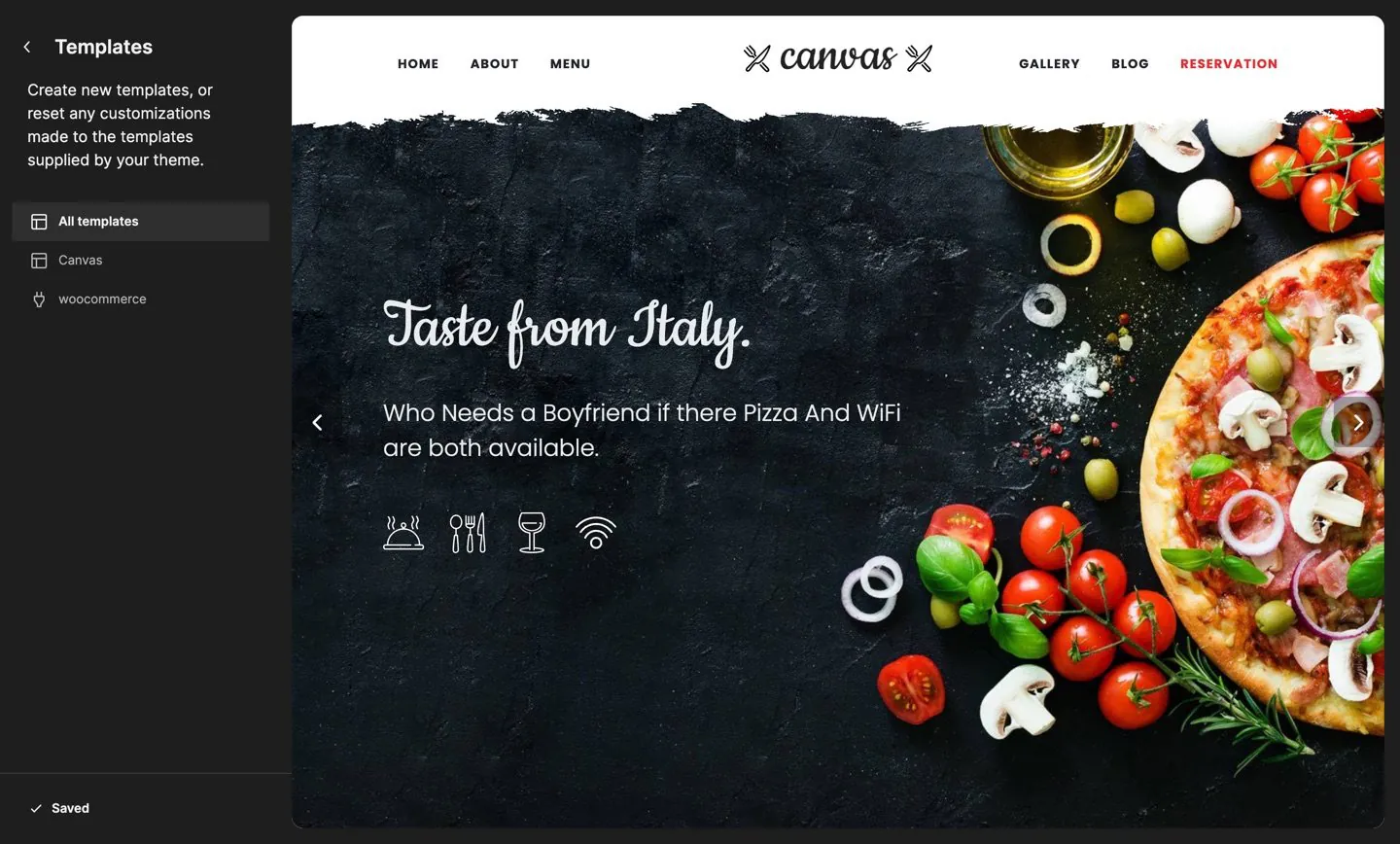
The old complaint about the block editor was that a page opened as a white box with none of the design around it. Canvas sets the editor to render the whole template, so the header, slider, page title band, content and footer all appear in the canvas, drawn by the same code that draws the front end. Widths and spacing are the real ones, so a full width section looks full width.
Settings where you expect them
Select a block and its panel opens with the text, links, images, icons, colours, sizes and behaviour that block understands. Canvas adds the same advanced panel to every block type registered on the site, core blocks included: an entrance and exit animation, custom CSS scoped to that block, custom attributes for analytics or test hooks, and display conditions by role or device.
Not repeating yourself
Two systems save the repetition. Save as defaults stores a block set up the way you like it, so the next one you insert starts there. Global block styles name a set of settings as a preset you apply across the site, then change once. Templates and template parts live in the Site Editor where WordPress keeps them, with 173 block templates, 5 parts and 4 style variations in Canvas.
Part 5: What a page builder still does better
A comparison that finds nothing good on the other side is an advertisement. Here is where builders are genuinely ahead today.
- Free positioning. Dragging an element anywhere and nudging it by a pixel is still smoother in a mature builder. The block editor prefers structure to absolute placement, which is better for a team and worse for a one off hero section.
- Ecosystem depth. The big builders have years of third-party add-ons, marketplaces and integrations. If your workflow depends on a specific add-on, check whether an equivalent block exists before you move.
- The team knows it. If your team, your client or the freelancer you hire on Fridays has built in one builder for five years, that fluency is worth real money. Retraining has a price, and it lands on your next project.
- Per device controls everywhere. Some builders expose a phone and tablet value for nearly every property. Core is more selective, and you occasionally reach for a custom CSS field where a builder had a control.
- One product for everything. A builder that also ships popups, forms and a theme builder means one vendor and one support desk. Canvas answers this by shipping the same pieces itself, but the argument is fair against a bare block theme.
- Stability of the interface. The block editor changes with every WordPress release. A builder changes when its vendor decides. If a moving interface disrupts your clients, that matters.
None of these are reasons to avoid a block theme. They are reasons to make the decision with your eyes open, and to distrust any comparison table that paints one column greener.
Part 6: What switching really costs
If you have an existing site built in a builder, the honest answer is that moving it is a rebuild, not a conversion. Budget for it properly.
- Content comes over, layout does not. Text and images are yours and portable. The arrangement was the builder's, and it has to be built again.
- Do it page by page. Start with the pages that earn: the home page, the top landing page, the contact page. Leave the archive of old posts until last, because they are usually plain content anyway.
- Start from a demo, not a blank page. Importing a complete demo website hands you a finished design to edit, and the whole import rolls back if you change your mind.
- Keep the builder installed until you are finished. Deactivate it only once no live page depends on it, and check the site with a link crawler afterwards.
- Redirect nothing you do not have to. Keep the same URLs and you keep the search rankings that came with them.
Expect the first two pages to be slow while you learn the block, the pattern and the template layers, then a rhythm to arrive. Most of the time saved later comes from not rebuilding the header and footer on every project.
Part 7: How to decide
Answer these five questions honestly and the decision usually makes itself.
- Who edits this site in two years? If the answer is a client, an intern or nobody in particular, the editor WordPress ships is the one they are most likely to recognise.
- How many sites are you maintaining? One personal site can carry any amount of extra machinery. Twenty client sites cannot, and every extra layer is a support ticket waiting to be filed.
- Is your design unusual or conventional? Conventional page shapes are exactly what blocks, patterns and templates are good at. A layered, art directed one off may still be faster in a builder.
- What is your exit plan? If the answer is "there is no exit plan", pick the format that WordPress itself reads.
- What are you actually paying for? Compare the total: theme, builder, form plugin, popup plugin, slider plugin and the renewals of each, against one product that covers them.
If one builder is already on your shortlist, two of our comparisons put these questions to a named product: Canvas as an Elementor alternative, plan by plan, and how Canvas compares with Divi on editing, lock-in and what happens when a licence lapses. Both list their sources and the date the figures were read.
Canvas is the block theme answer to that list: 202 blocks in the inserter you already use, 183 patterns, 173 templates, a header and footer builder, forms, and 80 complete demo websites to start from. If you would rather see the difference than read about it, open a demo and click into a page.
Where to go from here
Two guides that put the block approach to work, and the library behind it.
Common questions
The full FAQ answers the rest, and the documentation covers every setting in detail.
Is a block theme automatically faster than a page builder?
No, and anyone who says otherwise is selling something. Speed comes from how much CSS, JavaScript and markup a page ships, not from the category the tool belongs to. What a block theme gives you is a shorter path to a light page: no second layout engine, and in Canvas only the assets of the blocks a page contains, plus 35 switches for the rest. Measure your own pages before and after. Trust neither claim until you have.
Will my pages break if I stop using Canvas?
Core blocks keep rendering under any theme, because your content is saved as standard block markup, which WordPress itself reads. The Canvas blocks come from the Canvas plugin, so changing theme leaves them in your posts and pages. Remove the plugin as well and those particular sections stop rendering, which is true of any block library.
Can I run a page builder on top of Canvas?
A builder is a plugin, so nothing stops you installing one. We would not recommend it: you would be maintaining two layout systems, two styling systems and two update cycles on one website, and the templates, chrome and blocks you are paying Canvas for would sit unused underneath.
Do I need to know code to build without a builder?
No. Every part of a Canvas page is a block with a settings panel, including the header, the footer and the page title band, and the advanced panel adds animation, custom CSS, custom attributes and display conditions to every block type on the site. The custom CSS field is there when you want it, not because the product needs it.
Build your next website with Canvas
Beginner, freelancer or agency, you get the same blocks, the same demos and the same support. Start with one site and add more when you need them.