

A WooCommerce theme with blocks for every store screen
Design the product page, the shop grid, the cart and the checkout with blocks in the editor WordPress gives you, then start from a demo that arrives as a working store. WooCommerce keeps the orders, Canvas gives it a design.
22 blocks for the four screens that sell
Every part of a WooCommerce store that a shopper looks at is a block with a settings panel, so you move it, restyle it or leave it out without touching a template file.
The product page 11 blocks
Build a single product layout block by block, or start from one of the shipped templates and move the pieces.
Product Images Included with any plan
Displays the WooCommerce product featured image and optional gallery thumbnails.
Product Gallery Linker Included with any plan
A thumbnail strip that moves a product gallery carousel to the image you click.
Product Price Included with any plan
Displays the WooCommerce product price including sale price and currency formatting.
Product Rating Included with any plan
Displays the star rating and optional review count for the current WooCommerce product.
Product Meta Included with any plan
Displays the product meta card: SKU, categories, and tags.
Product Short Description Included with any plan
Displays the product short description with its paragraph markup intact.
Variation Swatches Included with any plan
Colour dots or button pills that choose a variable product's variation.
Add to Cart Included with any plan
Renders the WooCommerce add-to-cart form for the current product with optional quantity input.
Product Tabs Included with any plan
Renders the WooCommerce product data tabs: Description, Additional Information, and Reviews.
Product Share Included with any plan
Displays the "Share:" card with social sharing links for the current WooCommerce product.
Related Products Included with any plan
Displays a grid of WooCommerce products related to the current product. Only renders on single-product templates.
The shop and its catalogue 5 blocks
Grids, carousels, category cards and a price filter, each able to draw from a category, a tag, a search or a hand-picked list.
Products Included with any plan
Display WooCommerce products in a grid or list layout. Filter by source, category, tag, and ordering.
Product Categories Included with any plan
Display WooCommerce product categories as a responsive card grid with thumbnails, names, and product counts.
Product Carousel Included with any plan
Display WooCommerce products in a scrollable owl-carousel. Supports autoplay, navigation arrows, dots, and responsive breakpoints.
Store Price Filter Included with any plan
A double-handle price range control that filters a product grid in place.
Conference Tickets Included with any plan
Pricing boxes for a category of ticket products, each with a quantity select and a live add-to-cart link.
The cart 3 blocks
A cart page you design, with the upsell shoppers actually see.
Cart Table Included with any plan
Display the WooCommerce cart table with line items, quantities, and totals.
Cart Totals Included with any plan
Display the WooCommerce cart totals panel including subtotal, shipping, and checkout button.
Cross-Sells Included with any plan
Displays cross-sell products from the current WooCommerce cart. Only renders when the cart is active and contains cross-sell products.
The checkout 3 blocks
The billing form, the order review and the notices that tell a shopper what just happened.
Checkout Billing Included with any plan
Display the WooCommerce checkout billing address form.
Checkout Order Review Included with any plan
Display the WooCommerce checkout order review summary with line items and totals.
WooCommerce Notices Included with any plan
Display WooCommerce notices: errors, success messages, or informational notices.
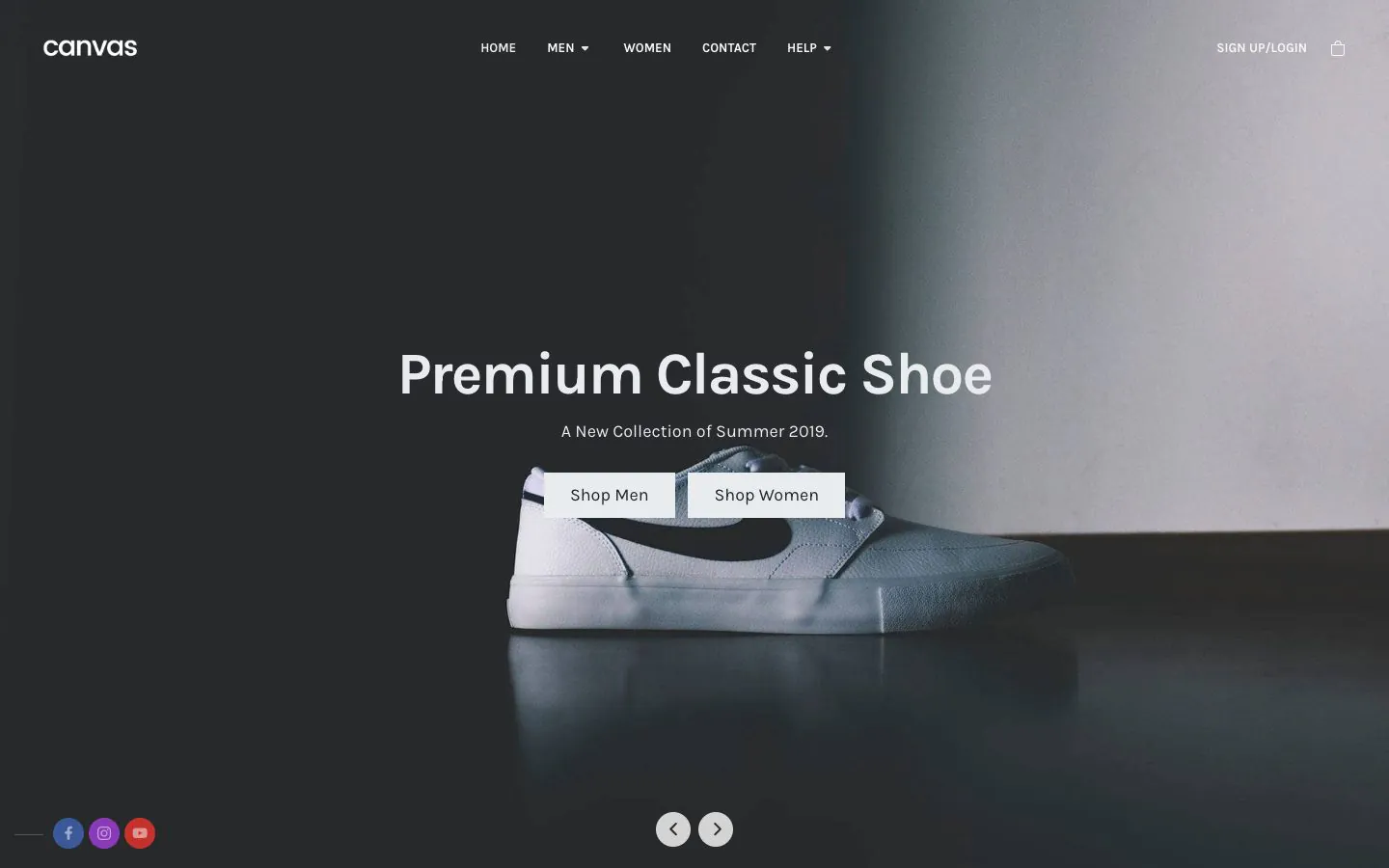
Clothing Store
A fashion catalogue with collection pages, variable products and a header cart that keeps count.
Ecommerce themes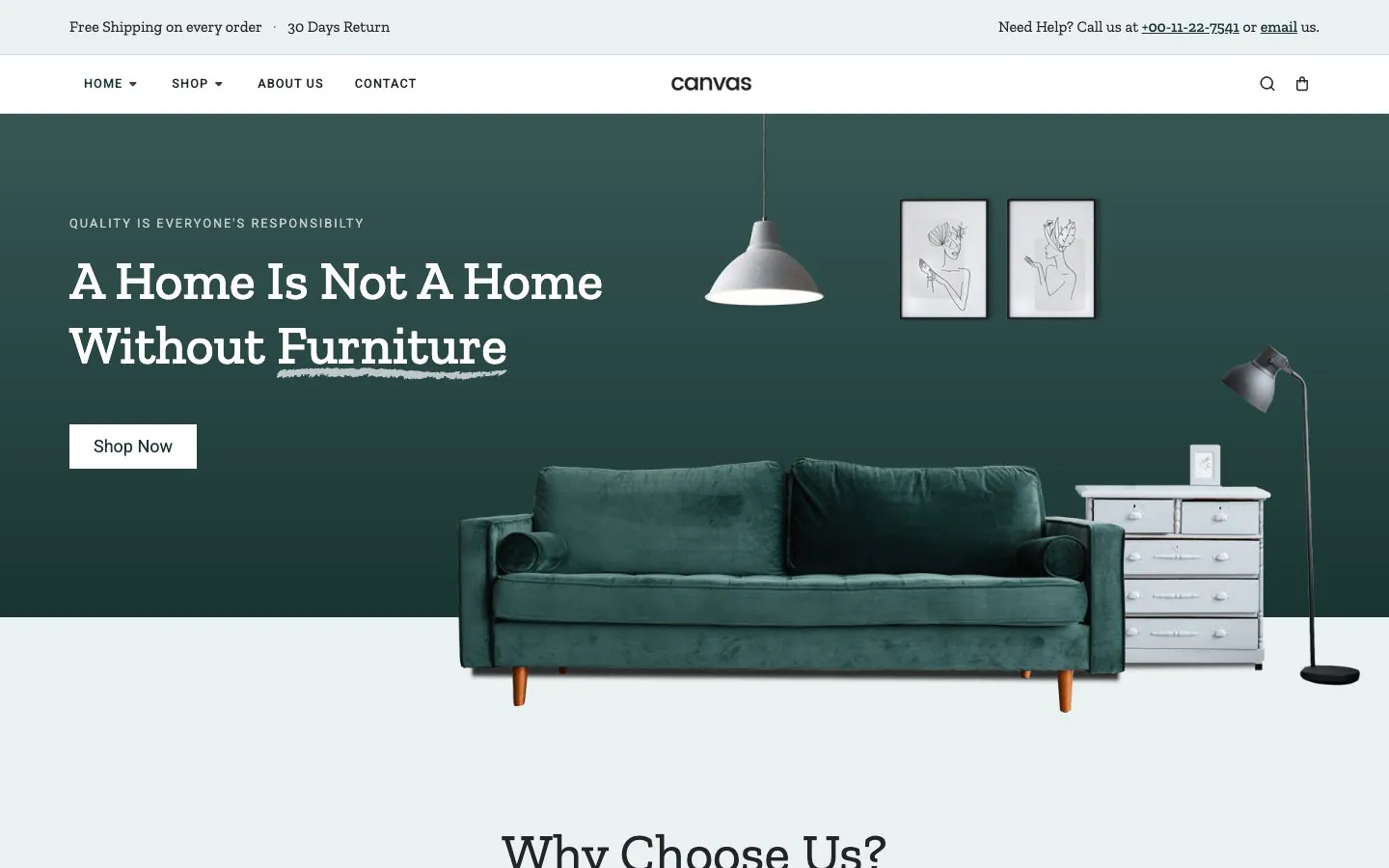
Furniture
Sales and rental in one catalogue, with the product grid and the single product page both laid out as blocks.
Interior design themes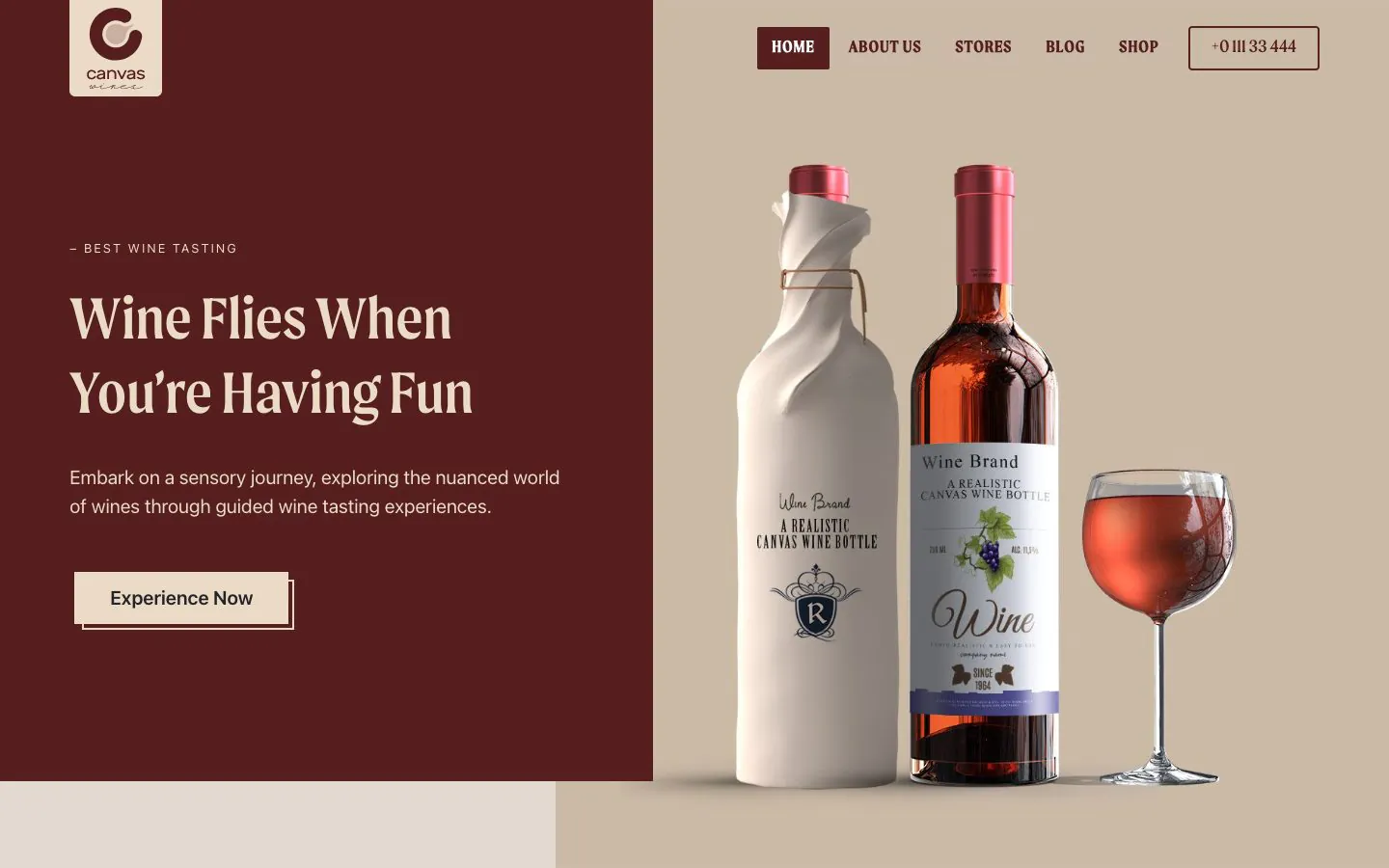
Wine
A winery store where the design carries the product photography and the shop pages sit behind it.
Restaurant themesThree of the 19 demo stores. Every part a shopper looks at on these pages is a block with a settings panel behind it.
What shoppers do, without a page reload
Three pieces of shop behaviour that usually take a plugin each are part of the integration.
Attribute colour swatches
Give a product attribute term a colour in the admin and variable products offer colour dots or button pills in place of a dropdown, so a shopper picks a variation by eye.
AJAX add to cart
Adding a product from a grid, a carousel or a card overlay updates the cart in place. The shopper stays on the page they were browsing and the header mini cart keeps count.
Product card styles
Pin every catalogue picture to one shape so cards line up, choose whether extra gallery images reveal on hover or run as a slideshow, and pick what the hover overlay offers: buy, quick view or both.
18 store templates in the Site Editor
Every store screen is a block template you open, edit and reset in the Site Editor, the same way you edit any other block template.
Single product layouts
Lay a product page out as the default, a sticky summary that follows the gallery, a list, a colour-led design, a store design, one of two custom-linking gallery layouts, or with a left, right or two-sidebar variant.
Shop page layouts
Lay the shop itself out full width, with a left sidebar, with a right sidebar or with sidebars on both sides, so filters and categories sit where your catalogue needs them.
Archives, cart and checkout
The shop archive, product category archives, the cart and the checkout each ship as a template, alongside the WooCommerce template overrides the theme provides.
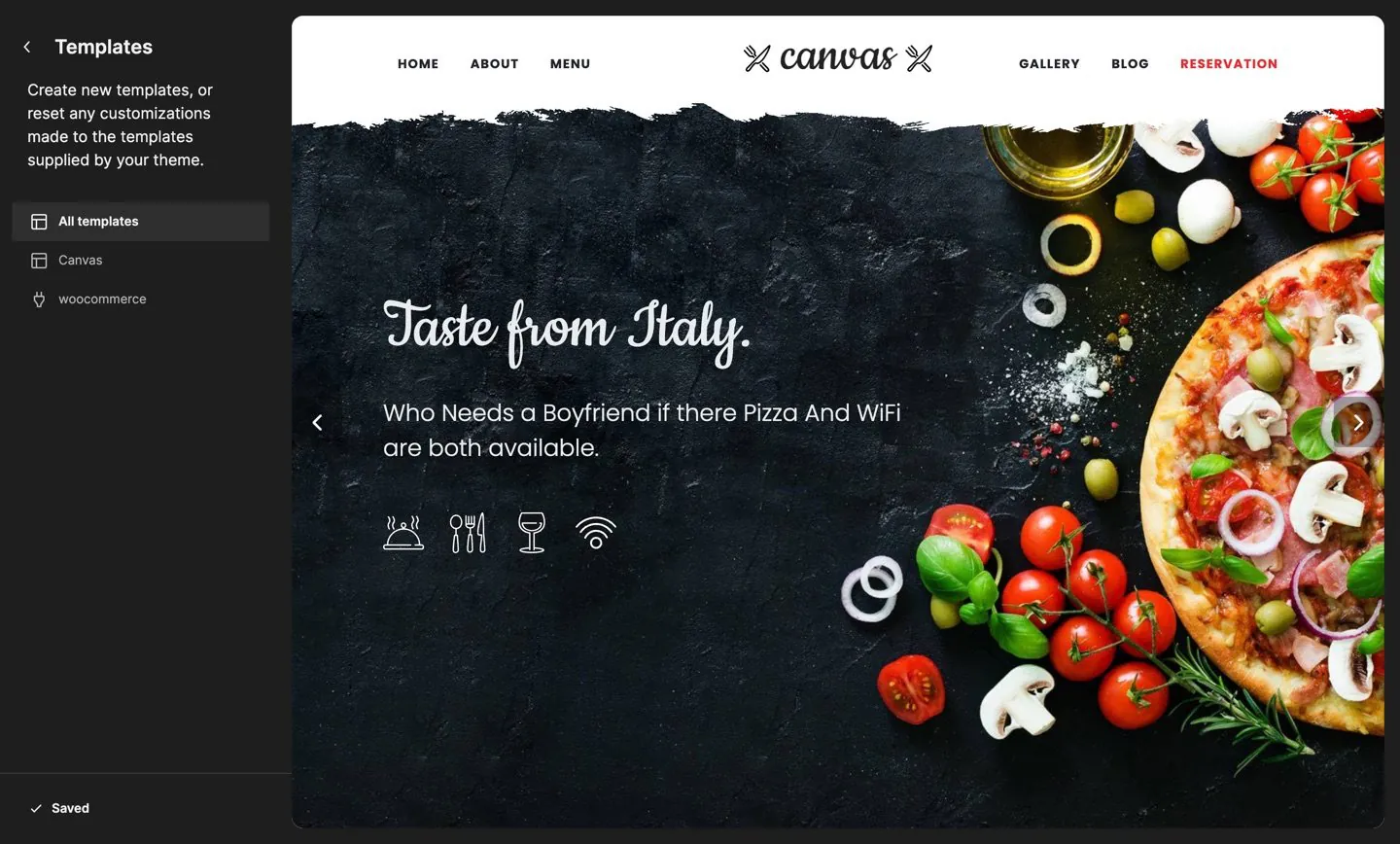
Store templates are listed under woocommerce in the Site Editor's own Templates panel, alongside the Canvas ones, and reset from the same screen.
Assign a layout per product from the editor, or set the default for the whole store in Theme Options. A template you customise in the Site Editor stays customised through updates, and Canvas tells you which ones changed after an update.
22 shop options, four tabs
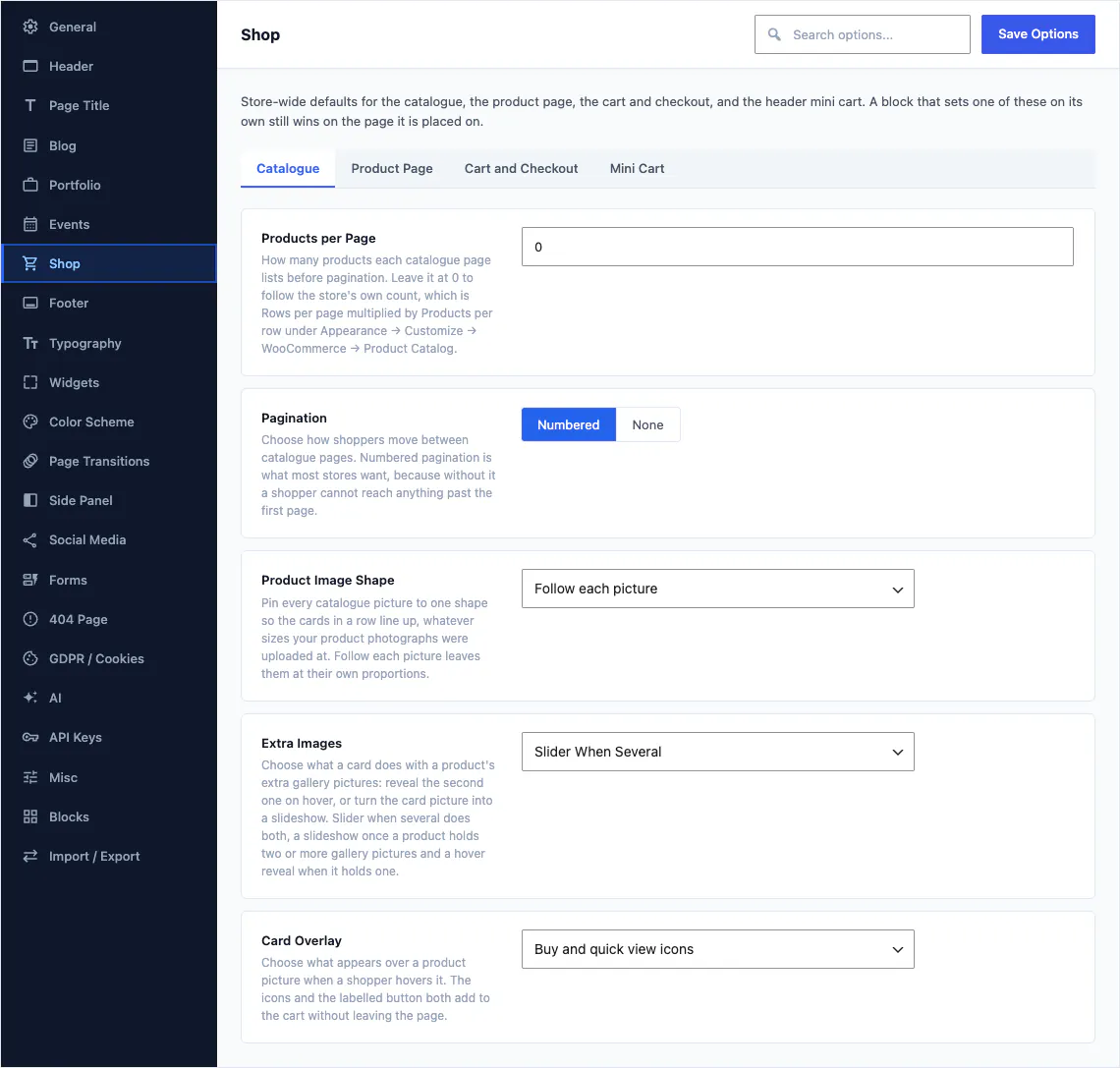
Store-wide defaults for the catalogue, the product page, the cart and checkout, and the header mini cart. Products per page, pagination, product image shape, extra gallery images and the card overlay all live here, and a block that sets one of them on its own still wins on the page it is placed on.
- Catalogue: products per page, pagination, image shape, hover behaviour
- Product page: what the single product screen shows by default
- Cart and checkout: the behaviour of both screens
- Mini cart: what the header cart does when a shopper adds something
Five WooCommerce switches
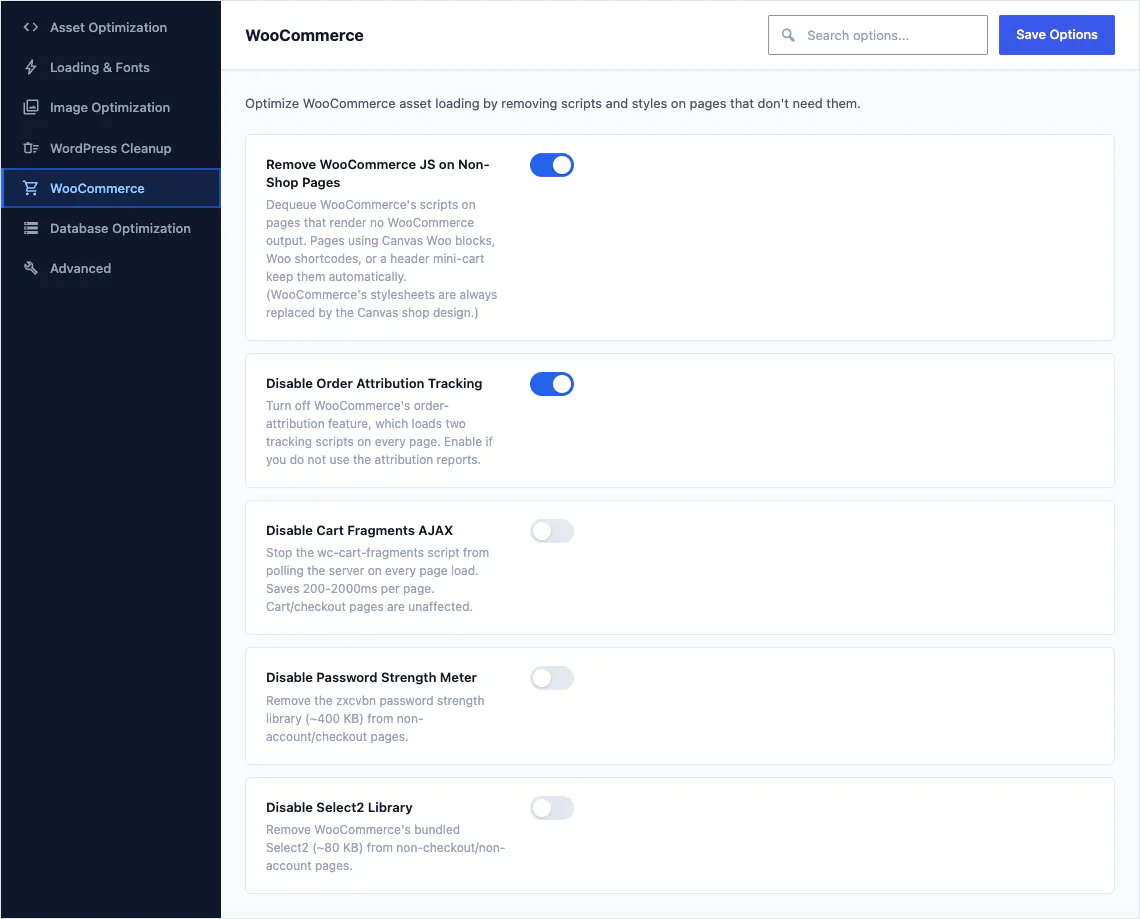
WooCommerce loads scripts and stylesheets on every page of a website, including the ones that sell nothing. These five switches take that back, and each is reversible.
- Remove WooCommerce JavaScript on pages that render no store output
- Turn off order attribution tracking if you do not read those reports
- Stop the cart fragments script polling on every page load
- Drop the password strength library outside account and checkout pages
- Drop the bundled Select2 library outside checkout and account pages
19 demos are working WooCommerce stores
Products, categories, attributes, a cart and a checkout, imported and ready to take a test order. Preview any of them live before you decide.

Barber Shop demo, live preview (opens in a new tab)
Beauty & Spa · 7 pages
CanvasRoam demo, live preview (opens in a new tab)
Portfolio & Personal · 10 pages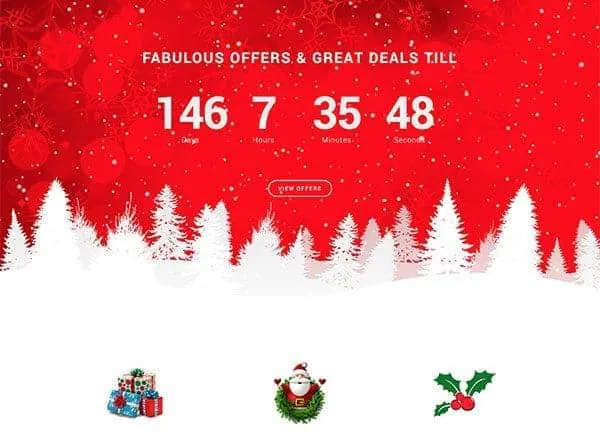
Christmas Store demo, live preview (opens in a new tab)
Shop & eCommerce · 6 pages
Clothing Store demo, live preview (opens in a new tab)
Shop & eCommerce · 19 pages
Conference demo, live preview (opens in a new tab)
Events & Weddings · 25 pages
Drone demo, live preview (opens in a new tab)
Shop & eCommerce · 12 pages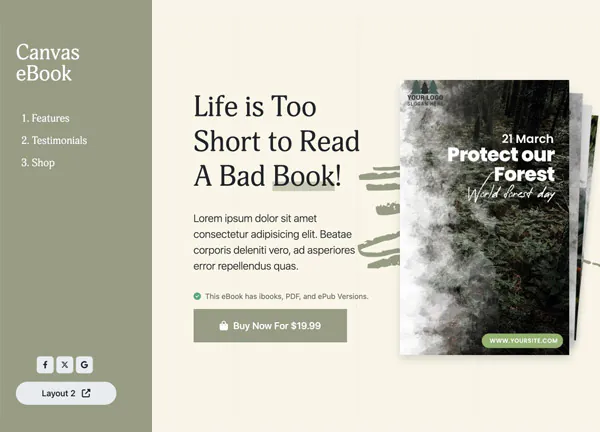
eBook demo, live preview (opens in a new tab)
Shop & eCommerce · 9 pages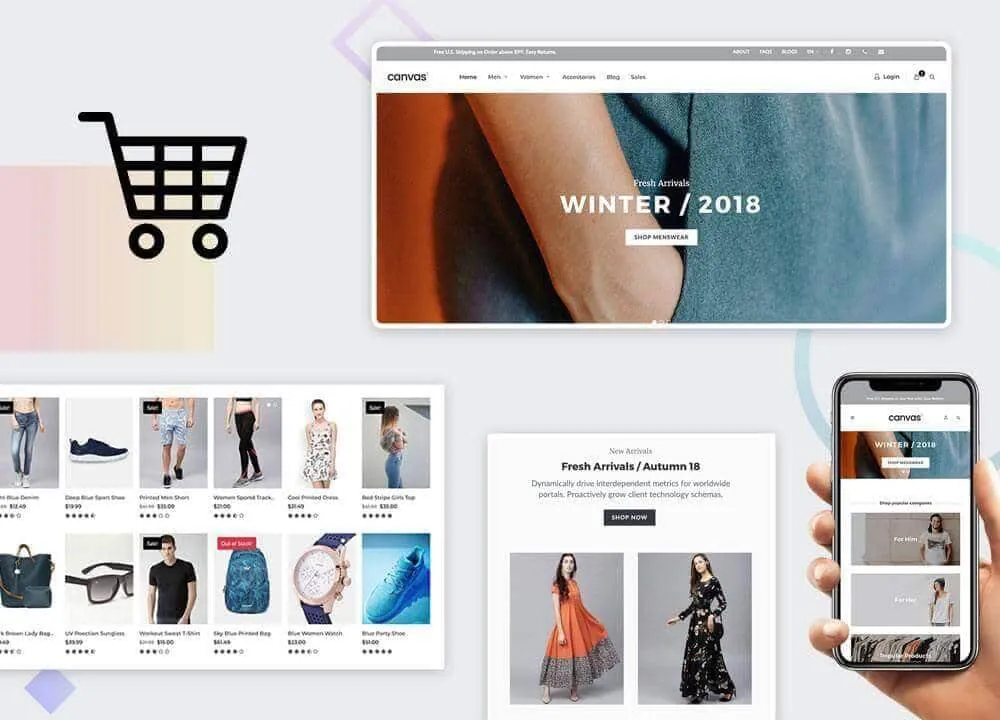
Fashion Shop demo, live preview (opens in a new tab)
Shop & eCommerce · 25 pages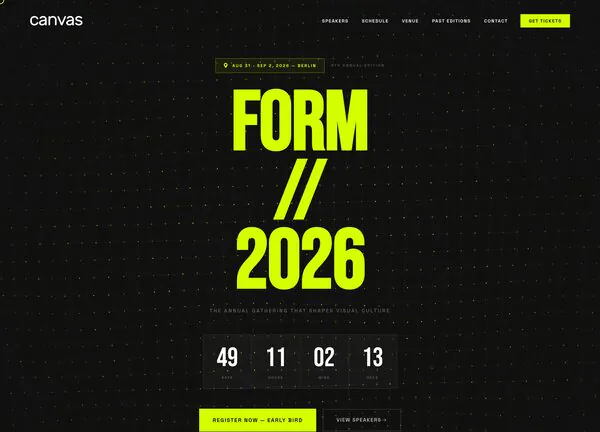
FORM 2026 demo, live preview (opens in a new tab)
Events & Weddings · 14 pages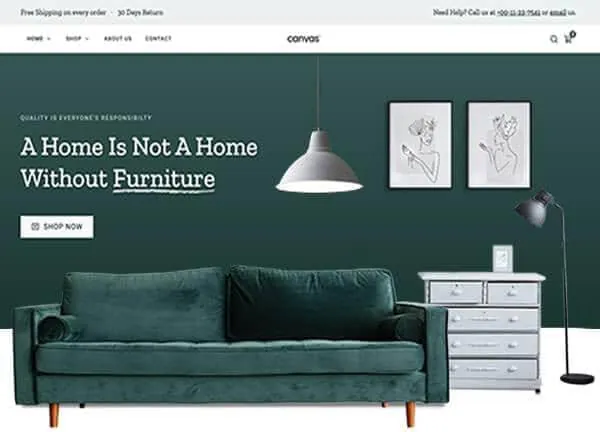
Furniture demo, live preview (opens in a new tab)
Shop & eCommerce · 12 pages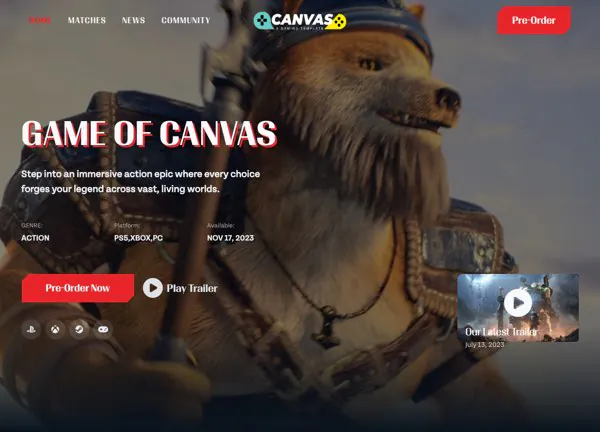
Game of Canvas demo, live preview (opens in a new tab)
Entertainment & Community · 12 pages
Illustrator demo, live preview (opens in a new tab)
Portfolio & Personal · 7 pages
Jewellery Boutique demo, live preview (opens in a new tab)
Shop & eCommerce · 17 pages
Podcasts demo, live preview (opens in a new tab)
Blog & Magazine · 13 pages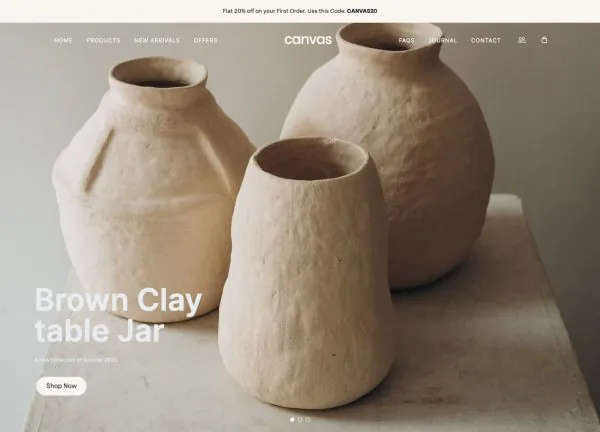
Pottery Shop demo, live preview (opens in a new tab)
Shop & eCommerce · 12 pages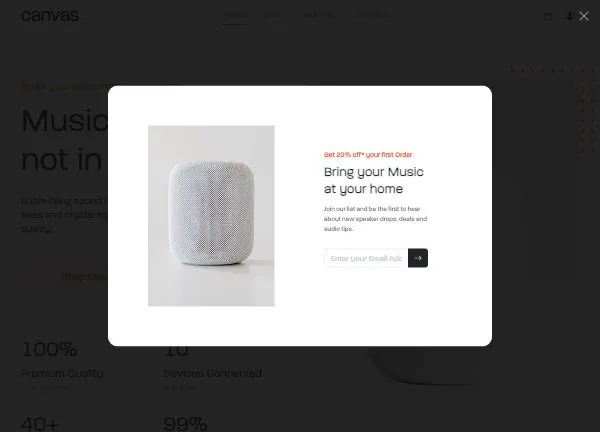
Speaker Store demo, live preview (opens in a new tab)
Shop & eCommerce · 11 pages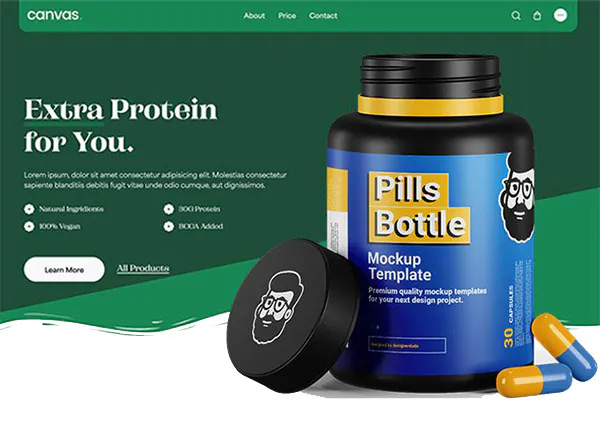
Supplement Store demo, live preview (opens in a new tab)
Shop & eCommerce · 13 pages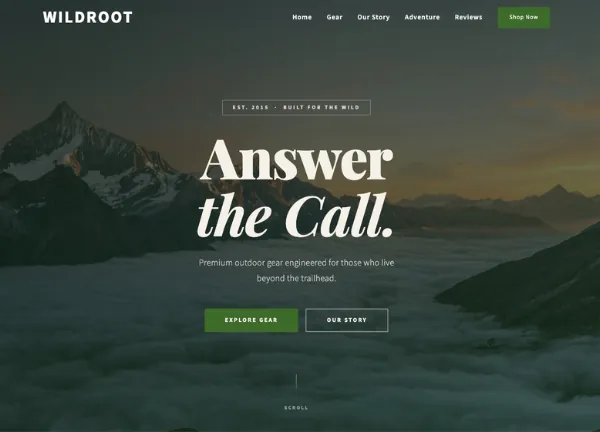
Wildroot Gear demo, live preview (opens in a new tab)
Shop & eCommerce · 14 pages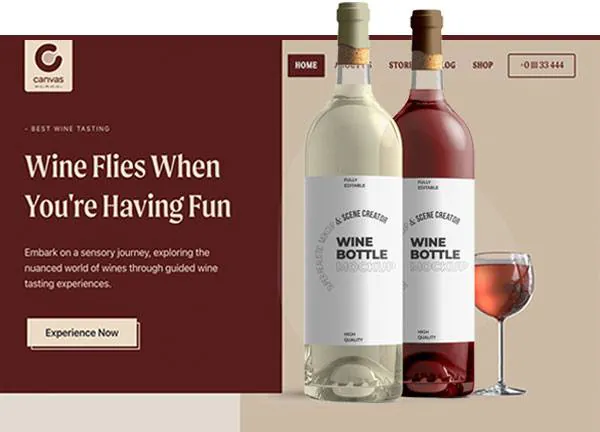
Wine Estate demo, live preview (opens in a new tab)
Food & Drink · 10 pagesYour shop pages are adopted, not duplicated
The usual fear about importing a store design is waking up with two checkouts. Canvas maps the demo's WooCommerce pages onto the ones your site already has.
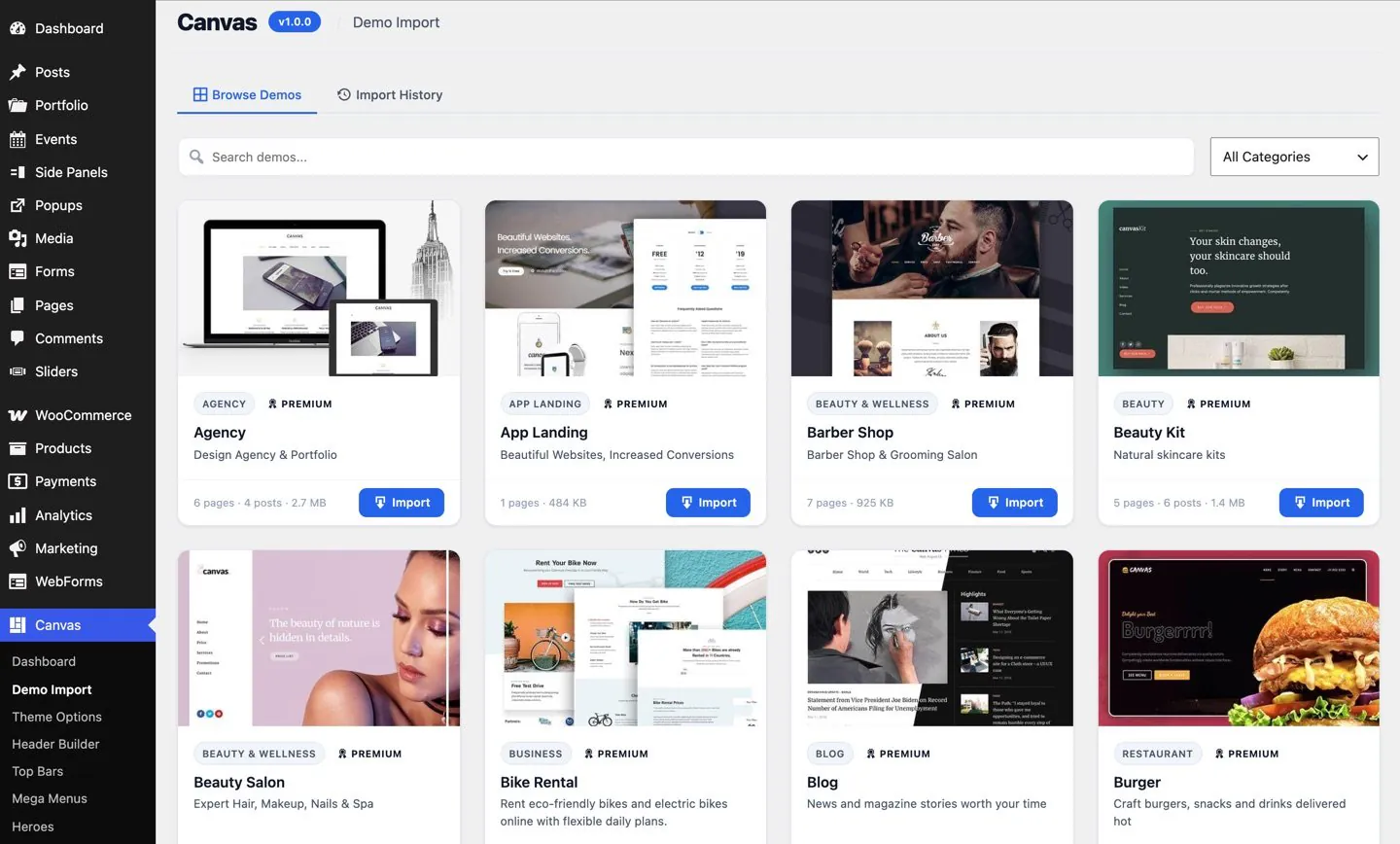
The import screen every store demo arrives through, with the rollback that undoes it.
One shop, one cart, one checkout
The importer finds your existing WooCommerce pages and points the demo's menus and links straight at those.
Reversible
Everything the import created is tracked, so one screen removes the demo content and restores the options and menus that were there before.
Products included
Demo products, categories, attributes and swatch colours arrive with the design, so the catalogue reads correctly while you swap in your own.
Or only the pages
Choose the page-scoped import and you take the demo's pages without its Theme Options, its menus or its front page.
Selling with Canvas
What store owners ask first. The documentation covers each block and option in detail.
Do I still need the WooCommerce plugin?
Yes, Canvas adds blocks, templates and options on top of WooCommerce, and replaces none of it. Orders, products, taxes, shipping and payments stay in WooCommerce where your other extensions expect them. If you start from a store demo, the setup wizard installs and activates WooCommerce for you before the import runs.
Will importing a store demo replace my shop and checkout pages?
No, the Canvas importer adopts the WooCommerce pages your site already has, so no second shop, cart, checkout or account page appears. Your existing products and orders are left alone.
Can I mix these with WooCommerce's own blocks?
Yes, the Canvas store blocks are ordinary registered blocks, so they sit alongside WooCommerce blocks and core blocks in the same template and the same page, and you replace one at a time without committing to a whole layout.
How do colour swatches work?
Give a product attribute term a colour in the WordPress admin and the Canvas Variation Swatches block renders that attribute as colour dots or button pills in place of a dropdown, on the product page and in the templates that use it.
Are the store blocks included in my plan?
Yes: all 22 Canvas store blocks are premium blocks, and every plan includes every premium block. There is no store add-on and no ecommerce tier. Other themes often split this out: quick view is an Astra Pro feature, and OceanWP sells its eCommerce Pro plugin as a separate product.
Build the store, not the plumbing
Every plan ships all 22 store blocks, all 18 store templates and all 19 demo stores. There is no ecommerce tier to upgrade to.