

A photography WordPress theme, picture by picture
Four complete photography websites ship with Canvas: a studio archive filed by album, a fine-art portfolio, a photographer's site built on a Shots content type and a wedding films studio. Each imports as a whole site, with its pages, its records and its enquiry form in place.
Four photography websites, ready to import
Every one is a working site: the pages, the menu, the enquiry form and the image records behind the grids. Preview them live before you buy.
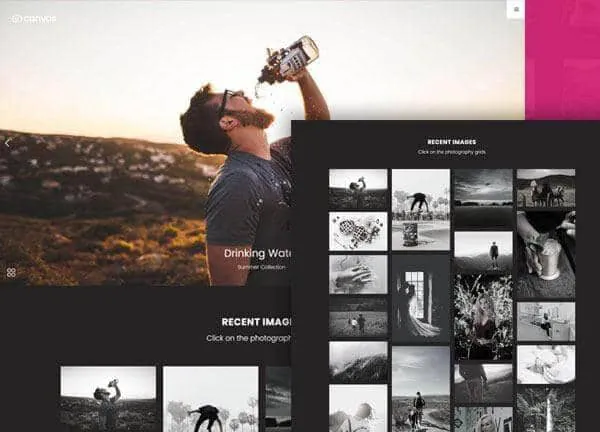
Photography demo, live preview (opens in a new tab)
Photography & Video · 5 pages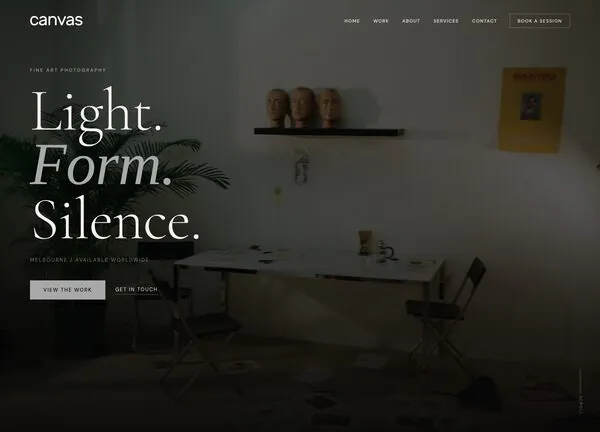
CanvasLens demo, live preview (opens in a new tab)
Photography & Video · 4 pages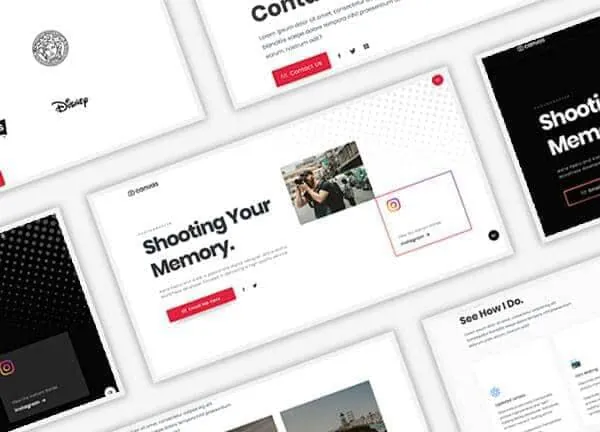
Photographer demo, live preview (opens in a new tab)
Portfolio & Personal · 7 pages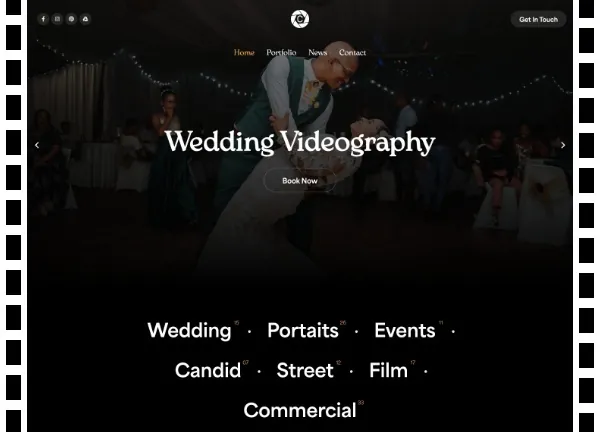
Videographer demo, live preview (opens in a new tab)
Photography & Video · 6 pagesEvery picture is a record, filed in an album
Every photography demo keeps its images as records. Each one carries its title, its picture and its album, and the pages that list them are grids reading those records, so a new set of frames never means a new page layout.
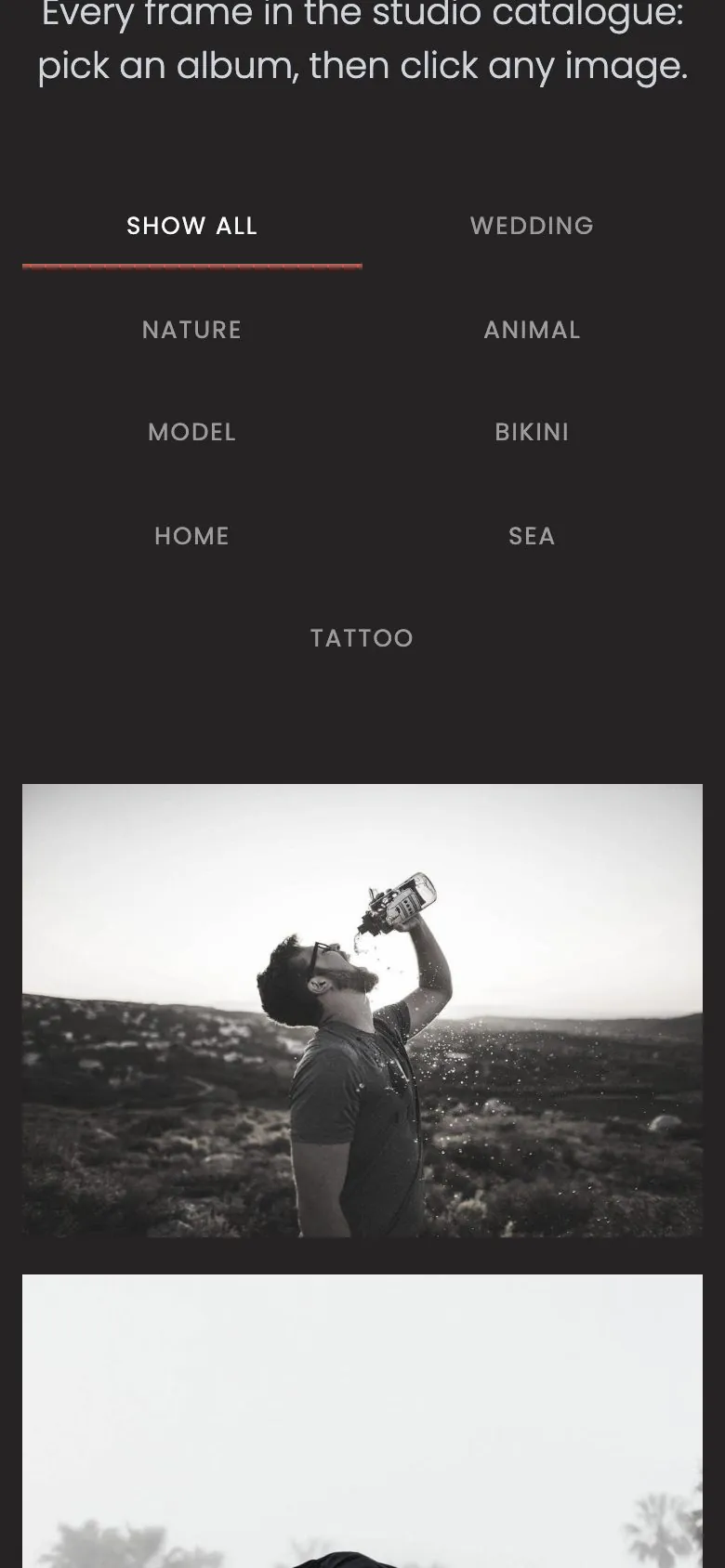
- 27 images in the Photography demo, filed under eight albums such as Wedding, Nature, Model and Sea
- The Explore page filters the archive in place, and every album also has its own page
- The Photographer demo registers a Shots content type: 15 shots in eight albums, each shot with a page of its own
- CanvasLens gives each of its 6 works a page, and Videographer filters 8 films by kind of shoot
Session pricing is a page, not a PDF you email back
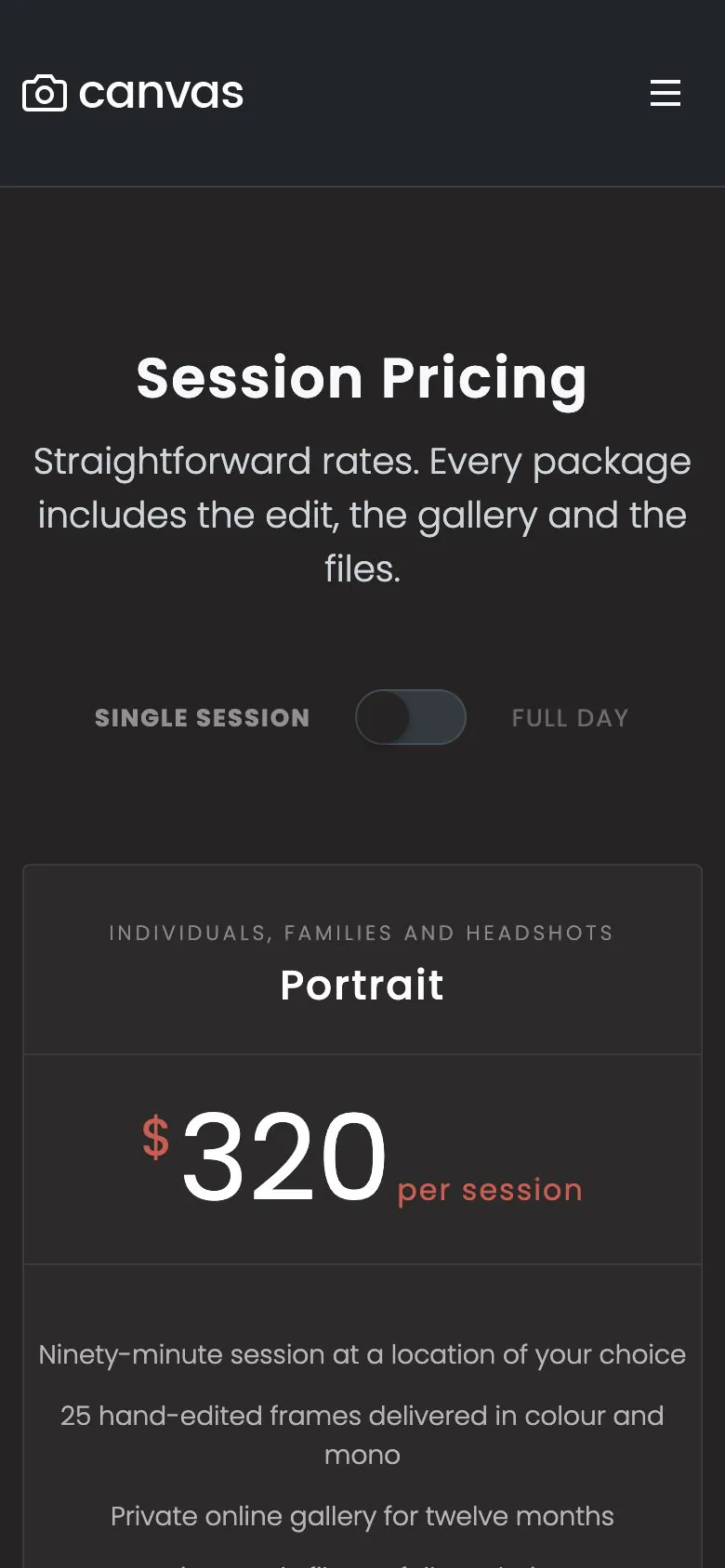
A rate a visitor can find is one email you do not have to answer. The Photography demo ships a pricing page that states what a session costs, and puts the enquiry form directly under it.
- Three packages as pricing table blocks: Portrait, Wedding and Commercial, each with its own inclusions list
- A switcher flips every table between a single session and a full day
- The Book a Session form sits directly under the tables, and a separate FAQs page answers ten questions with toggles
- Prices, inclusions and the switch labels are block fields, so putting your rates up takes one edit
Four whole sites, page for page
An import brings every page the live preview shows, with its menu, its forms and its records. This is the list, checked against the demos as they ship.
Photography
Home, Explore, Gallery, Pricing and FAQs. A full-screen slider on the home page, a gallery wall grouped into eight albums, and one booking enquiry form.
CanvasLens
A single-page fine-art portfolio with a Selected Work page, a licensing page and a privacy page. Six works, six categories, one contact form.
Photographer
Home, Photography, About, Journal, Clients and Contact, plus a dark twin of the home page. 15 shots, 6 journal posts and a session enquiry form.
Videographer
Home, Portfolio, News and Contact, with terms and privacy pages. A filterable showreel of 8 films, 3 posts and a contact form.

Big pictures, and the switches that keep them sane
Photographs are the heaviest thing on a photography site. Canvas loads only the CSS and JavaScript a page renders, and the media options decide what WordPress does with your uploads. The screenshot is the Photography demo as shipped, at 390 pixels wide.
- Lazy loading below the fold, for images, for iframes and for embeds
- The JPEG quality WordPress generates, and a cap on the width of uploads
- Control over the responsive image sets and which sizes are created at all
- 35 optimisations in total, each one a switch with a plain explanation
What a paid demo gives a working photographer
The inner pages come with it
The import brings the inner pages, the menu, the albums, the pricing page and the form, so the site is finished the moment the import ends.
Edited in WordPress itself
A picture, a caption, a rate: each one is a block field in the editor WordPress ships. No page builder to learn, and none to renew.
Reversible
Canvas logs everything an import writes. Delete Demo Data clears it again, so trying a second demo costs you nothing but the time.
Copy help included
The about page is the one every photographer rewrites six times. Canvas AI drafts and rewrites text in any block field, with monthly credits on every plan.
Photography websites, asked plainly
Answers that hold for the four photography demos as shipped, including the parts Canvas does not do.
Which photography demo should I start from?
Start from the Canvas demo shaped like your work. Photography is a working studio site: an archive of 27 images in eight albums, a gallery page, a pricing page and an FAQ page. CanvasLens is a fine-art portfolio on a single page, with a Selected Work page and a licensing page. Photographer keeps its images in a Shots content type and adds a journal, a clients page and a dark twin of the home page. Videographer is a wedding films studio with a filterable showreel and a news section.
How is a gallery managed?
In Canvas every image is its own record. The Photography demo files 27 images under eight albums and its Explore page filters them in place; CanvasLens gives each of its 6 works its own page; the Photographer demo registers a Shots content type, with 15 shots in eight albums, each shot with a page of its own. Adding a picture is a new record, and every grid and album page that lists it updates.
Is there client proofing or a private gallery?
No: Canvas ships public galleries, the records behind them and the enquiry forms. Proofing, password-protected client galleries, image delivery and print fulfilment are plugin territory, and a booking engine is too. The demos never imply otherwise, so nothing here promises a workflow the theme does not have.
Can I use the demo photographs on my own site?
Treat the photographs in the Canvas demos as placeholders. They are licensed for demonstration so the layout reads correctly while you work, not as a stock library for your business. Replace it with your own images, or images you have licensed, before you go live.
Will a page full of photographs be slow?
Canvas loads only the CSS and JavaScript a page renders, and the media switches in Theme Options cover the rest: lazy loading below the fold, the JPEG quality WordPress generates, a cap on the width of uploaded images, and control over which image sizes are created at all. There are 35 optimisations in total, each one a switch you set. We publish what the theme controls, and leave speed scores measured on our own hardware out of it.
Can I sell prints or take bookings on the site?
Selling, yes, with WooCommerce: every Canvas plan includes the 22 WooCommerce blocks, and the Illustrator demo shows a print shop with its products, its cart and its checkout in the demo's own design. Bookings, no: there is no scheduling engine. The Photography demo's Book a Session form stores each request as an entry in WordPress as it ships, and can email you or post to a webhook once you switch those actions on.
Put your photographs online with Canvas
One licence covers every demo and every block. Import a photography demo from the setup wizard, put your own pictures in and set your rates.