

A portfolio WordPress theme for the work, CV and shop
Canvas ships five complete sites for one person: a one-page portfolio in dark and light, an illustrator with a print shop, a freelancer, a designer with a journal and a CV site. Import one, put your own projects into it, and it is done.
Five personal websites, ready to import
Every one is a working site: the pages, the menu and the project records behind the grid. Preview them live before you buy.
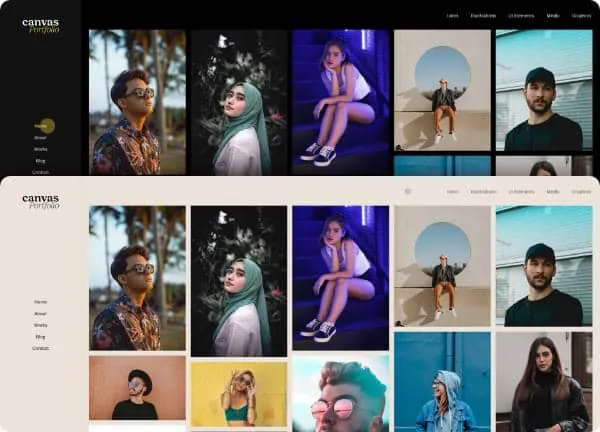
Portfolio demo, live preview (opens in a new tab)
Portfolio & Personal · 2 pages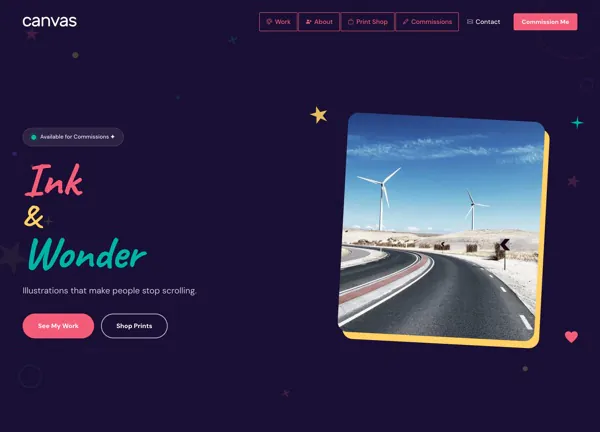
Illustrator demo, live preview (opens in a new tab)
Portfolio & Personal · 7 pages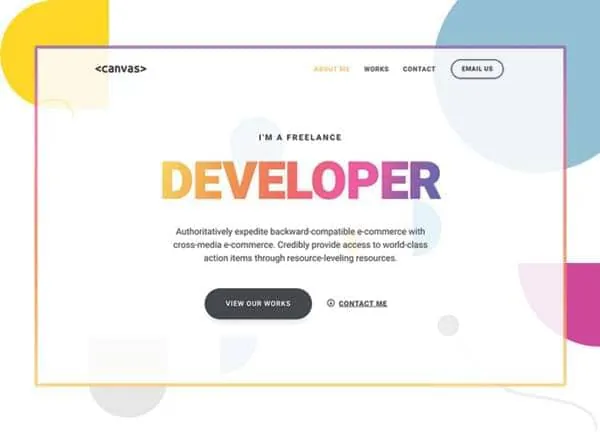
Freelancer demo, live preview (opens in a new tab)
Portfolio & Personal · 3 pages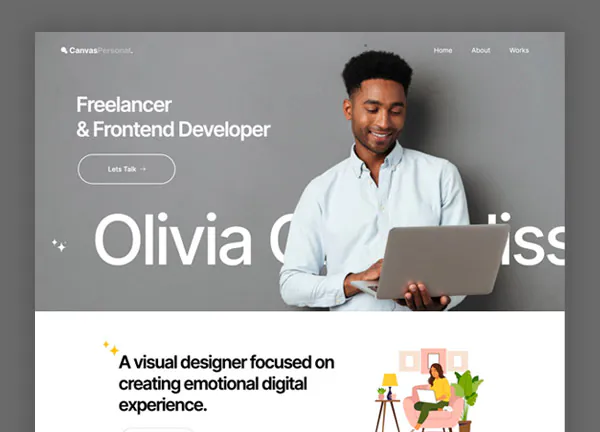
Olivia Chambliss demo, live preview (opens in a new tab)
Portfolio & Personal · 7 pages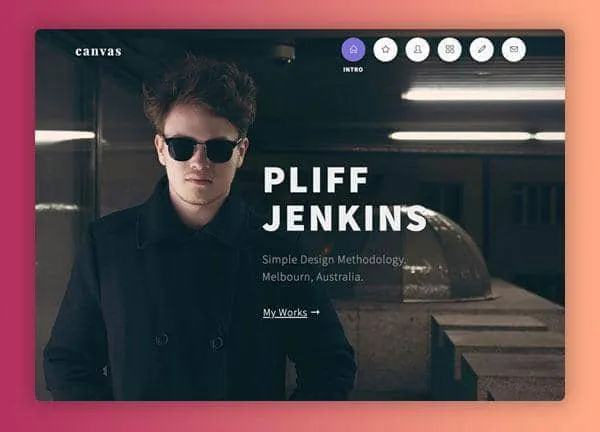
Pliff Jenkins demo, live preview (opens in a new tab)
Portfolio & Personal · 4 pagesProjects are records you file once
Every demo here keeps its projects as Portfolio records. A project carries its own images, its write-up and its categories, gets a page of its own, and turns up in every grid and archive that lists it. Adding one means writing a record and nothing else.
- 25 projects in the Portfolio demo, 14 in Pliff Jenkins, 12 in Illustrator and 4 each in Freelancer and Olivia Chambliss
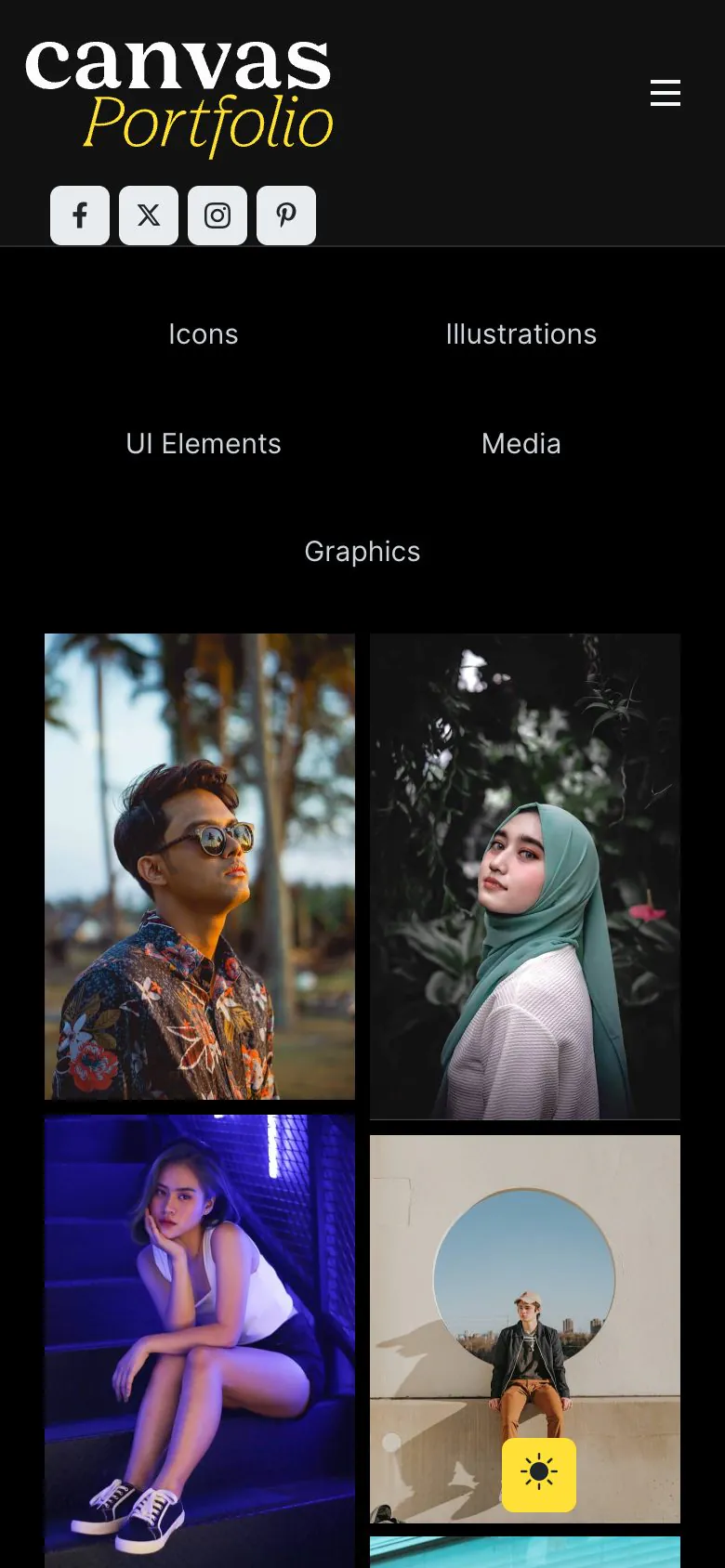
- Categories filter the grid in place: Graphics, Icons, Illustrations, UI Elements and Media in the Portfolio demo
- Pliff Jenkins files its work under Website Design, Web Application, E-Commerce, Brand Identity and Editorial, each with its own archive
- The Portfolio demo ships the same page twice over, once dark and once light, with a button in the corner that switches between them
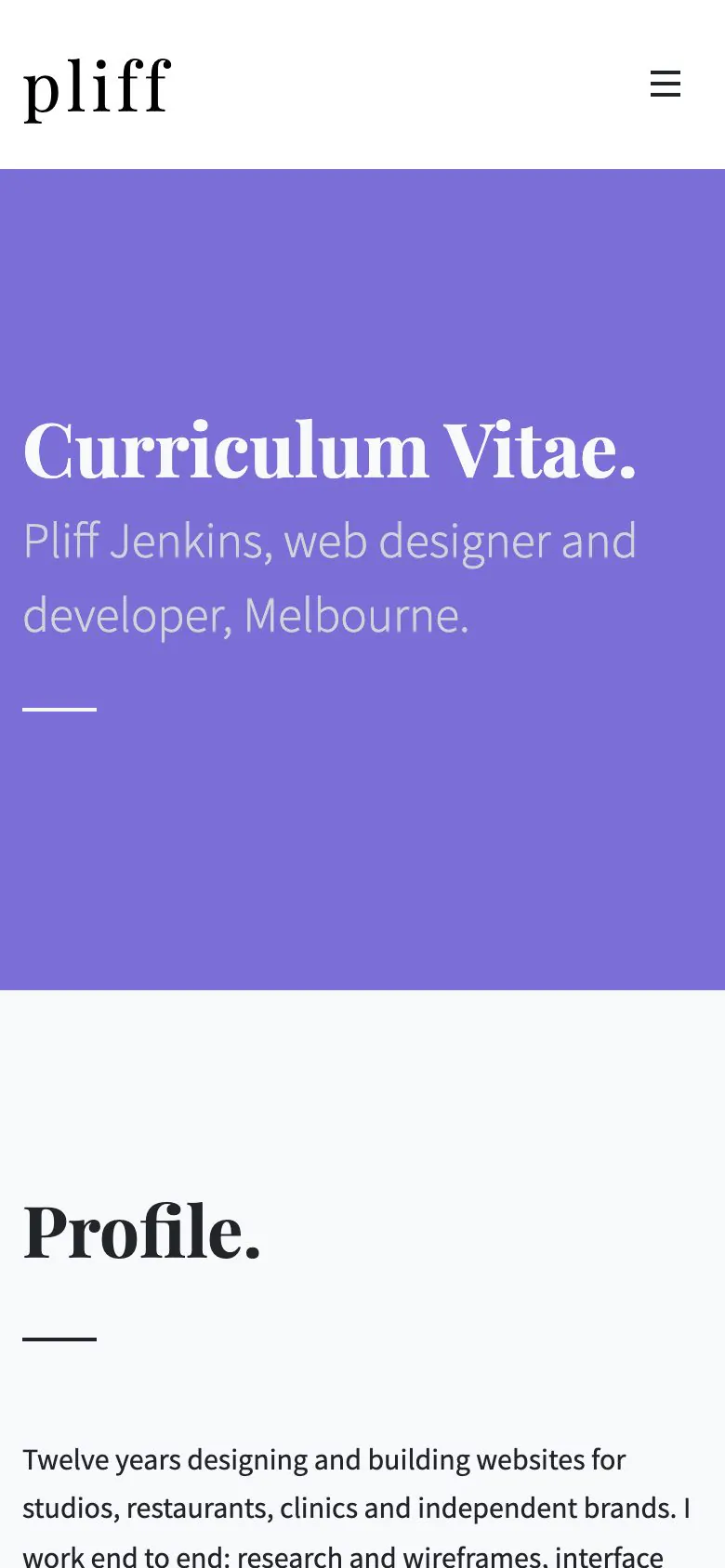
A curriculum vitae page with its sections laid out
A freelancer is hired on the work and on the history behind it. The Pliff Jenkins demo ships that second half: a CV page with its sections in place, so the job is replacing the entries.
- Sections for Profile, Experience, Education, Details and Toolkit, with a Start a Project form at the foot
- Skill bars on the home page, each one a block with its own label and percentage
- 5 articles and their archive, so writing sits beside the work
- The demo also ships an RTL stylesheet, and Olivia Chambliss ships a seven-page site with a journal for the same job
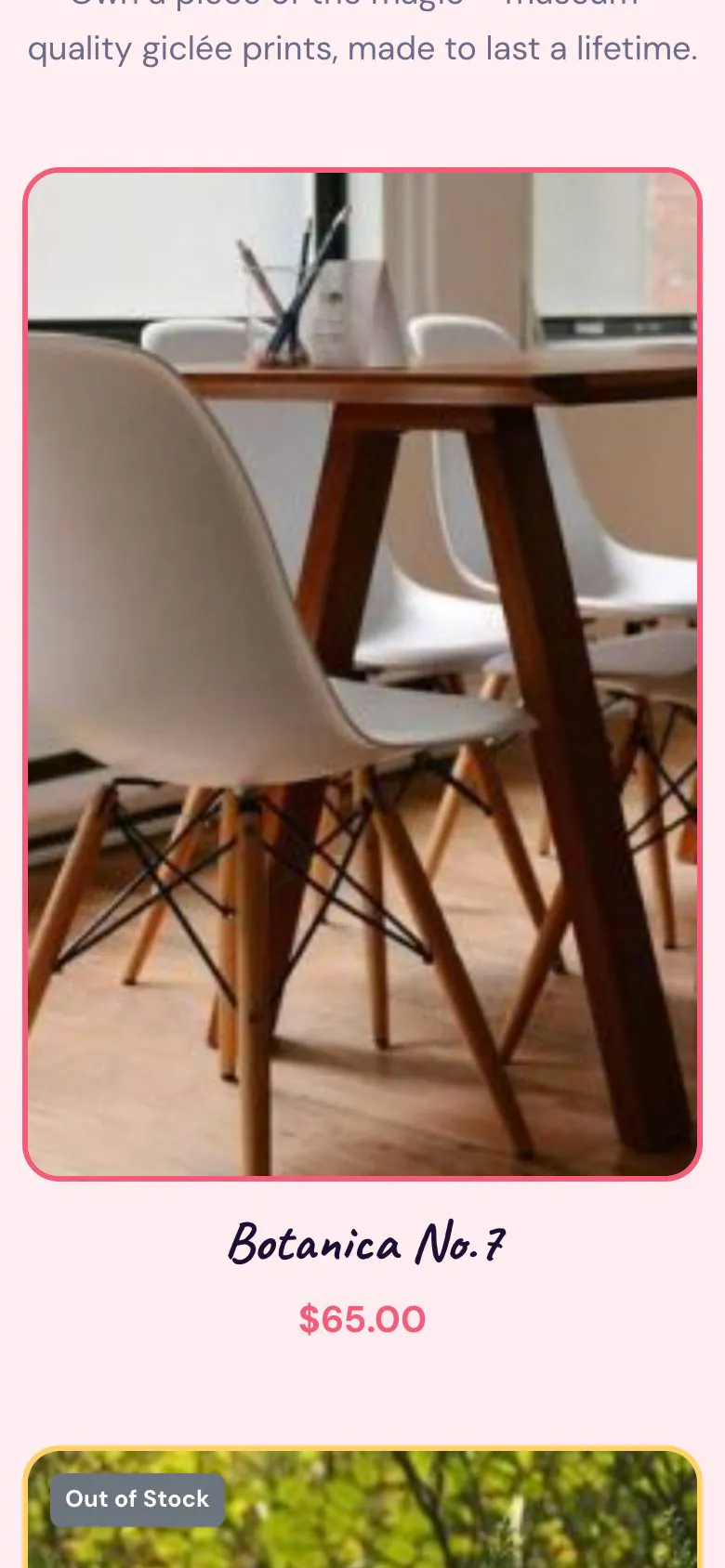
A print shop on the same site as the portfolio
The Illustrator demo is a WooCommerce store in the demo's own design. Its Print Shop page lists the products with their prices, and the cart and checkout pages are built from the same blocks as the rest of the site, so the shop reads as part of the site.
- A Print Shop page listing the demo's 4 products, with prices and stock state
- Cart and checkout pages in the demo design, plus a commission enquiry form and a contact page
- Every plan includes the 22 WooCommerce blocks, so a portfolio that starts without a shop can add one later
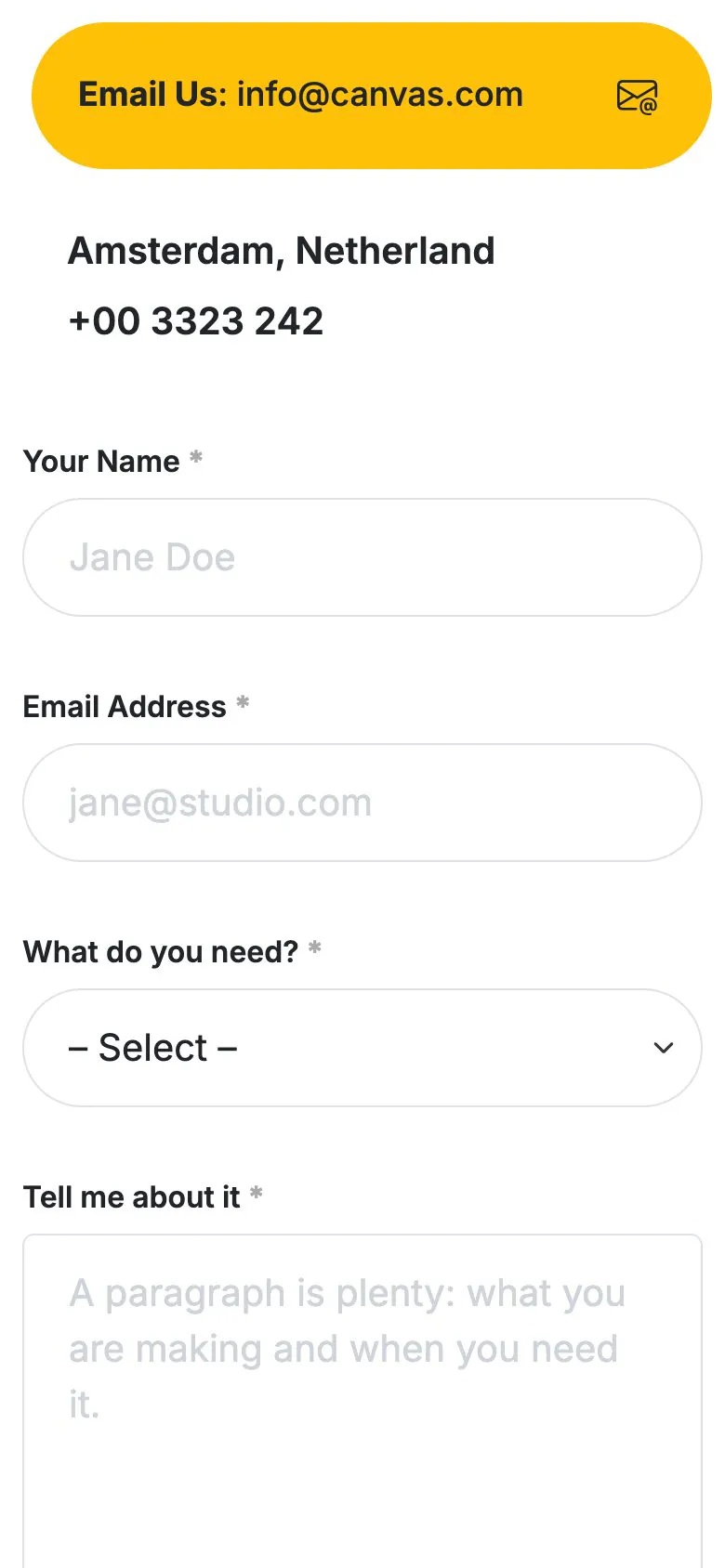
The enquiry form is built, and it does more than email
Four of the five demos ship a working Canvas Form. The Olivia Chambliss contact form asks for a name, an email address, the kind of project and a short brief, and every field is editable in the block editor.
- Email to you, a copy to the sender, the entry stored in WordPress and a webhook if you want one
- Spam stopped by a honeypot, reCAPTCHA v3 or Cloudflare Turnstile
- The Portfolio demo uses a plain email link, so add a form there if you would sooner have a brief in your inbox
- Notification mail leaves through your server by default, so set an SMTP provider in the Forms tab if your host is unreliable
What a finished demo saves you
Ready to show on day one
The import brings the inner pages, the menu, the forms and the project records, so the site is worth sending to someone the day you install it.
Edited in WordPress itself
A project, a skill bar, a rate: each one is a block field in the editor WordPress ships. No page builder subscription sitting behind your own website.
Reversible
Canvas logs everything an import writes. Delete Demo Data clears it again, so trying the CV demo after the one-page one costs you nothing.
Copy help included
Writing about your own work is the worst part of the job. Canvas AI drafts and rewrites text in any block field, with monthly credits on every plan.
Personal websites, asked plainly
Answers that hold for the five demos as shipped, including what they leave to a plugin.
Which portfolio demo should I start from?
Start from the Canvas demo in the shape of the site you want. Portfolio is a single page with a filterable grid of 25 works, in matching dark and light versions. Illustrator adds a print shop built on WooCommerce. Freelancer is three pages: home, works and about. Olivia Chambliss is a seven-page personal site with a journal. Pliff Jenkins is the CV site: a curriculum vitae page, a works page and an articles section.
How is the work managed?
As records in the Canvas Portfolio content type. A project is one record: the images, the write-up, the categories, a page of its own and a category archive. The grids on the home page and the works page read the same records, so a new project appears everywhere it belongs without touching a layout. Across these five demos the catalogue ships 59 projects to show the pattern.
Do the demos include a contact form?
Four of the five do: Illustrator, Freelancer, Olivia Chambliss and Pliff Jenkins each ship one Canvas Form, which can email you, email the sender a copy, store the entry in WordPress and post to a webhook, with a honeypot, reCAPTCHA v3 or Cloudflare Turnstile stopping spam. The Portfolio demo uses a plain email link, so add a form there the way the other four do: make the Canvas Form, then place it on the page.
Can I keep the whole site on one page?
Yes, and two of the Canvas portfolio demos are built that way. The Portfolio demo puts its filterable works grid and its about section on a single page, and the Illustrator demo puts its work, its introduction and its prints on one page with the shop pages behind it. If a single page is all you want, the One Page demo ships 65 single-page layouts on its own, listed on the demos page.
Is scheduling, invoicing or a CRM included?
No: Canvas ships the pages, the content types and the forms. Appointment scheduling, invoicing, a CRM: all plugin territory, and there is no booking engine either. Because a form posts to a webhook, an enquiry reaches whatever you run the rest of your week on.
How many websites does one licence cover?
A Canvas licence on Starter costs $39 a year and covers 3 websites; Pro covers 10 and Agency 100. Every plan includes every demo and every block, so a personal site and the client site you build next month come out of the same licence.
Put your portfolio online with Canvas
One licence covers every demo and every block. Import a portfolio demo from the setup wizard, put your own projects in and publish.