

Canvas features: everything Canvas ships
Canvas is a WordPress theme with a companion plugin. This page lists every feature family, what it does and where to read the detail. Every plan includes all of it.
Six places most people go first
Each one has a page of its own with screenshots and the detail behind the summary.
Header and footer builder
Headers, footers, top bars, mega menus, side panels and page titles are records you build from blocks and assign to the site or to a single page.
The editor
Pages open with the whole template rendered in the canvas. Block defaults, global block styles and an advanced panel sit on every block, core blocks included.
Blocks and patterns
258 blocks in 10 categories and 183 patterns. A page loads only the CSS and JavaScript of the blocks it contains.
Demo websites
80 complete sites in 16 categories, each one arriving with its pages and posts, its menus, its forms, its content types. Every import can be rolled back.
WooCommerce
22 store blocks for product pages, the shop grid, cart and checkout, plus colour swatches and 18 store templates.
Canvas AI
Generate or improve any text field and create images straight into the media library, using the business description, tone and audience you set once.
Jump to a feature
From activation to a finished site in 8 steps
Activate Canvas and the wizard opens. It handles the licence, imports the demo you pick, installs what that demo needs and sets the SEO basics before you write a word.
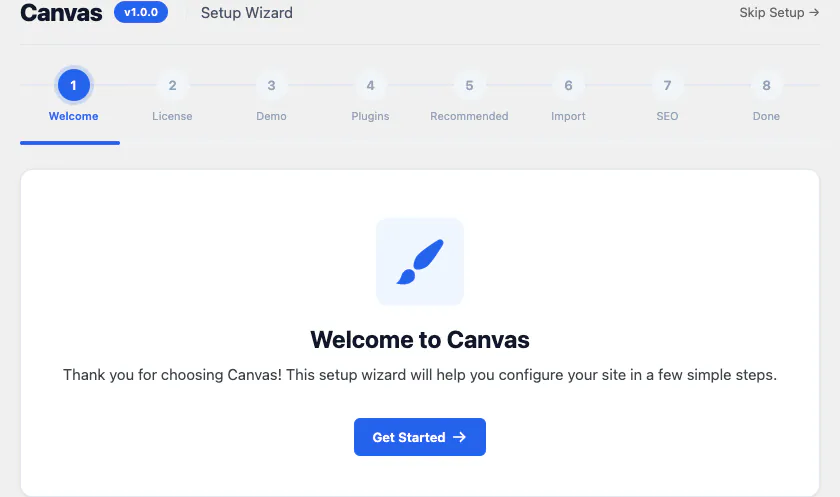
1 Welcome
The wizard opens the first time you activate Canvas and shows the steps ahead.
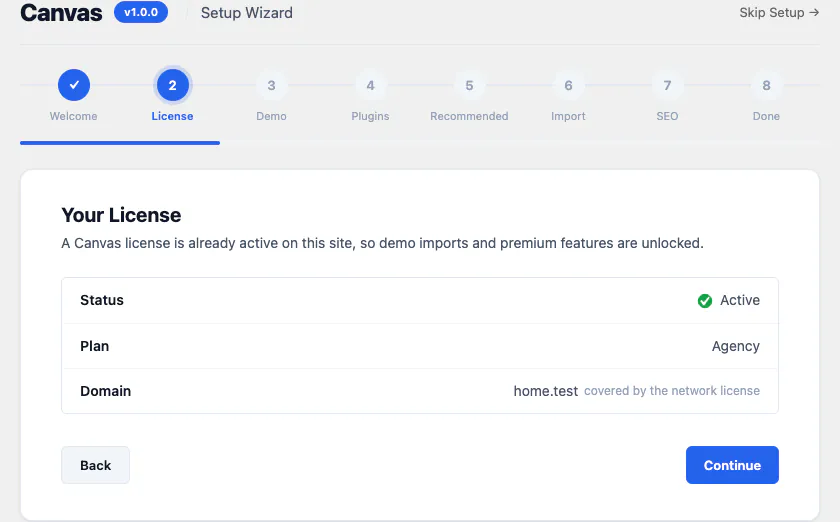
2 Licence
Activate this website with your licence key. Canvas keeps working for 14 days if a check cannot reach our servers.
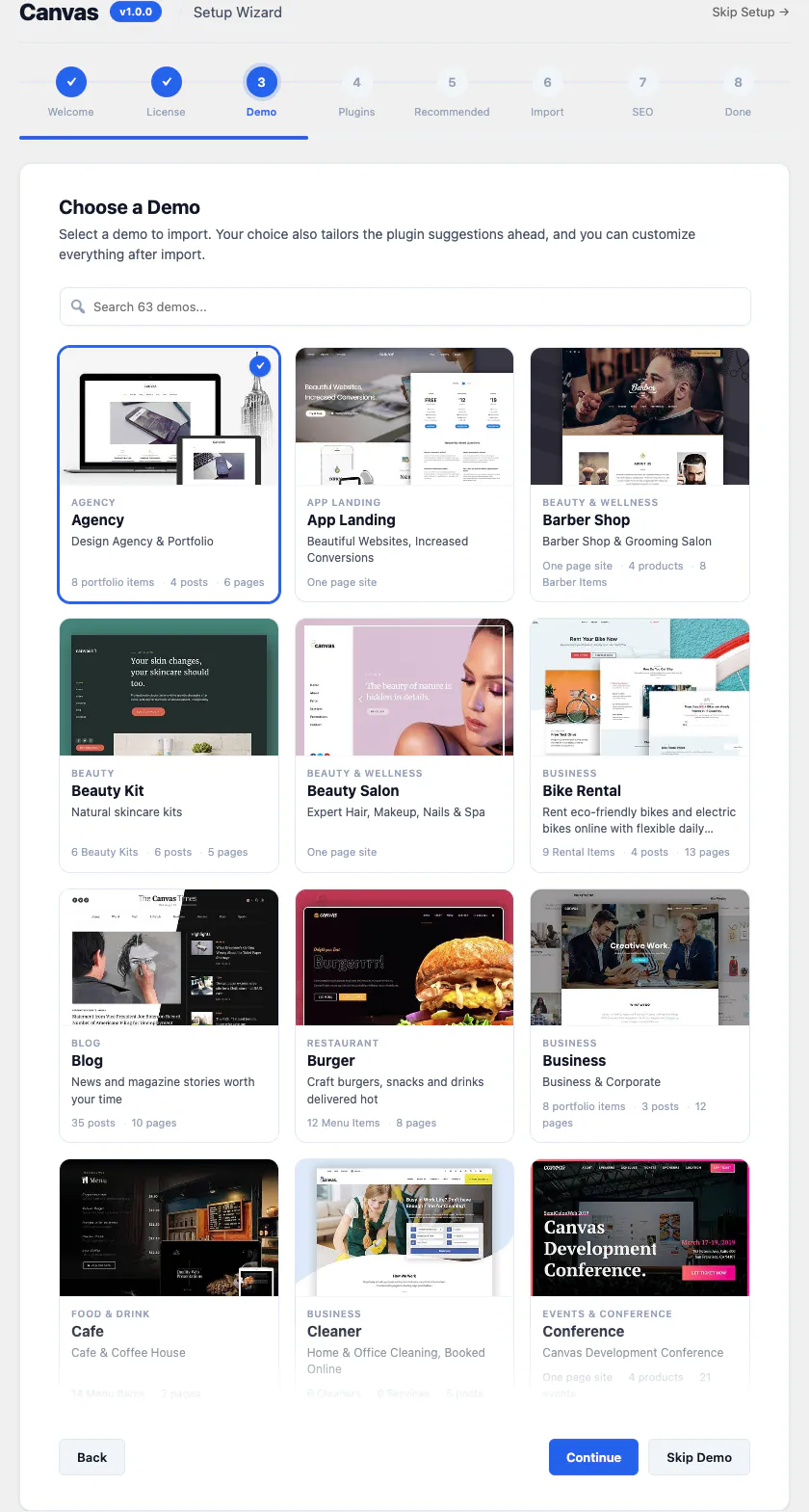
3 Demo
Choose one of the 80 demo websites. Each one lists the pages, posts and content types it brings.
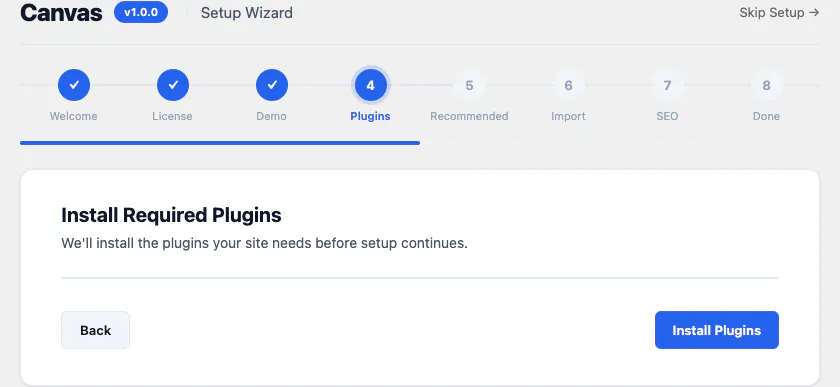
4 Plugins
Canvas installs and activates the plugins your chosen demo needs, such as WooCommerce for a store.
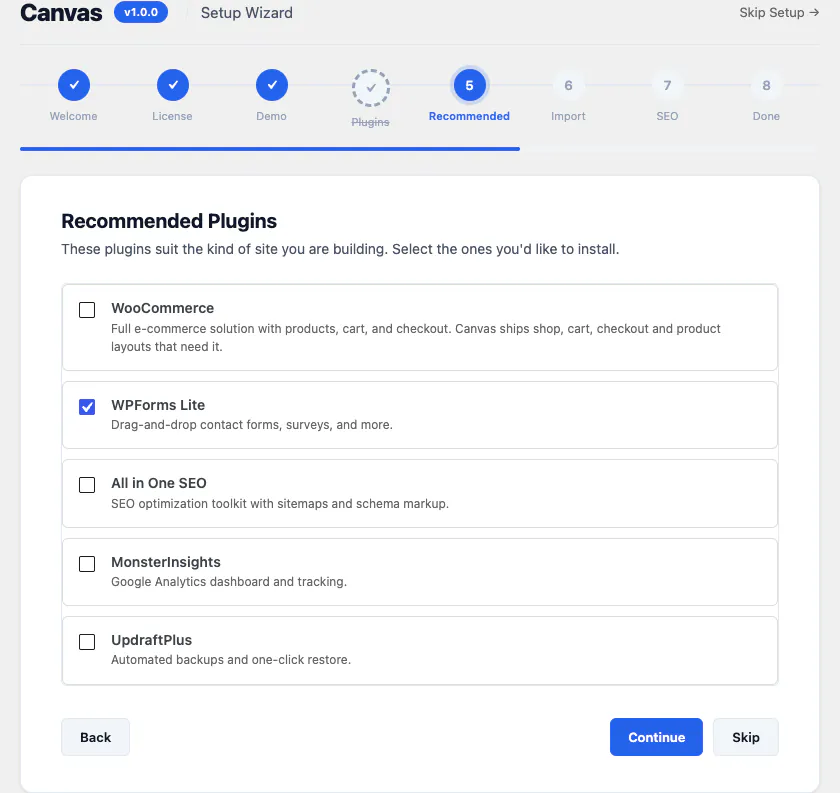
5 Recommended
Optional companions the demo does not require. Tick the ones you want and they arrive with the rest.
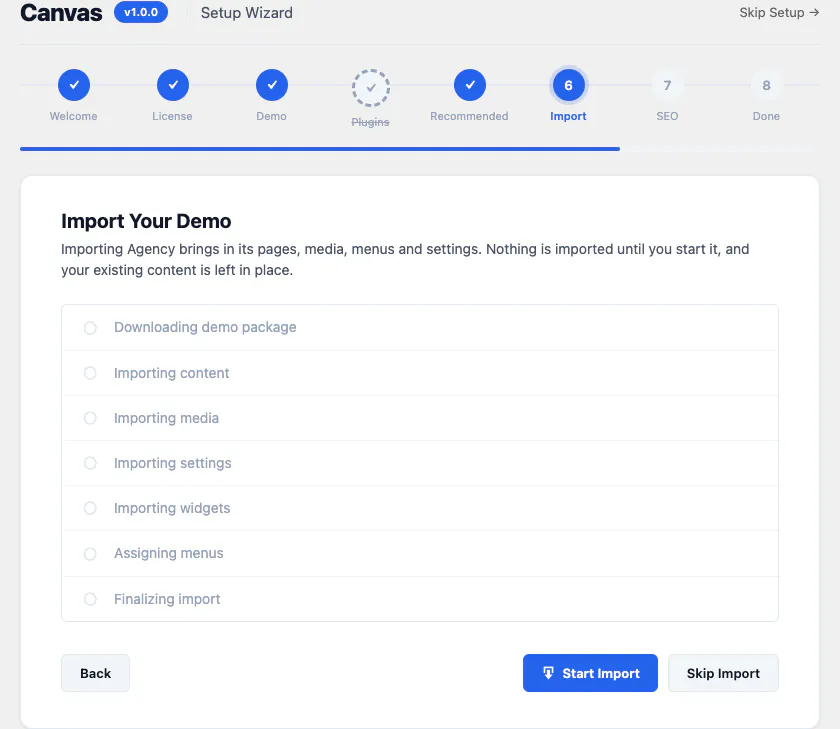
6 Import
The demo imports step by step. Every post, term, attachment and menu it creates is tracked so the import can be rolled back.
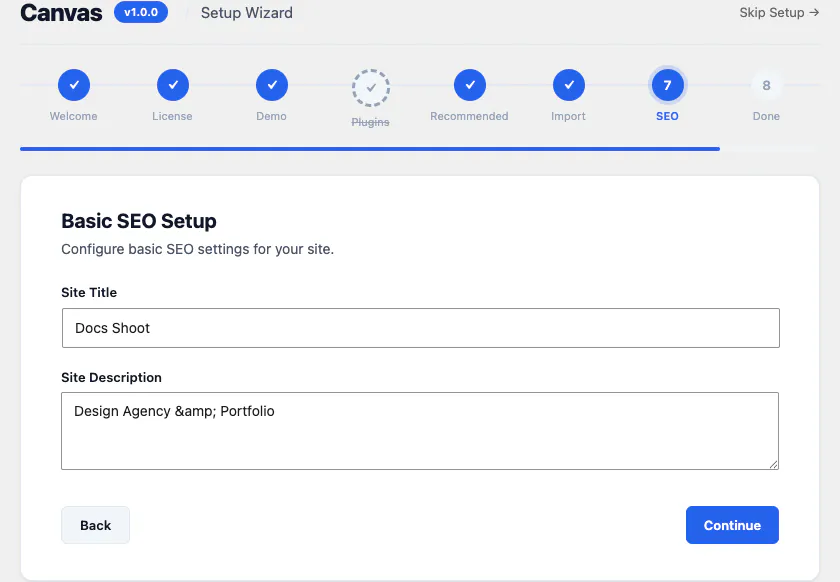
7 SEO
Set the site title and description. From there Canvas derives titles, descriptions and structured data from your content.
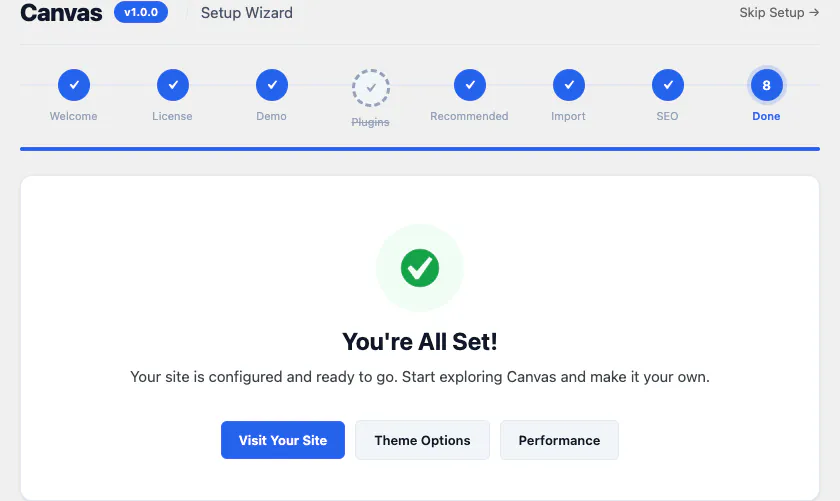
8 Done
You land on a site that looks like the preview you picked, with real content in it waiting to be edited.
460 options across 22 sections
Everything a demo sets for you, you can change. Export a whole configuration as a file and import it into the next site you build.
Every section of Theme Options
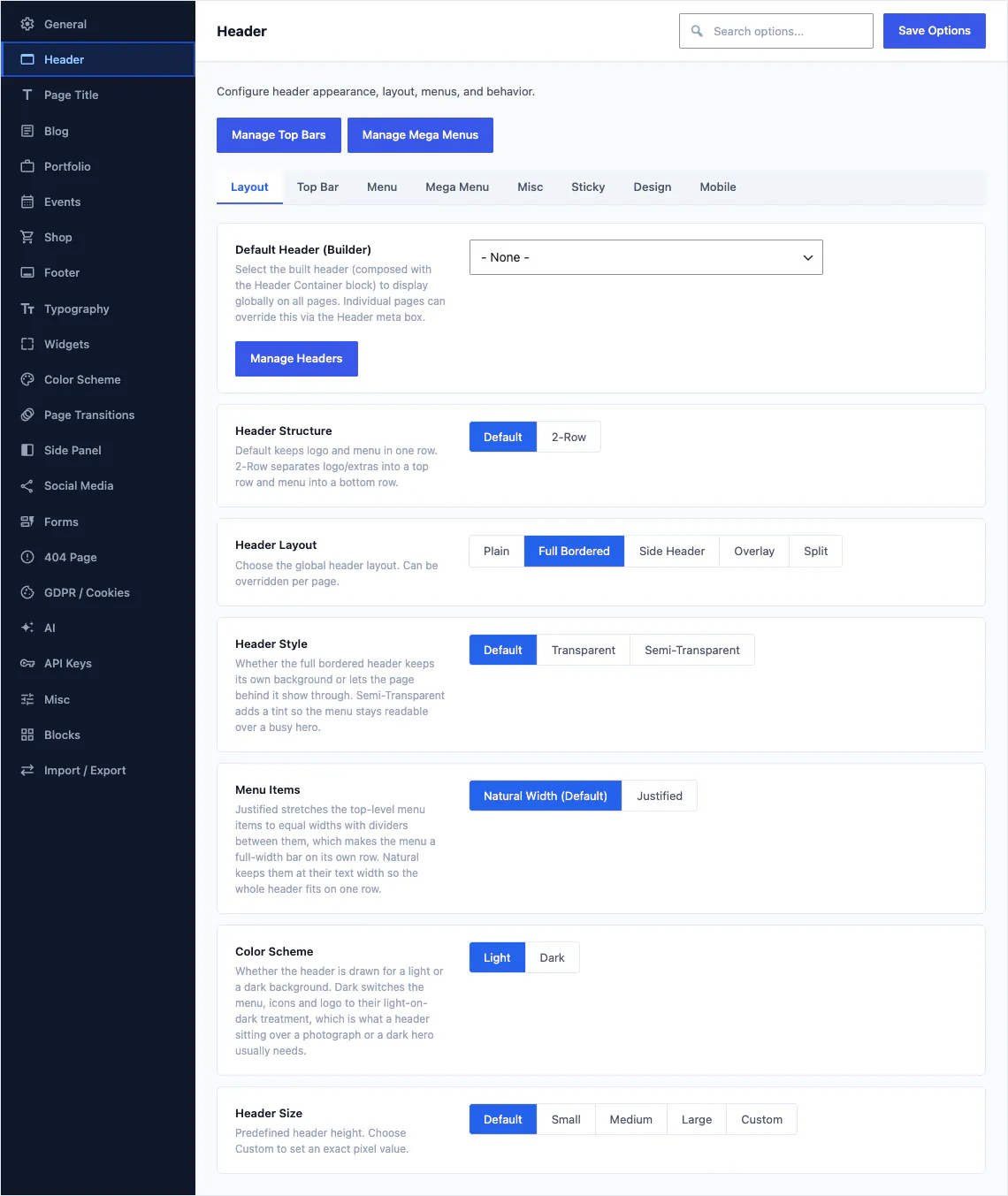
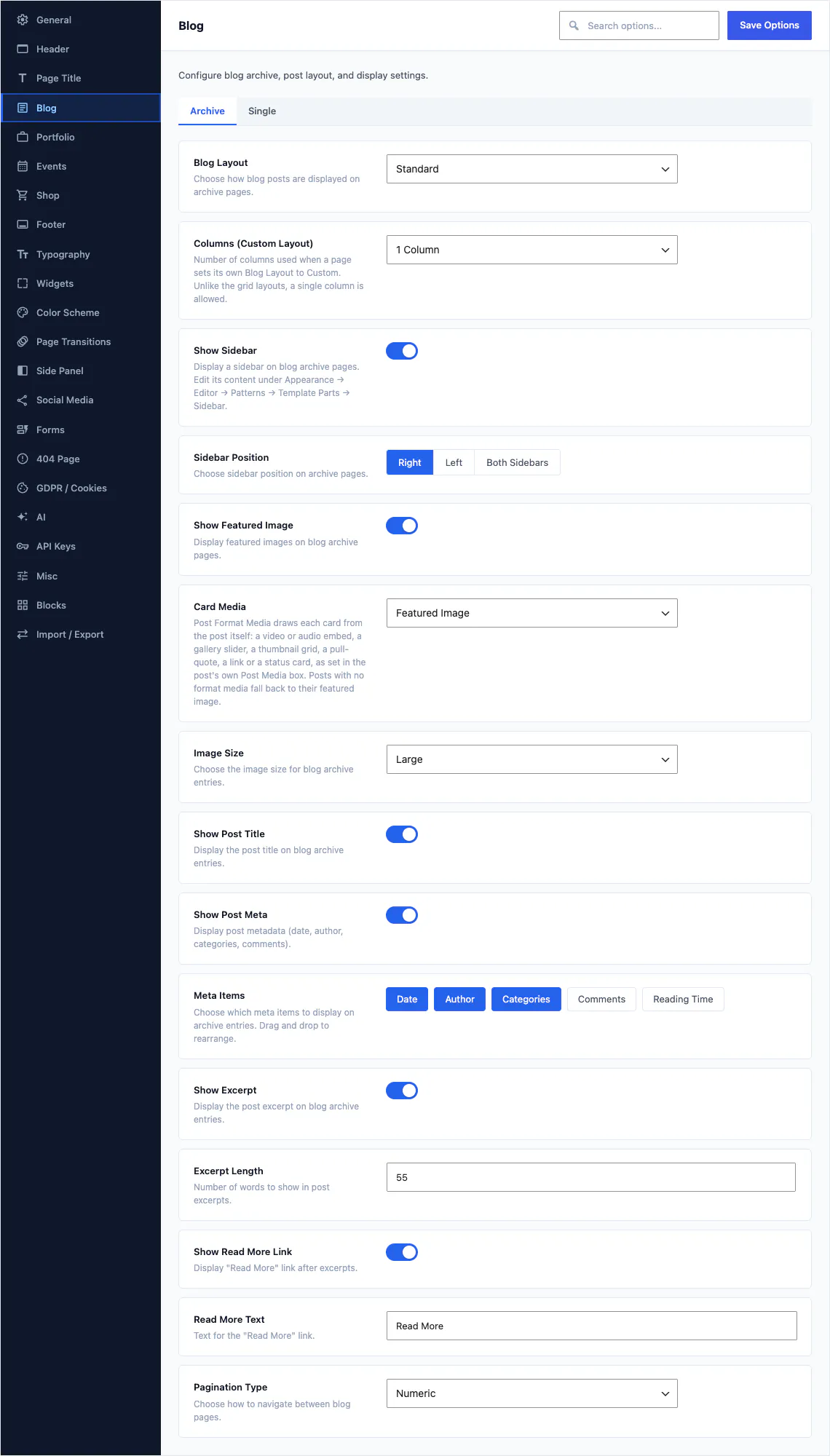
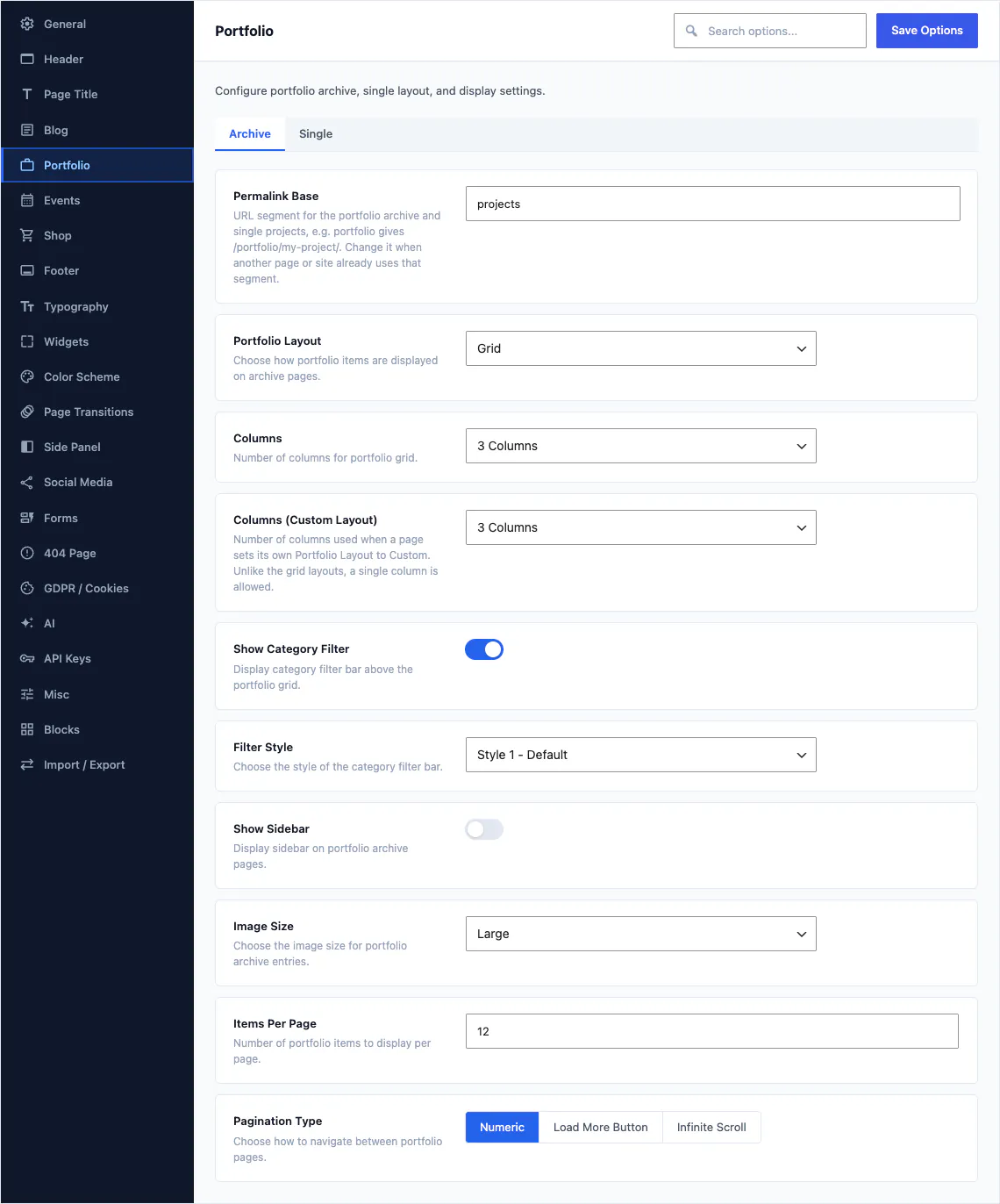
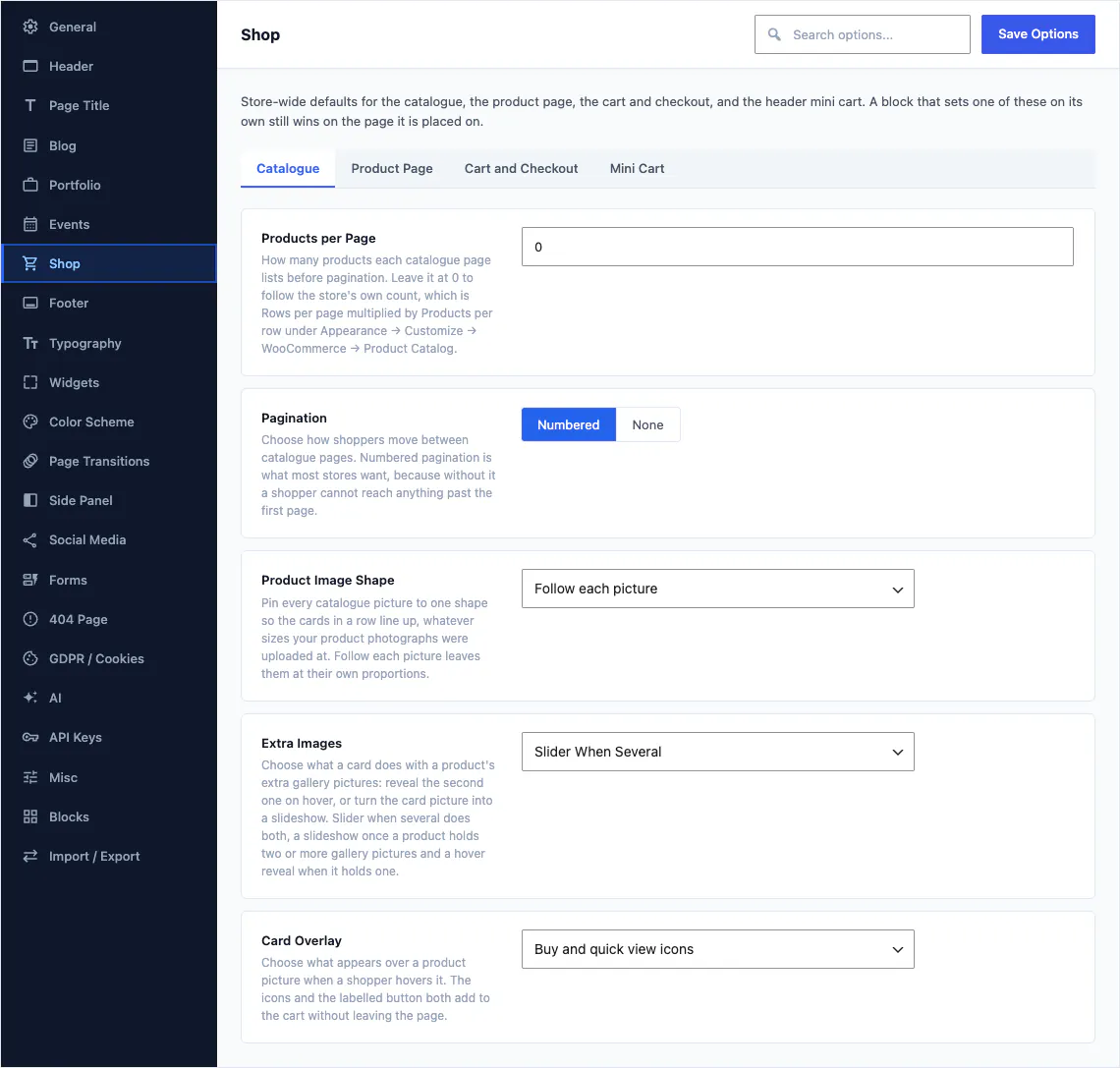
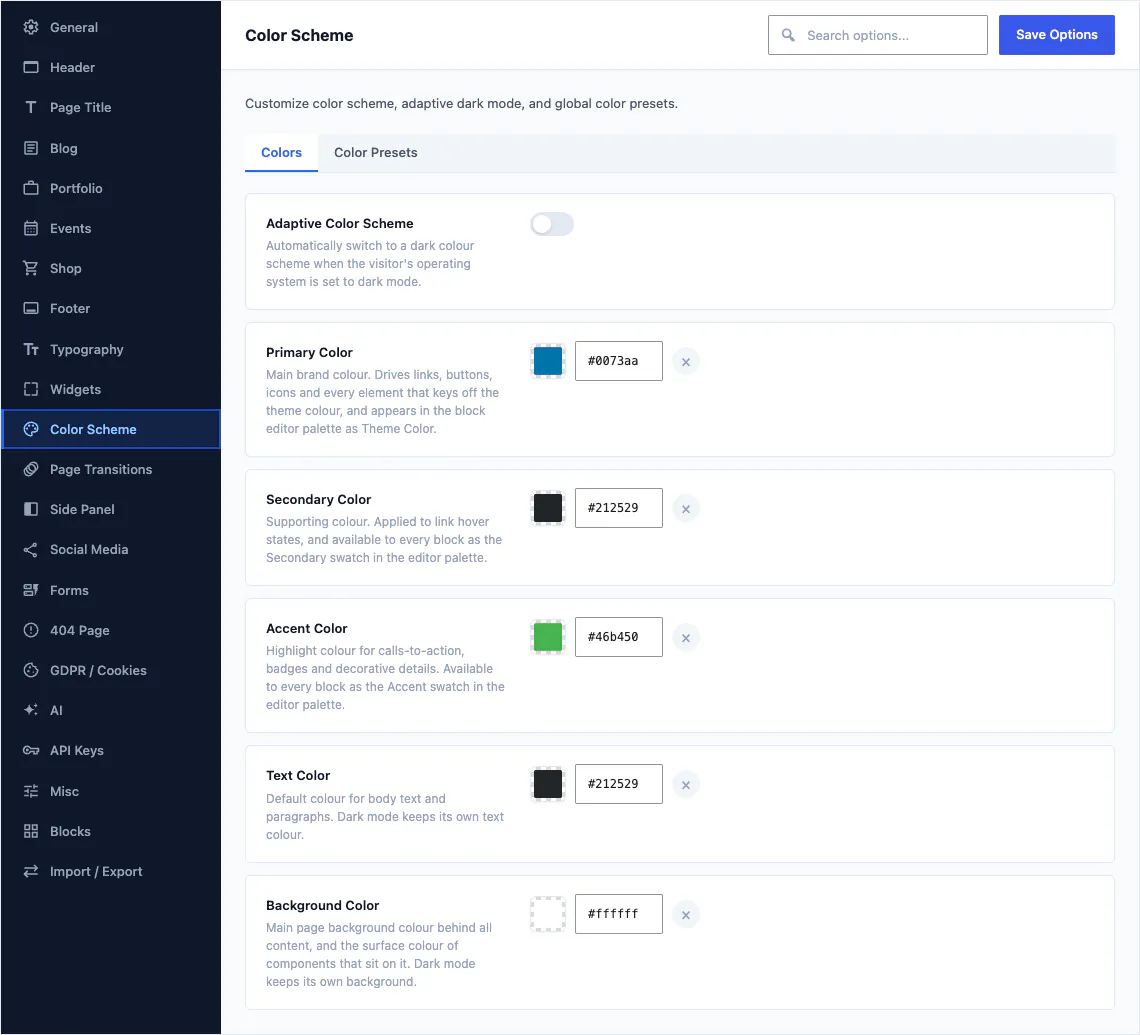
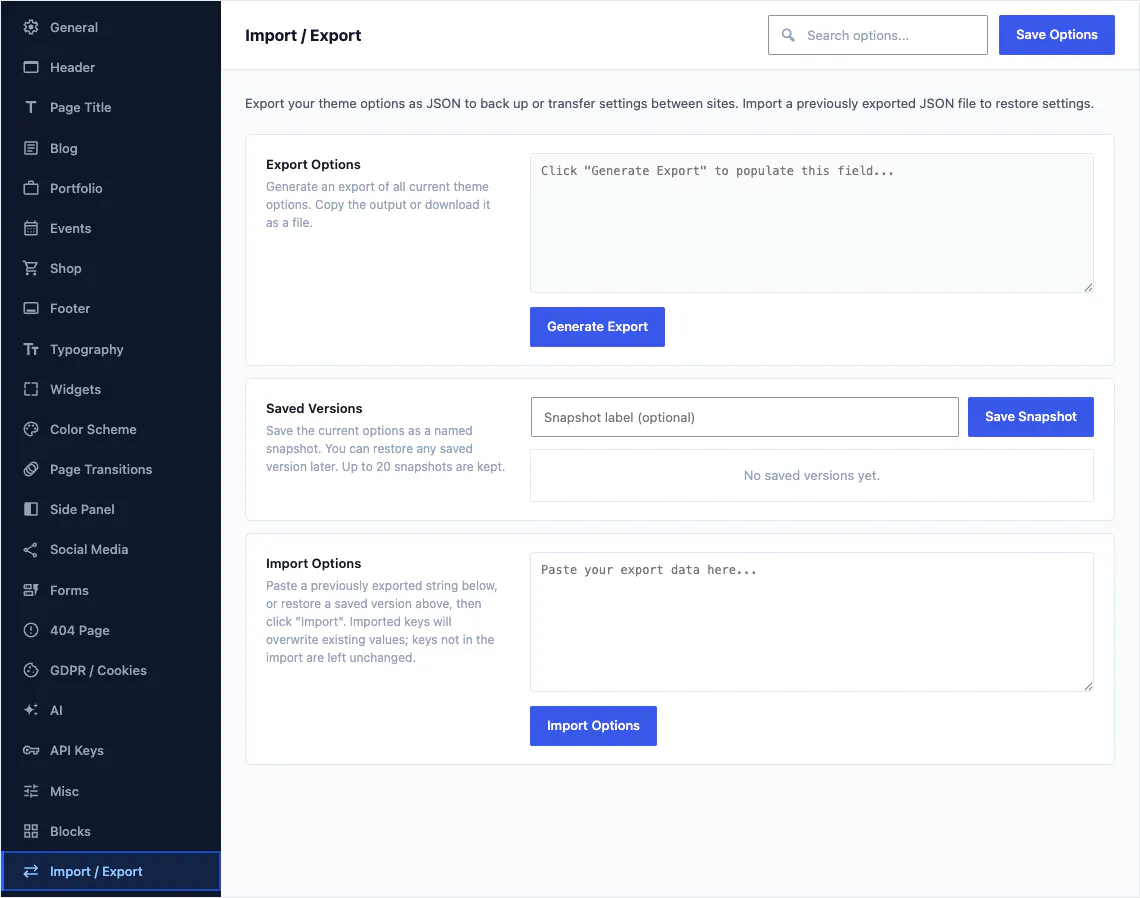
Sections cover the header, footer, page titles, blog, portfolio, events, shop, forms, widgets, colours, typography, side panels, page transitions, the 404 page, GDPR, AI, API keys, blocks, social profiles, general settings, the import and export screen, and a misc section for everything else. A site-wide demo import adopts the demo's whole configuration, so you start from a set of options that already matches the design you chose.
- Every option is documented in the reference articles
- Export settings from one site, import them into the next
- Header alone carries 92 of the 460 fields
A form builder that keeps its own submissions
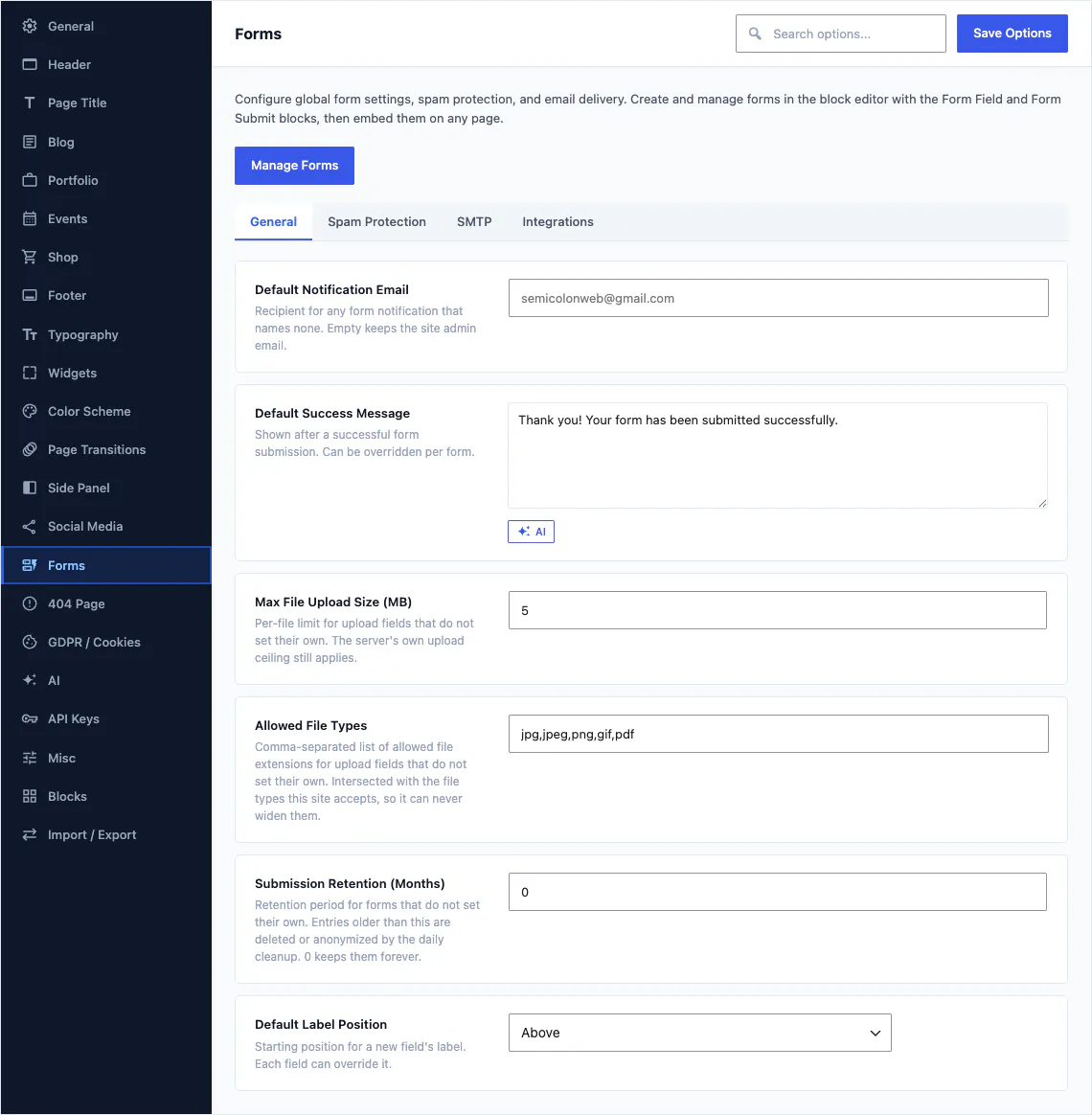
A form is a record you build from blocks, and its entries land in your own database rather than someone else's inbox.
Five blocks build the form
Form holds the fields, Form Field defines each one, Form Submit Button sends it and Form Embed drops the finished form into any page. Quick Contact is a compact contact form for a sidebar or a footer.
- Submissions stored in their own table, listed in the admin
- File uploads with the rules you set
- Scheduled privacy cleanup removes old entries
- Login and register forms as blocks for member sites
- 22 form patterns and 26 Theme Options fields
75 of the 80 demos ship at least one working form, so the first form on your site is usually one you inherit and edit. Browse the demos.
Portfolio, events and a blog that are properly built out
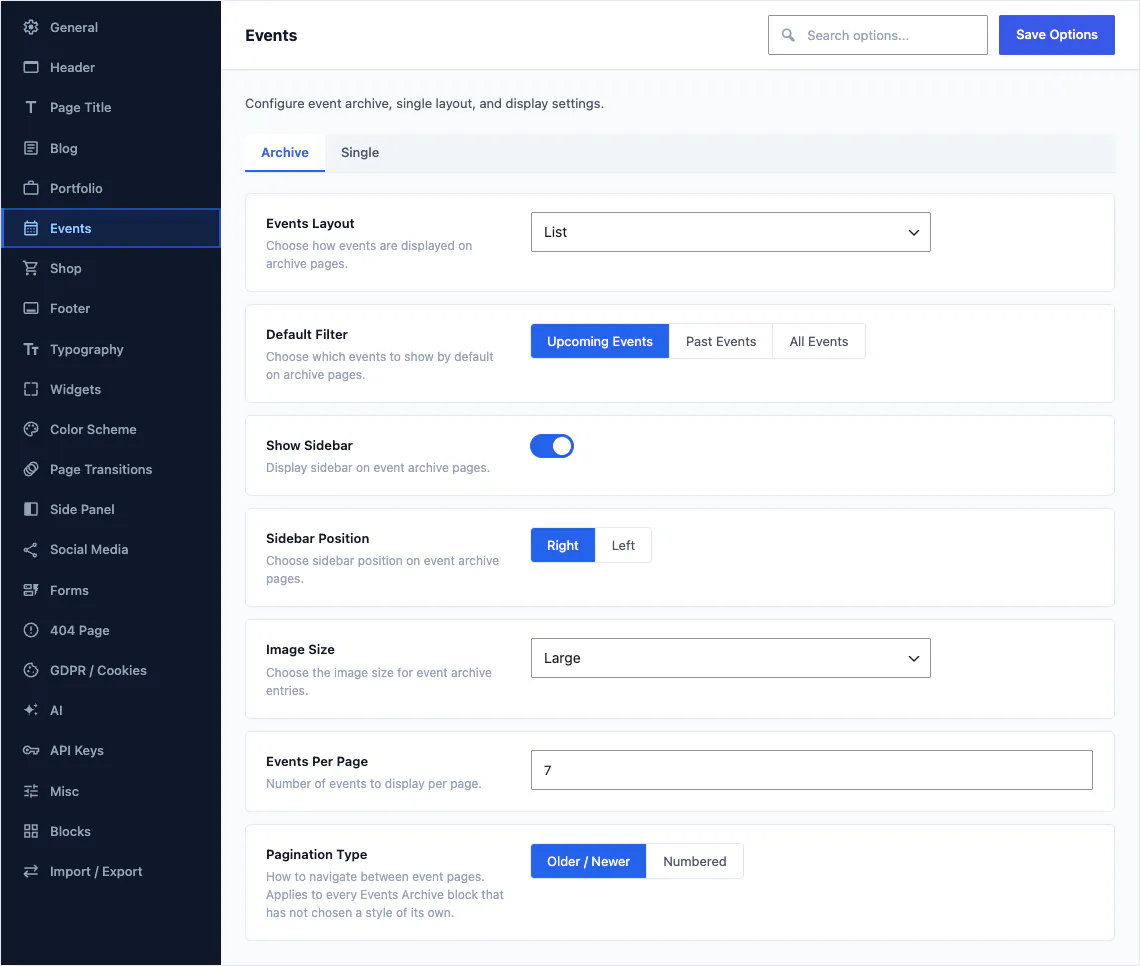
These are not three shortcodes. Each one has its own blocks, its own single templates, its own categories and its own options section.
Portfolio
11 blocks, 57 single templates, an archive, categories and 20 options. Filter grids, masonry layouts, related work and full-width case studies.
Events
16 blocks including a calendar, 7 single templates, an archive, categories and 15 options. Schedules, speakers, tickets and countdowns.
Blog
The blog is ordinary WordPress posts, with 24 post blocks, 14 single templates and 33 options on top of them.
Demos bring their own content types too: 42 of them across the catalogue, such as menu items for a restaurant, treatments for a spa, rooms for a hotel, properties for an estate agent and doctors for a clinic. They arrive with their demo, with their templates and their sample records. See which demo brings which.
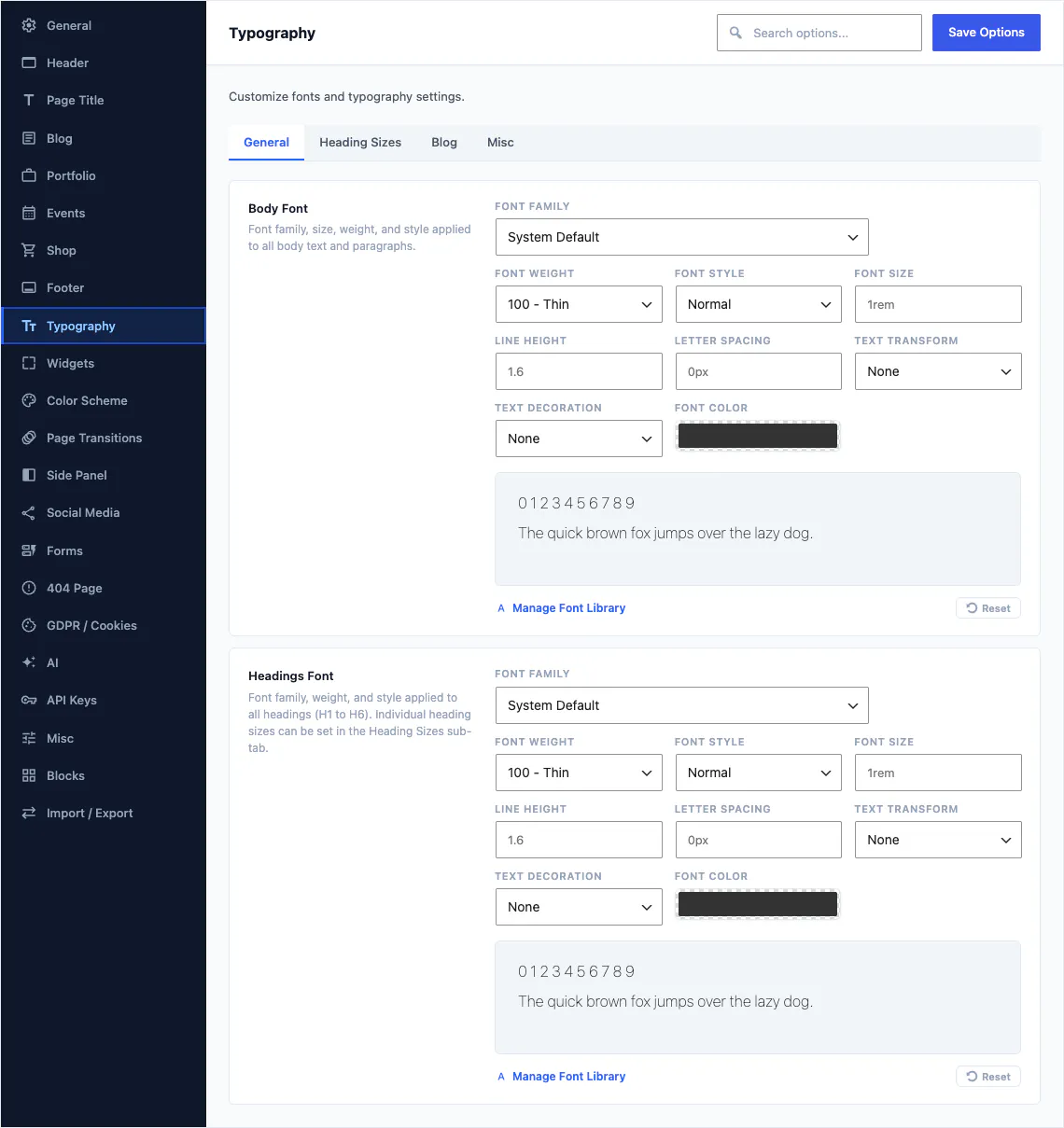
1,923 Google fonts, Adobe Fonts and your own files
Pick a family for headings and a family for body text, and the choice flows into theme.json so the editor shows the same type as the front end.
- 1,923 Google families with their real weight ranges
- Adobe Fonts through your own kit URL
- Upload woff2 and woff files and Canvas writes the font face rules
- Custom typography rules for any selector you name
- System font stacks when you want nothing loaded at all
5,711 icons in 4 packs
Icon fields across the block library open the same picker. Every pack has its own switch, and you can register a pack of your own.
Font Awesome 6 Free
Font Awesome Brands
Bootstrap Icons
Unicons
Turn off the packs a site does not use and their picker entries go with them. Custom packs register through the same interface the four built-in packs use.
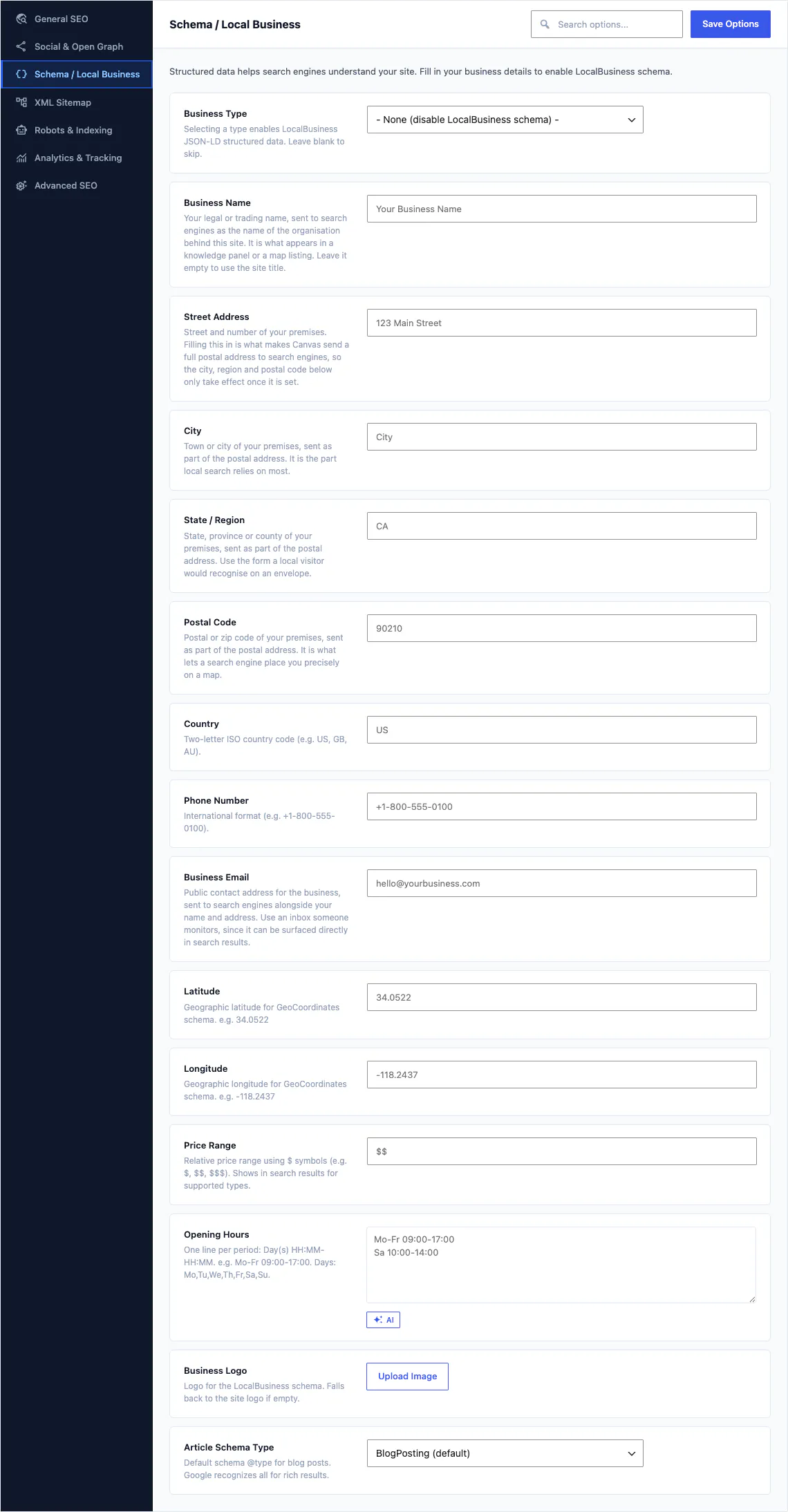
Technical SEO derived from your content
Canvas builds titles, descriptions, social cards and structured data from what is on the page at render time, so you are not maintaining a second copy of your own content.
- Titles and descriptions derived per page, with per-post overrides
- Open Graph and Twitter cards
- An XML sitemap and robots rules
- Analytics without a second plugin
- 16 schema types, from Organization and Breadcrumbs to Product, Offer, Review and opening hours
Popups, modals, off-canvas panels and notices
A popup is a record built from blocks, like every other piece of chrome. Design it once, then decide where it appears.
- Popup records with their own blocks and settings
- Modal, Off Canvas, Overlay Content and Overlay Item blocks
- Notification and Alert blocks for messages inside the page
- 4 popup patterns, and 4 demos that ship one you can open and edit
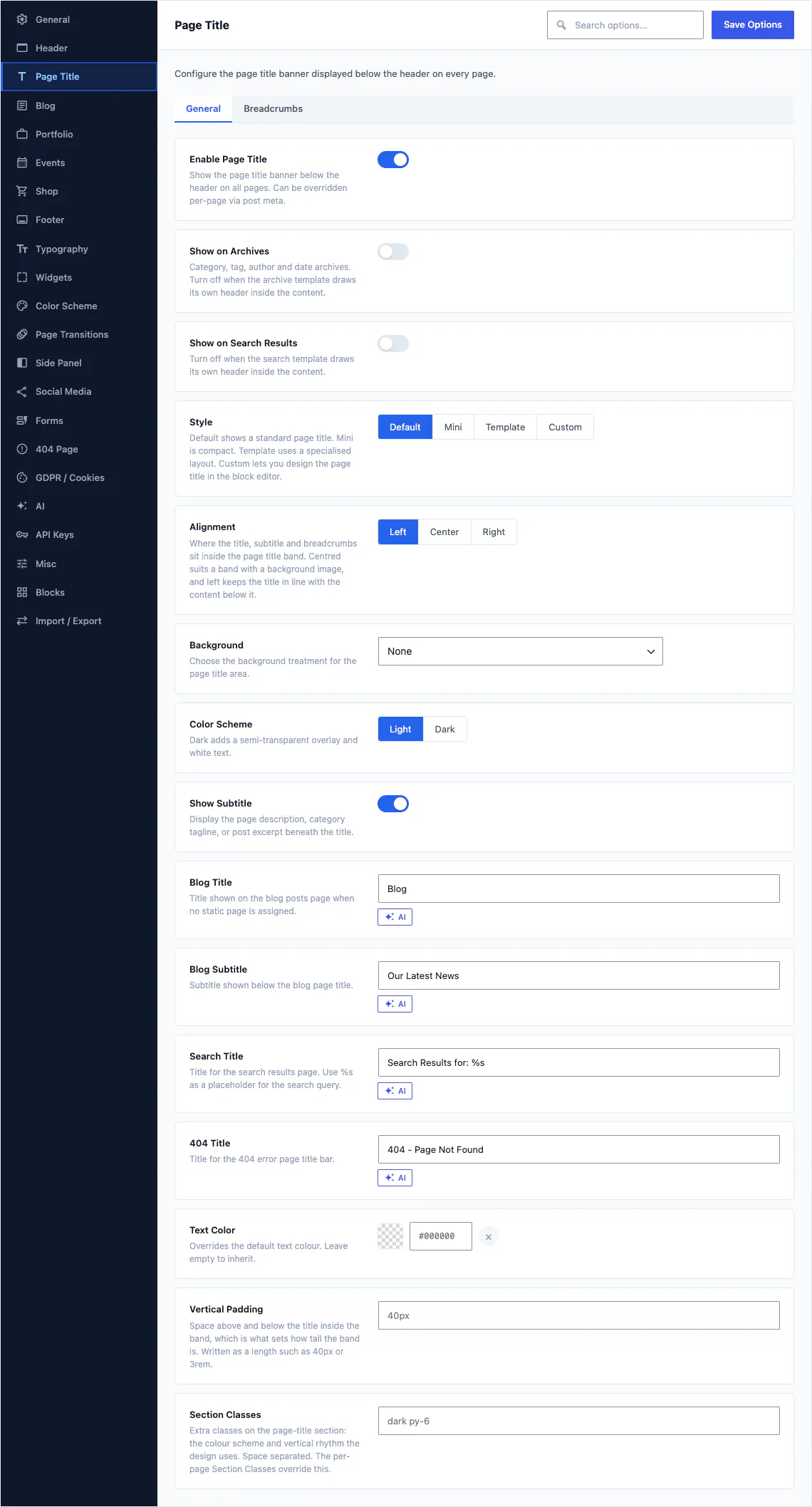
4 page title styles and 57 options
The band under the header is its own design surface: Default, Mini, a named Template layout, or a Custom style you build from blocks.
- Page Title, Heading, Subtitle, Breadcrumbs and Buttons blocks
- A site-wide default that any page can override
- Background, height and alignment, with breadcrumbs on a switch of their own
Records placed by a slot block
Heroes and sliders are records of their own. A slot block in the template pulls in the one assigned to the page, so the same template serves every page with a different opening.
- Hero records and Slider records, both built from blocks
- Hero Slot and Slider Slot blocks sit in the block template
- Both render in the editing canvas before you publish
- 12 of the 80 demos ship a slider you can edit
A colour scheme that follows the operating system
Switch on the adaptive colour scheme and visitors who ask their device for dark mode get your dark palette, without a toggle to build or a second stylesheet to maintain.
- The adaptive scheme reads the visitor's own preference
- Dark and midnight style variations ship with the theme
- 4 style variations in all, switched in the Site Editor
RTL stylesheets ship with 6 demos
Canvas is not fully right-to-left, and we would rather say so here than in a support ticket.
- 6 demos ship a dedicated right-to-left stylesheet
- Those are the ones to start from for Arabic, Hebrew or Farsi
- Every string is translatable, which is a separate thing again
Put your own brand on the WordPress admin
An account-level add-on at $99 a year that works with any plan. It changes what a client sees, never what the site does.
- Your brand name and logo in place of the Canvas ones
- Hide the licence screen and the demo screen from clients
- Point the support link at your own help desk
- Display only, so nothing about the site's behaviour changes
On the screen where every other update lands
Your licence entitles the download, and WordPress does the rest. Updates appear under Dashboard and Updates with every other theme and plugin.
- Maintenance mode, rollback on failure and result emails come from WordPress itself
- Automatic updates are opt-in and limited to patch releases
- If an update changes a template you customised, Canvas names it
- An expired licence stops updates, never rendering
Every string is translatable
Canvas ships translation templates for both halves of the product, so a translator can start without touching any code.
- 13,090 translatable strings in the plugin
- 1,983 translatable strings in the theme
- A WPML configuration file ships with the plugin
- Both templates are regenerated with every release
New demos every two weeks, and you set the order
A new demo ships every fortnight, each with the features it needs, and an advanced AI blocks and page composer is coming soon. Tell us what you are building and what is missing.
Request a feature or a demo
Post it on the support forum. Requests with the most votes are built first, and every release note says which requests it closes.
Build your next website with Canvas
Beginner, freelancer or agency, you get the same blocks, the same demos and the same support. Start with one site and add more when you need them.