

A restaurant WordPress theme that opens with the menu in place
Canvas ships four restaurant websites: a sit-down Italian kitchen, a burger bar, a cafe and a winery that sells online. Take the one nearest your service, put your own dishes and photographs in, and open the doors.
Four restaurant websites, ready to import
Every one is a working site: its own pages, its own menus, its own forms, and a content type holding the dishes. Preview them live before you buy.
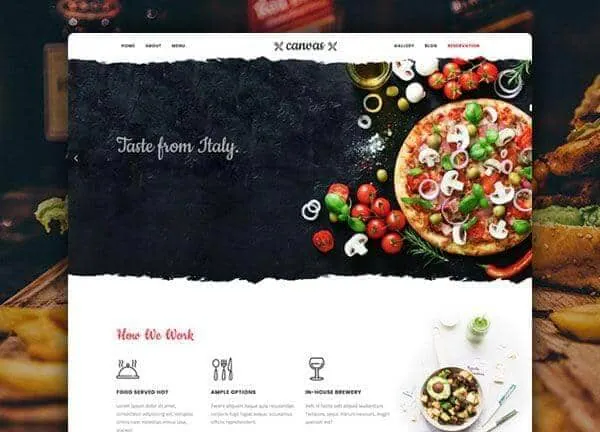
Italian Restaurant demo, live preview (opens in a new tab)
Food & Drink · 6 pages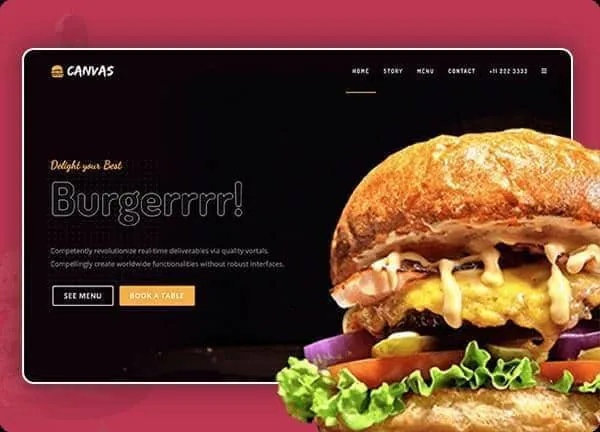
Burger demo, live preview (opens in a new tab)
Food & Drink · 8 pages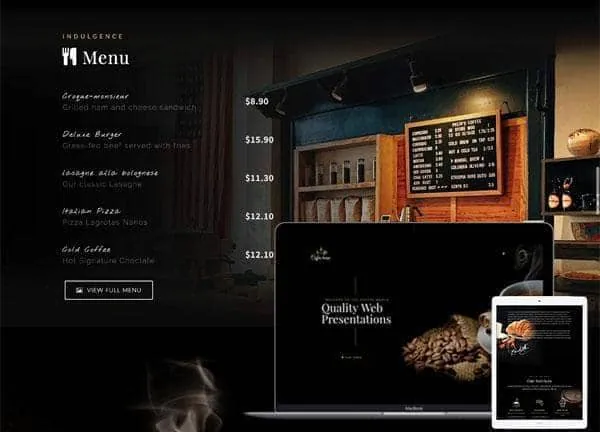
Cafe demo, live preview (opens in a new tab)
Food & Drink · 2 pages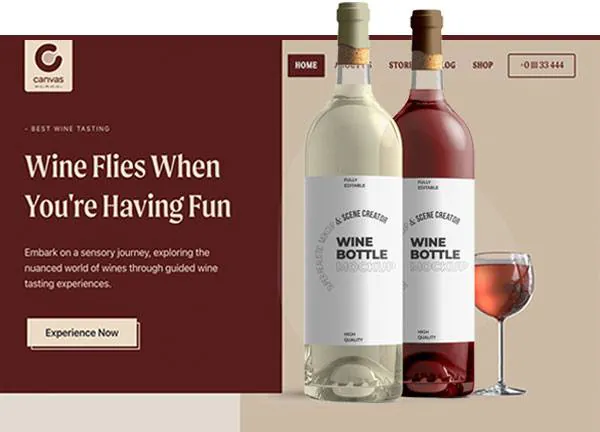
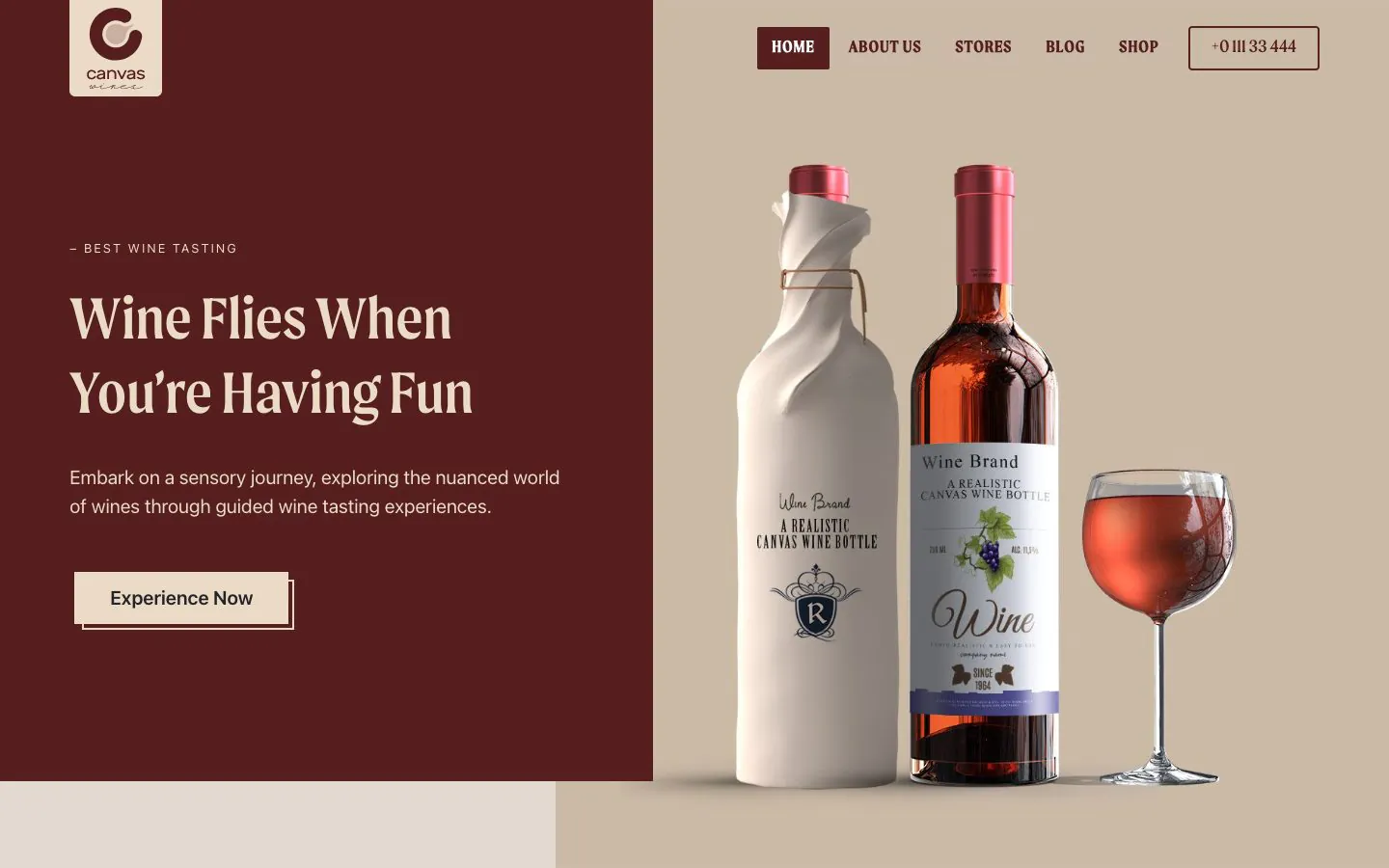
Wine Estate demo, live preview (opens in a new tab)
Food & Drink · 10 pagesDishes are records, not page layouts
The Italian Restaurant, Burger and Cafe demos register a Menu Items content type on import. A dish is one record. It holds its photograph, the description, the price and the nutrition figures, filed under a course, and the menu page lists them with the demo's own block.
- 50 menu items across the Italian Restaurant demo, 12 in Burger and 14 in Cafe
- Change a price in one place and every listing updates
- Courses, drinks and the specials board each get their own archive page
- The Wine demo lists 6 tastings the same way, as its own content type
A booking arrives as a request, and you confirm the table
The reservation form is a Canvas Form, and it takes a request: nothing checks table availability or holds a table. As the demo ships, each request is saved as an entry in WordPress. Switch on email and it reaches your inbox too, with an acknowledgement to the guest if you add one, and a webhook passes it to your reservation service. Spam is turned away by a honeypot, reCAPTCHA v3 or Cloudflare Turnstile.
Reservation form
Name, phone, email, date, time and party size, kept where your front of house reads it. The Italian Restaurant demo ships one; Burger ships 4 forms including a delivery order request.
Opening hours and address
Hours and the address sit in the header, the footer and the page title bars, all built in the header builder. Change your winter hours once and they change everywhere.
Gallery and blog
A gallery page for the room and the plates, and a blog for events and specials, styled to the demo. The Italian Restaurant demo ships 6 posts to show the pattern.
Add WooCommerce when you want orders
The Wine demo is a complete WooCommerce store drawn in the demo's own design: its products, its cart and its checkout all match, with a tastings calendar alongside. Every plan includes the 22 WooCommerce blocks, so a kitchen that opens without a shop adds one later on the same theme.
Most of your guests will read the menu on a phone
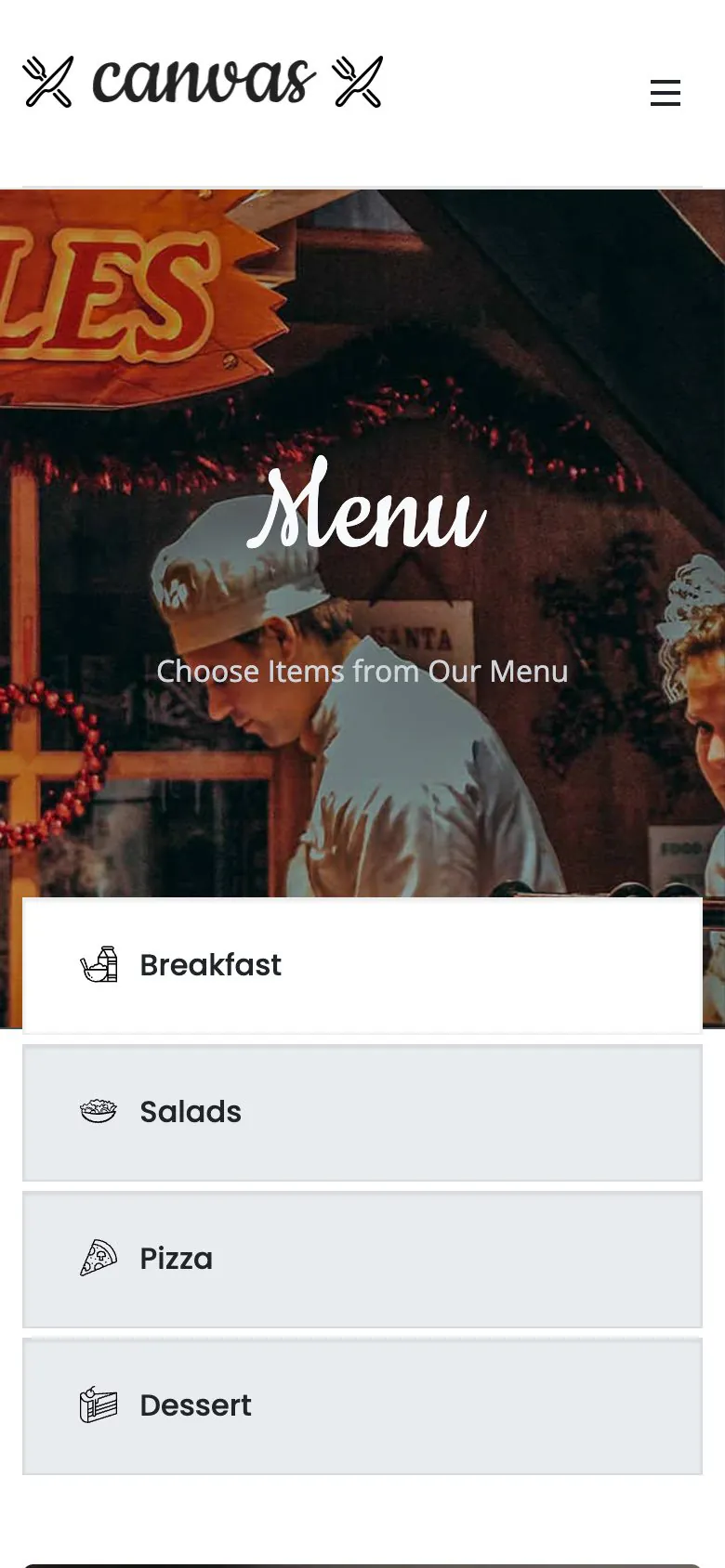
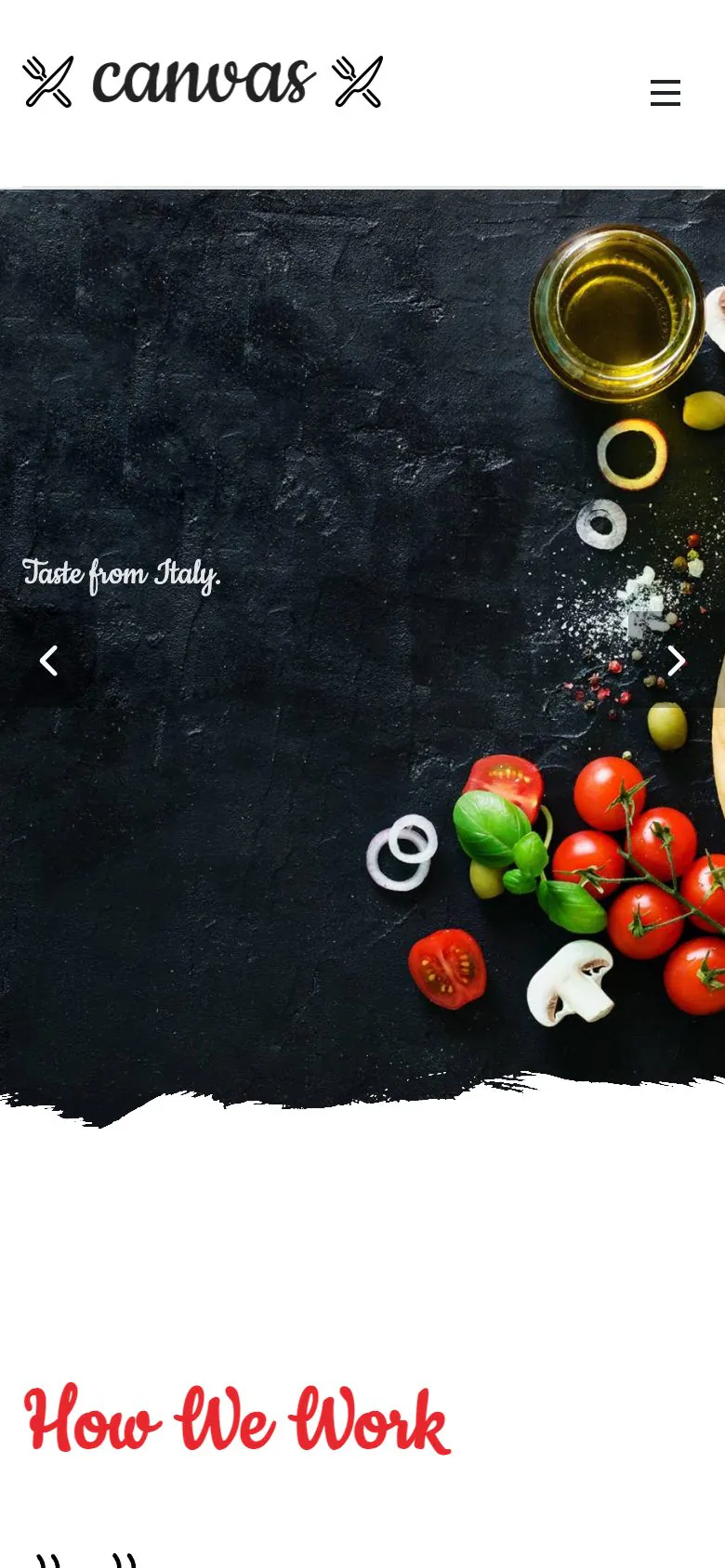
Half of them will be standing on the pavement outside while they do it. The menu, the hours and the booking form come from the same responsive blocks, so there is no second mobile layout to keep in step. The screenshot is the demo as shipped, 390 pixels wide.
- Theme Options holds separate phone rules for the header, the footer and the page title bar
- Images get width, height, lazy loading and responsive sizes from WordPress
- Canvas loads only the CSS and JavaScript a page renders
What a kitchen gets out of the box
Every page, down to the menu
Each demo imports its inner pages, its menus, its forms and its content types, so the dish list and the booking form work the moment the import finishes.
Edited in WordPress itself
A dish, an opening hour, a headline: each one is a block field in the editor WordPress ships. No page builder to learn, and none to renew.
Reversible
Every record an import writes is logged. Delete Demo Data clears it again, so trying the burger bar after the Italian one costs you nothing.
Copy help included
Stuck on the dish descriptions? Canvas AI drafts and rewrites text in any block field, with monthly credits on every plan.
Restaurant websites, asked plainly
Answers that hold for the four restaurant demos as shipped.
Which Canvas demo should a restaurant start from?
Pick the Canvas demo closest to how you serve. Italian Restaurant is a sit-down house: a full menu, a gallery, a reservation form and a blog. Burger is quick service and delivery, with four forms. Cafe is two pages for a coffee house and nothing you have to delete. Wine puts a WooCommerce store and a tastings calendar behind a winery.
How is the food menu managed?
The Italian Restaurant, Burger and Cafe demos each register a Menu Items content type when Canvas imports them. A dish is its own record: a title, a description, a photograph, a price and the nutrition fields, filed into courses. The menu page lists them with the demo's own block, so putting the sea bass up by a pound is an edit to one record, not to a page layout.
Is a booking a confirmed table or a request?
A request, because nothing in the Canvas reservation form checks whether a table is free. The Italian Restaurant demo's form asks for a name, a phone number, an email, a date, a time and the party size, and as the demo ships it saves each request as an entry in WordPress. You confirm the table yourself, or pass the request to a reservation service with the form's Send Webhook action.
Does the reservation form email me?
Once you switch it on: Send Email Notification is an action in the settings of every Canvas Form, and the demo ships with it off. Add a second notification addressed to the guest's email field and they get an acknowledgement that the request arrived. Notification email leaves WordPress through your server by default, so set an SMTP provider in the Forms tab of Theme Options if your host does not deliver mail reliably.
Can I take orders online?
With WooCommerce, yes: Canvas includes the store blocks on every plan. The Wine demo ships as a WooCommerce store, its products and its checkout drawn in the demo's own design, using the 22 WooCommerce blocks. The other three restaurant demos are not stores, so add WooCommerce to them when ordering matters.
Can I change the colours, fonts and photos?
All of it, in the WordPress editor Canvas builds on. The photographs are ordinary media library images. Colour and type live in Theme Options, and the layouts are blocks you edit where they sit. Nothing here wants a page builder, which is the plainest difference from an Elementor site.
How many websites does one licence cover?
A Canvas licence on Starter costs $39 a year and covers 3 websites; Pro covers 10 and Agency 100. Every plan includes every demo and every block; the plans differ by seats, AI credits and the Agency plan's multisite activation.
Open your restaurant online with Canvas
One licence covers every demo and every block. Import the restaurant demo from the setup wizard, then swap in your own dishes and photographs.