

A SaaS WordPress theme from launch page to full site
Five Canvas demos are built for software: an app landing page, a wallet product site, a hosting company, a developer tool and a creator link page. Between them they ship 53 pages, pricing tables with a billing switcher, and forms that file every enquiry where your team will see it.
One page, or twenty
Every one imports as a working website: menus, forms, a blog and whatever content types it registers. All five are live to walk through before you buy.
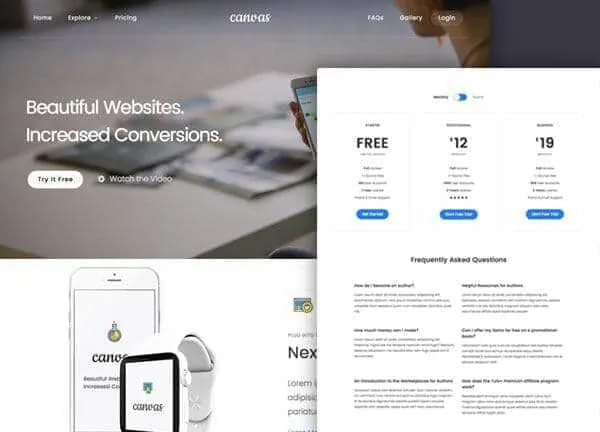
App Landing demo, live preview (opens in a new tab)
Apps & Landing Pages · 1 page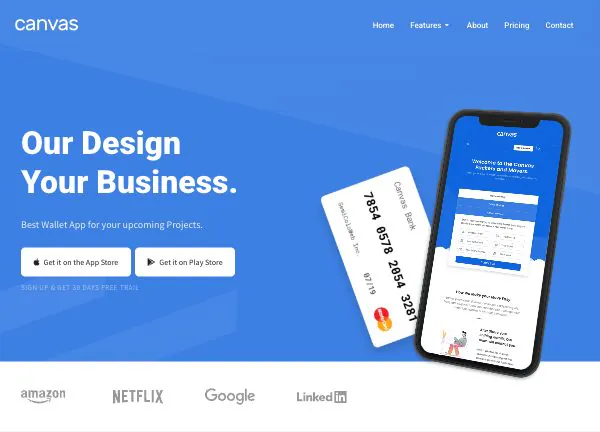
Landing demo, live preview (opens in a new tab)
Apps & Landing Pages · 13 pages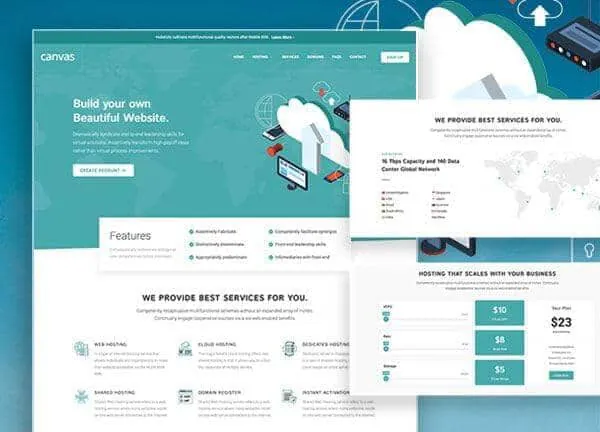
Hosting demo, live preview (opens in a new tab)
Apps & Landing Pages · 20 pages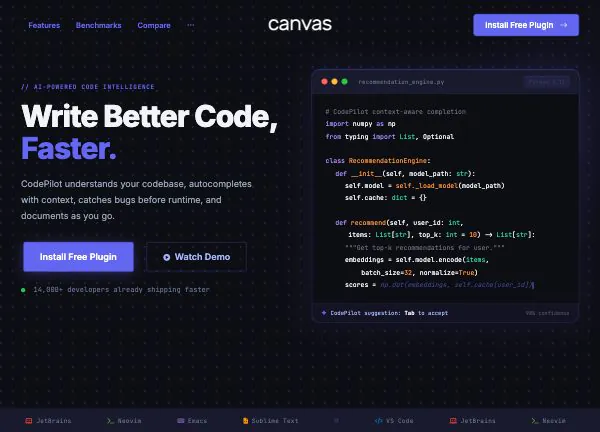
AI Coding demo, live preview (opens in a new tab)
Apps & Landing Pages · 9 pages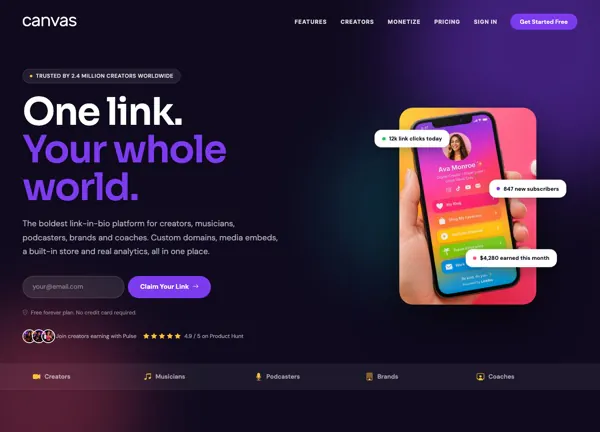
CanvasPulse demo, live preview (opens in a new tab)
Apps & Landing Pages · 10 pagesStart on one page, grow into a marketing site
A launch usually starts as one scrolling page and ends up a site with pricing, docs, a status page and a blog. These five demos sit at different points on that path. They are the same theme throughout, so the move from one to the next is a matter of adding pages.
- App Landing publishes 1 page with one-page navigation, a pricing table and a sign-up form
- Landing publishes 13 pages: a features page, a pricing page, a solutions page, a download page and a status page
- Hosting publishes 20 pages, with a page each for web hosting, cloud hosting, shared hosting and dedicated hosting, plus domains and data centres
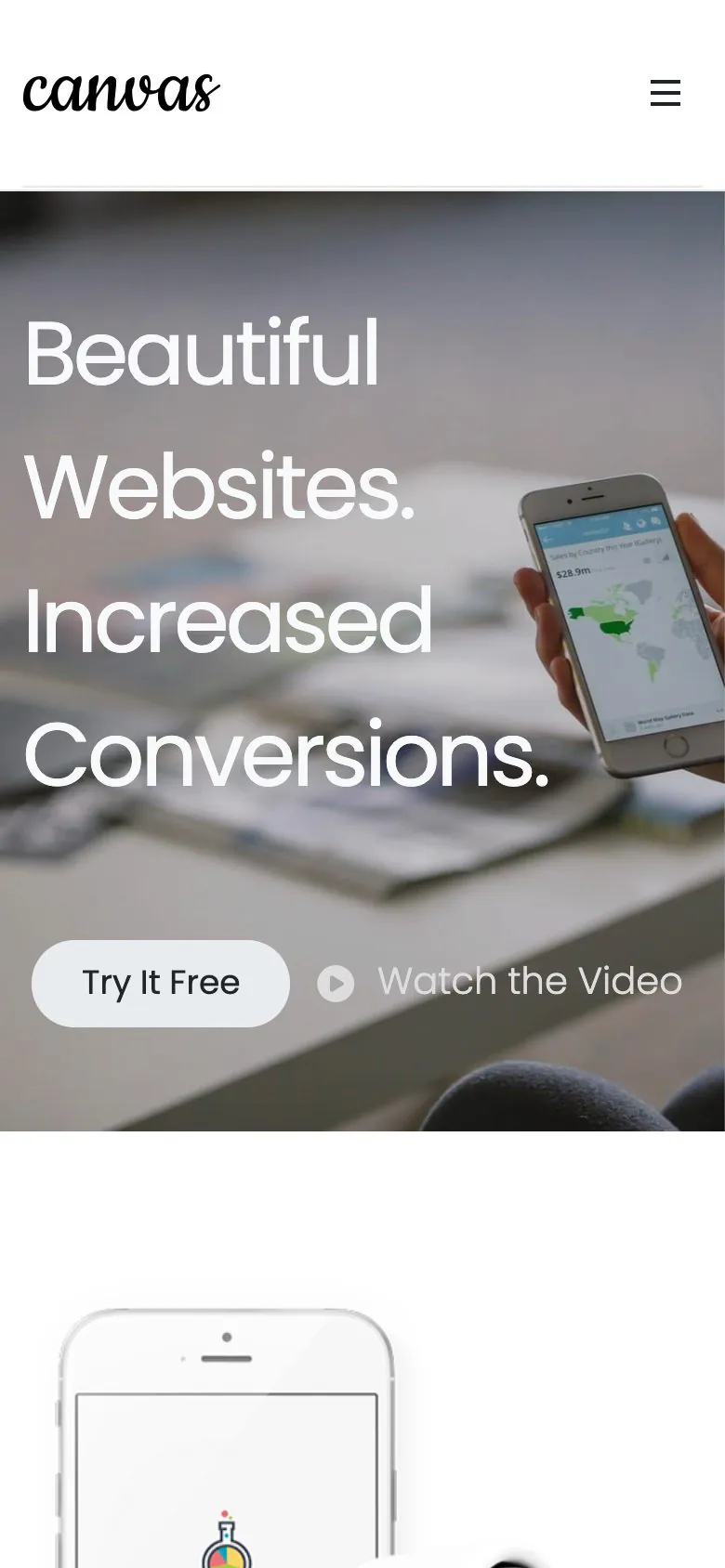
- CanvasPulse publishes 10 pages, including how it works, sign in, sign up and API docs
Tiers are block fields, and the switcher is a block
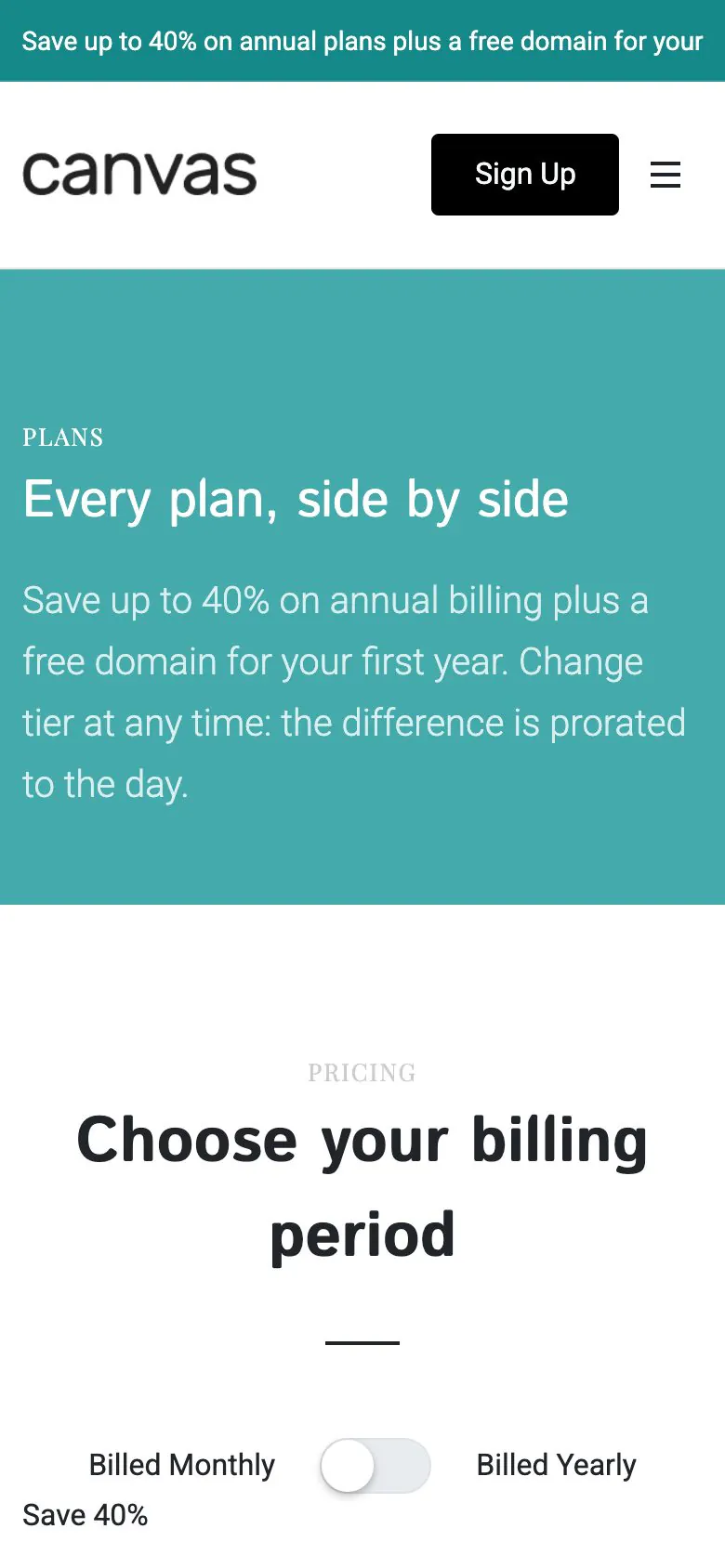
The page every software buyer scrolls to is two blocks: a pricing table and a billing switcher. The tiers, the feature rows, the badges, the buttons and the monthly or yearly toggle are all settings in the editor. A price change is one edit.
- The Hosting demo's Plans page pairs the switcher with a plan comparison
- App Landing puts the same pair inside its single page
- The Landing demo answers plan questions with toggles and an icon list on its pricing page
- Prices, labels and the highlighted tier are fields, not images
The forms collect, they do not run your product
Every form in these demos is a Canvas Form. It stores the submission as an entry in WordPress and can email you, post to a webhook or add the address to Mailchimp, then show the visitor a confirmation. Spam is stopped by a honeypot, reCAPTCHA v3 or Cloudflare Turnstile.
Sign-up and trial requests
The App Landing register form stores the request as an entry in WordPress. Neither it nor the CanvasPulse claim-your-link form creates a WordPress user, starts a trial or charges a card: those belong to your product or a plugin.
The Hosting domain search
The Hosting demo's one form is a domain search. It records what the visitor typed and tells them you will follow up by email. Live registry lookups and domain ordering need a registrar integration; the theme stops at the enquiry.
Contact and newsletter
CanvasPulse ships 3 forms: a contact form, a claim-your-link request and a creator tips newsletter. Landing ships 2, one on the contact page and one in the page body.
Docs, a blog and a directory, as records
A software site is more than a landing page, and the parts that grow fastest are the ones you write weekly. In these demos they are ordinary WordPress content and content types, so publishing is a normal edit.
An engineering blog
Hosting ships 11 posts, CanvasPulse 6, AI Coding 5 and Landing 4, each with an archive and a single post design that matches the demo.
Capabilities and creators
AI Coding registers a Capabilities content type with 6 records and its own page; CanvasPulse registers Creators with 6, listed on a directory page.
Support pages that exist
Across the five demos: a status page, a help centre, a knowledge base, an FAQ page, docs, an install guide and a customers page, all of them real pages. The Hosting demo maps its network on a data centres page built with the image hotspot block.
What a product site needs by month two
More than the hero section
Pricing, docs, the status page, the blog, the menus and the forms import together, so the pages a buyer asks for exist before anyone files a ticket for them.
Edited in WordPress itself
Marketing changes a price or a headline in the block editor WordPress ships. No page builder licence, and no build step between a copy tweak and a live page.
Reversible
Canvas logs every record an import writes. Delete Demo Data clears it again, so testing a second launch design costs nothing.
Copy help included
Feature descriptions are the lines a team argues over longest. Canvas AI drafts and rewrites text in any block field, with monthly credits on every plan.
Launching a product site, asked plainly
Answers that hold for the five demos as they ship.
Which of the five demos suits a software product?
The right Canvas demo depends on how much site you need on day one. App Landing is a single page with a pricing table and a sign-up form. Landing grows that into 13 pages with features, pricing, solutions, a download page, a status page and a blog. Hosting is the largest at 20 pages, with a service page per product and a plan comparison. AI Coding is a developer-tool site with docs pages, install pages and a capabilities list. CanvasPulse is a creator link tool with a directory of creators.
Is App Landing really one page?
Yes: the Canvas App Landing demo publishes one page and navigates by scrolling, so the pricing, the features, the screenshots and the sign-up form all sit on that single document. It ships a right-to-left stylesheet too. Outgrow it and you add ordinary WordPress pages: the header, the footer and the styles carry over.
Do the sign-up forms create accounts or take payment?
No: the sign-up form, the trial request and the domain search are all Canvas Forms. On submit they store an entry in WordPress, email you if you want that, post to a webhook or Mailchimp, then show a confirmation. User registration, billing, subscription management and a CRM are plugin territory. Point the webhook at the system that does own them.
Can I build a pricing table with a monthly and yearly toggle?
Yes, both are Canvas blocks. The Hosting demo's Plans page and the App Landing page use the pricing table block with the billing switcher above it, so one click swaps every price on the page. Every tier, every feature row, every badge and every button is a block field, so a price change is an edit in the editor.
Do the demos include a blog, docs pages and a status page?
They do: the Canvas software demos keep them as ordinary WordPress content styled to each demo. Between them the five demos ship 26 blog posts. Landing and Hosting each publish a status page, an FAQ page and a help centre or knowledge base; CanvasPulse publishes a status page, a help centre and an API docs page; AI Coding publishes docs and install pages and a Capabilities collection of 6 records.
How many websites does one licence cover?
A Canvas licence on Starter costs $39 a year and covers 3 websites; Pro covers 10 and Agency 100. Every plan ships every block, every pattern and every demo; the difference is seats, AI credits and the Agency plan's multisite activation. If a marketing site outlives the product it launched, an expired licence keeps rendering the pages and freezes premium editing. The front end stays up.
Ship the marketing site this week
One licence covers every demo and every block. Import App Landing from the setup wizard, drop your own copy and screenshots in, and point the form at your inbox.