

A WordPress theme for freelancers who build alone
Working on your own means the licence has to be small enough to buy and the build has to be short enough to bill. Starter licenses 3 websites and Pro licenses 10, both with every block, every pattern and all 80 demo websites included.
Starter is 3 websites, Pro is 10
There is no feature ladder between them. Both ship all 258 blocks, all 183 patterns, all 80 demo websites and all 460 Theme Options. What changes is how many websites you keep activated and how many AI credits arrive each month.
Starter, $39 a year
One business, one portfolio, one side project. 200 AI text generations and 30 AI images a month.
Pro, $89 a year
Freelancers and small studios building for clients. 1,000 AI text generations and 150 AI images a month.
- Upgrade at any time and pay only the difference for the time left on your term, with your activations untouched
- Renewals stay at the price on your first invoice, and cancelling keeps the licence until the term ends
- A full refund on a first purchase within 7 days, with no questions asked
- Lifetime plans are not offered, and no plan hides a block behind a higher tier
Past 10 live websites, or running a multisite network? That is the agencies page.
Weighing a theme that starts free? Astra's free theme and its toolkits and Blocksy's free edition both let you build before you pay, while Avada sells one licence per live site. The comparisons set their prices beside these two plans.
A seat is a website, and it comes back when you release it
The rule is short enough to hold in your head, which matters when you are the only person tracking it.
One install, one domain
Activating Canvas uses one seat and covers the theme and the plugin together, so a website never needs two keys.
Staging is free
A staging, development or local copy of a licensed website uses no second seat. Build locally, then activate the real domain.
Move it whenever
Deactivate from your dashboard and the seat returns to the pool straight away, so a launch, a rebuild or a domain change costs nothing.
Your own site counts too
Your portfolio is a website like any other and spends one of the 3 or 10, so count it in before you choose a plan.
The first thing you see is a working website
The wizard runs 8 steps: welcome, licence, demo, plugins, recommended tools, import, SEO and done. It activates the licence, installs whatever the demo needs, imports the demo and writes the SEO basics, so the first thing you see is a working website with real content to replace.
- 80 demo websites in 16 categories, each with its pages, posts, menus, forms and content types
- 75 of them ship a working form, so that job is usually an edit
- Every import is tracked and can be rolled back, so trying a second demo for the same client costs nothing
- Import site-wide for a new build, or into an existing website to take its pages without adopting its settings
- Photographs are placeholders licensed for demonstration; replace them before a client site goes live
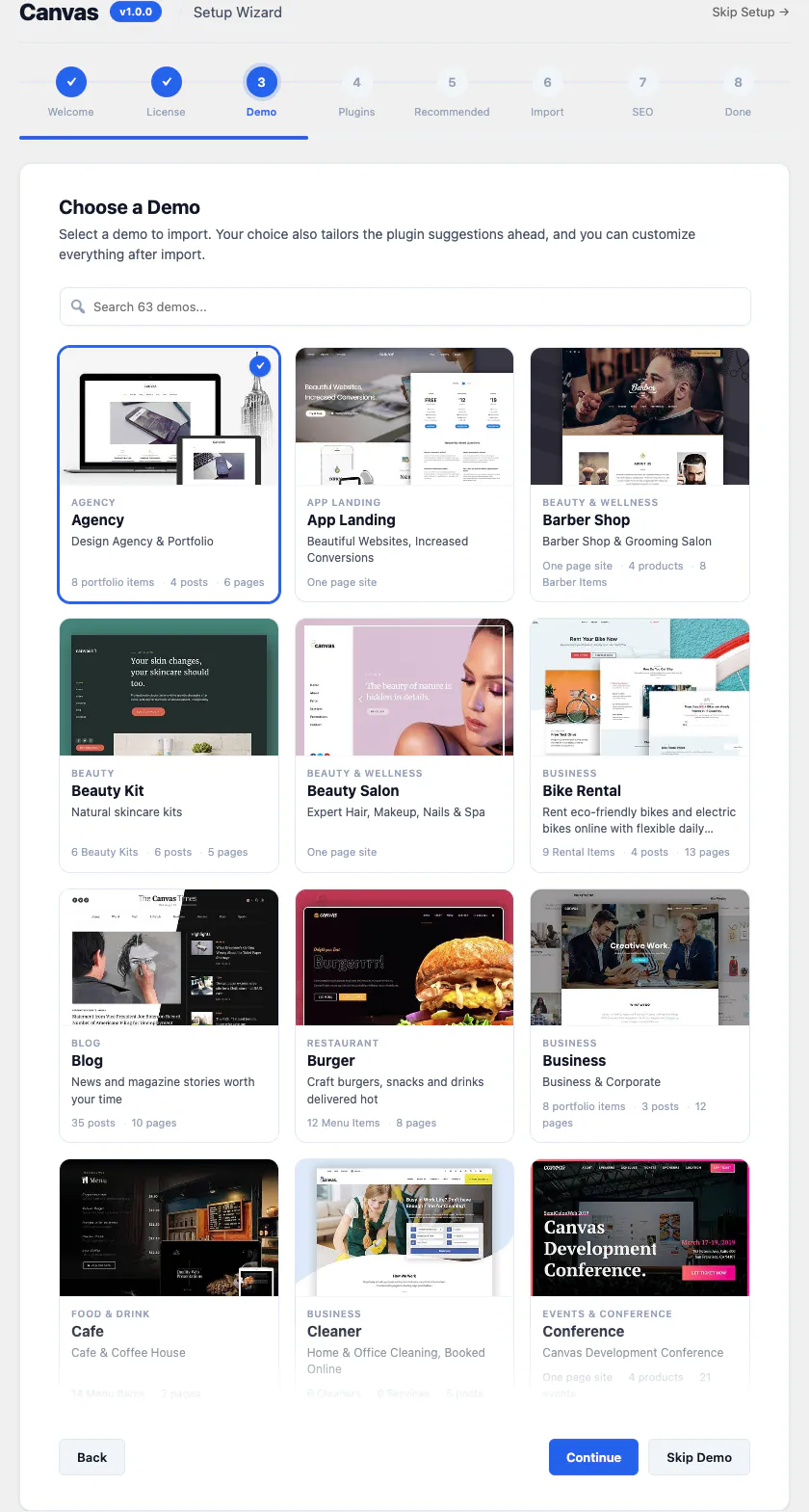
Pick a demo
Step three of the wizard is a searchable grid of the 80 demos, each listing what it brings with it.
The setup wizard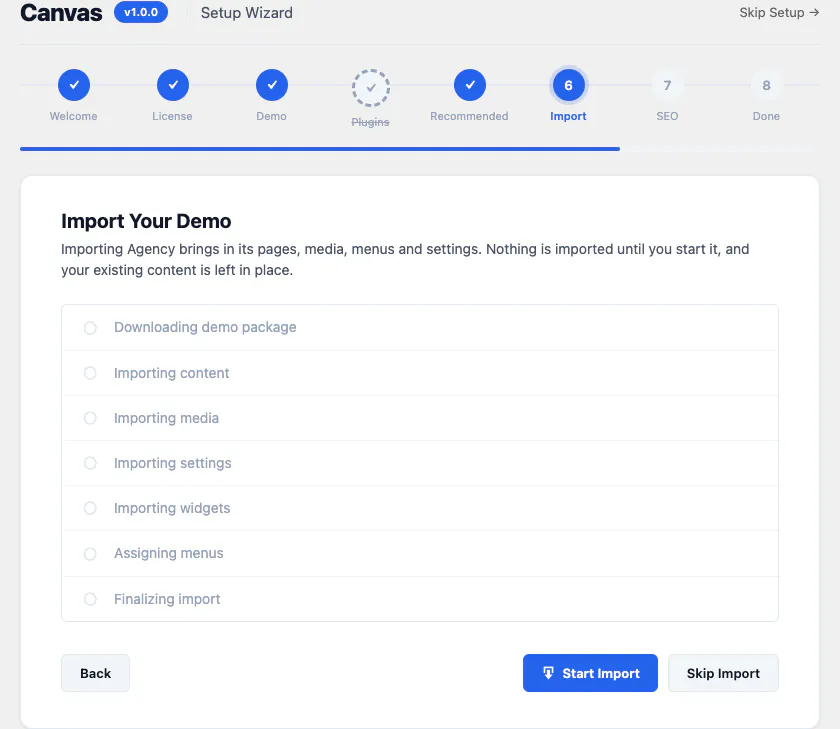
Watch it land
The import names every stage as it runs, and nothing is written until you start it.
Import guide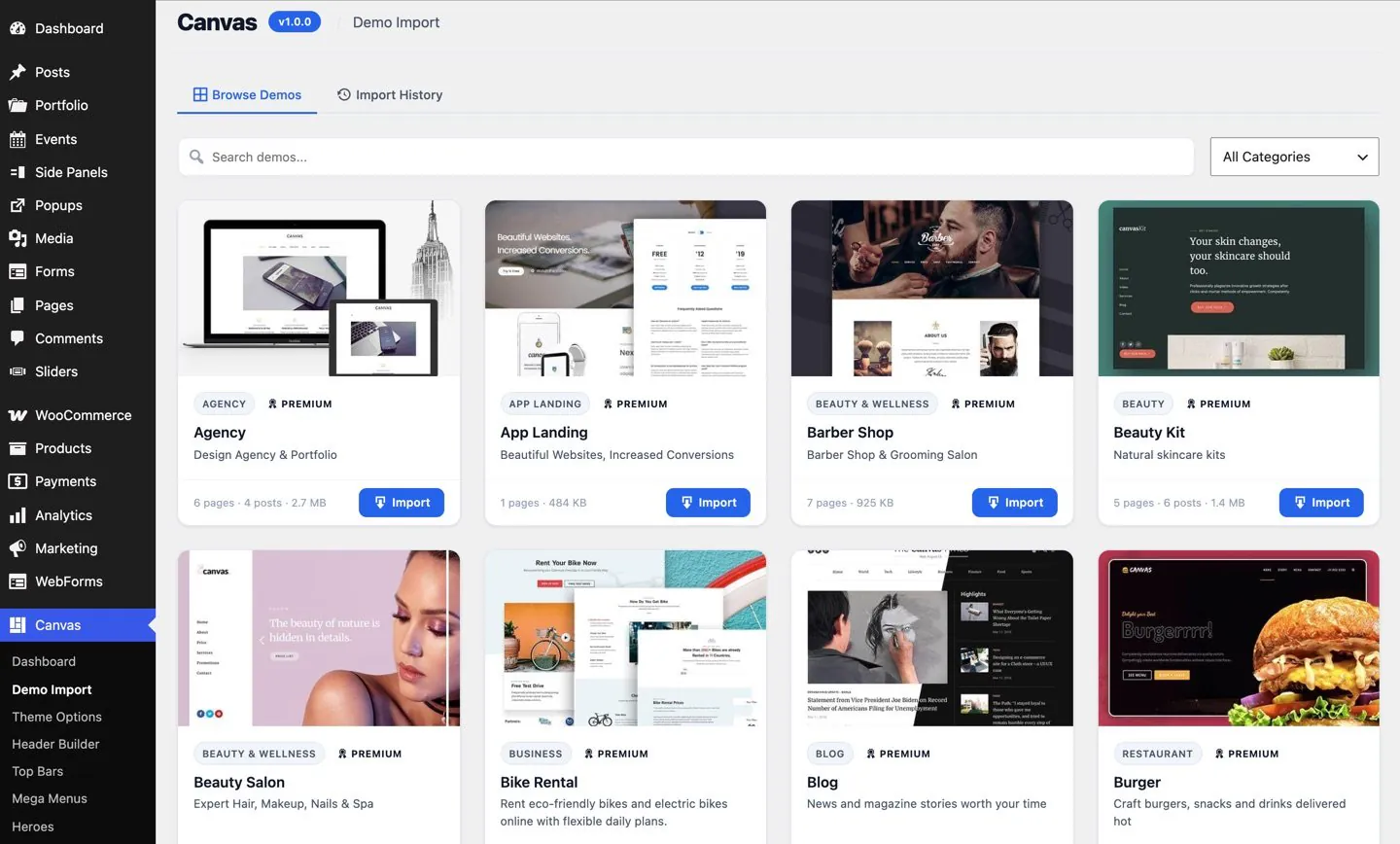
Or any demo, later
The same library sits in the admin afterwards, so the second client starts from a different design without a reinstall.
All 80 demosNothing you deliver depends on you paying us
Two moments decide whether a theme is safe to put on somebody else's business: the day you walk away, and the day a licence lapses. Both are written down, not left to goodwill.
The client buys their own licence
A new owner who wants updates, demo imports and Canvas AI takes out a licence in their own name. Keys belong to the account that bought them and are not resold or transferred as a product.
Your seat returns the same day
Release the website from your dashboard and the seat is back in the pool for the next project, whether the handover is a sale, a rebuild or the end of a retainer.
A lapsed licence renders
Every page keeps rendering exactly as it did, premium blocks included, with nothing hidden from visitors. Updates, new demo imports, Canvas AI and premium editing pause until somebody renews.
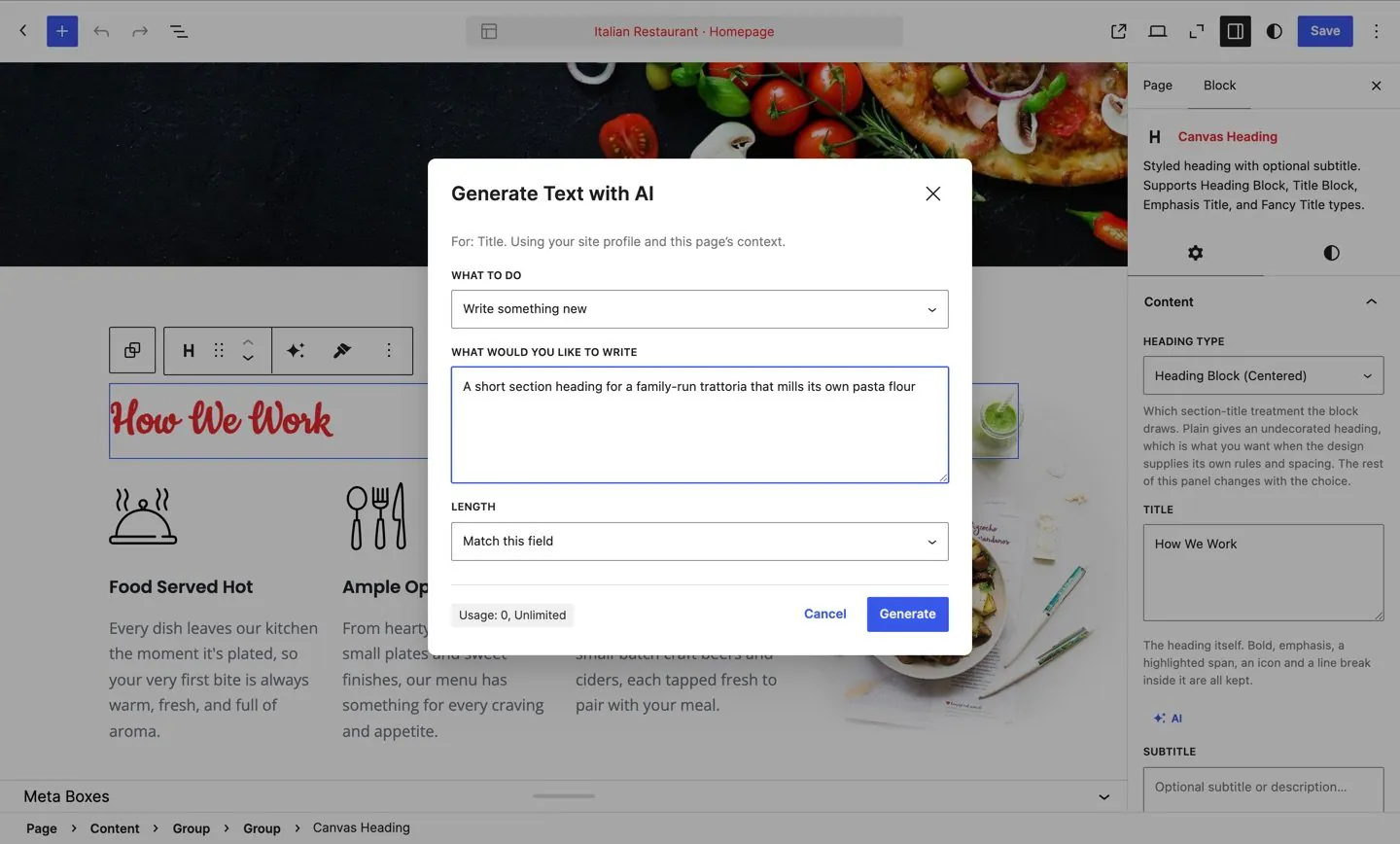
Canvas AI writes into any text field a block exposes
It generates and improves text in the editor, and creates images straight into the media library, from the business description, tone and audience you set once. Every plan includes a monthly allowance of credits.
- Credits arrive monthly in two separate pools, so a heavy writing week never eats the image budget
- Starter includes 200 text and 30 image generations a month, Pro 1,000 and 150
- The remaining balance shows in the editor and on your billing page, and the pools reset each month
- Titles, descriptions and structured data are derived from the page itself, so there is no second copy of the content to maintain
The portfolio demos use the same blocks
Canvas ships portfolio and personal demos for the site you keep putting off, built from the same content type, archives and single templates you use on everything else.
- 11 portfolio blocks and 57 single templates, with filter grids, masonry layouts and related work
- Your projects are records with their own archive and categories, so there is no page to rebuild each time
- The same demo import and rollback, so redesigning your own site is an afternoon’s work
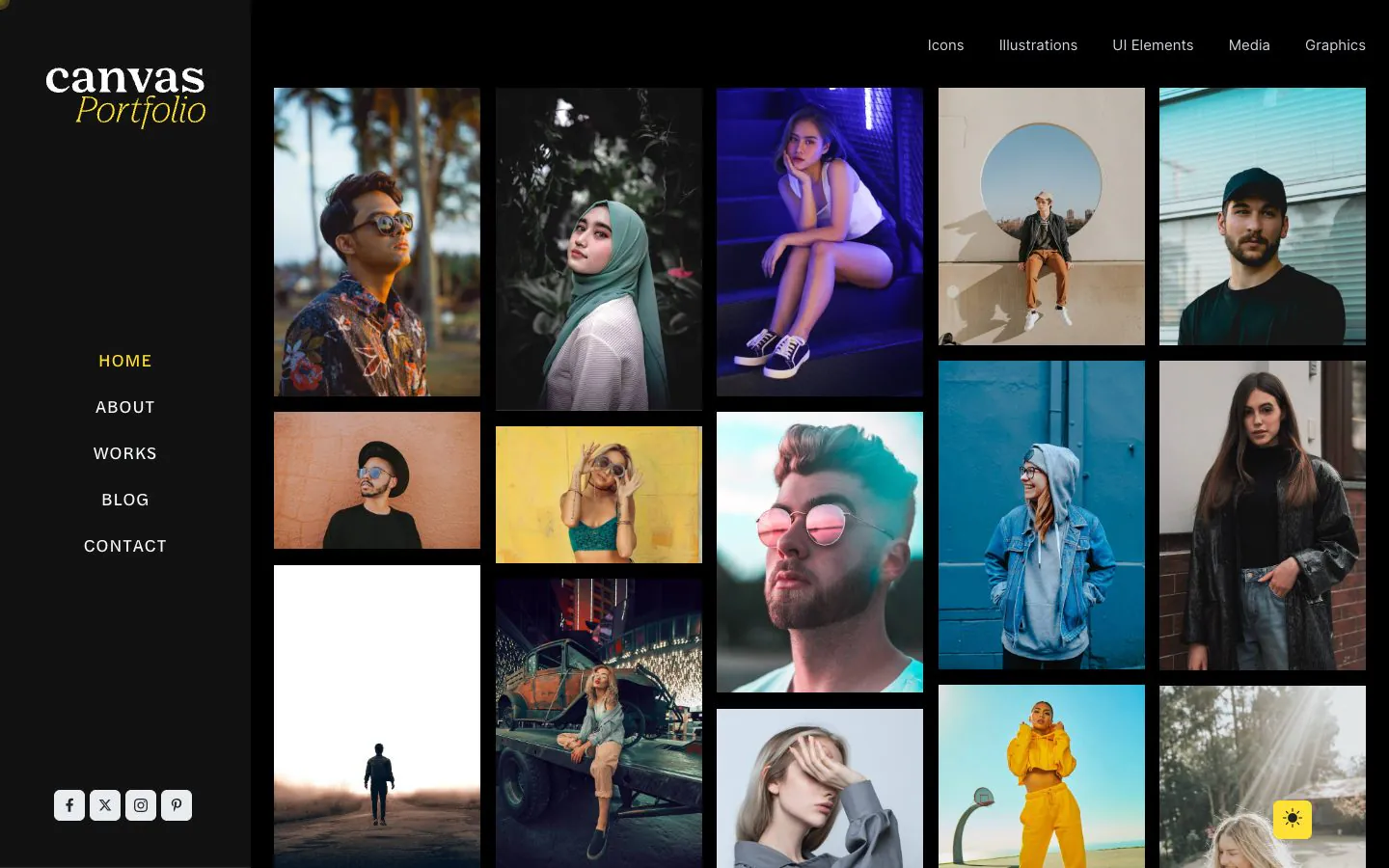
The Portfolio demo, imported and unedited. The grid is the portfolio archive, the filter is a setting, and each project is a record.
Solo work, asked plainly
Five answers for one person deciding whether a yearly licence pays for itself. The full FAQ covers the rest.
Which plan does one person need?
Count the websites you keep Canvas activated on at once, and ignore the number of projects you finish in a year. Starter is $39 a year for 3 websites and suits one business, one portfolio or one side project. Pro is $89 for 10 and is the usual choice once you are building for other people. Both ship every block, every pattern and every one of the 80 demo websites. The guide to building client websites walks the same route step by step.
Do the websites I build for other people count?
Yes, a client's website counts against your Canvas licence exactly like your own. A site is one WordPress installation on one domain, and the seat stays with it until you release it. Staging, development and local copies of a licensed website are free, so testing an update never costs a seat.
What do I do when a project ends?
If you stop managing the website, the new owner buys their own Canvas licence for updates, demo imports and Canvas AI, and you deactivate the site from your dashboard to put the seat back in your pool. The website itself carries on rendering throughout, so nothing about the handover is visible to visitors.
How fast is the first build, really?
The Canvas setup wizard is 8 steps: welcome, licence, demo, plugins, recommended tools, import, SEO and done. At the end you have the demo you picked as a working website with its pages, posts, menus, forms and content types, 75 of the 80 demos arriving with a form built in. What is left is replacing words and photographs, which is the part only you can do.
What if it turns out not to suit the way I work?
Ask within 7 days of your first Canvas purchase and you get a full refund, no questions asked and no support ticket required first. Renewals and upgrades are not refundable. Every demo also runs as a live website you can click through before you buy.
Bill for the design, not for the setup
One yearly licence, every block and every demo website. Start on Starter and move to Pro or Agency when the work arrives.