

A spa WordPress theme built round the treatment menu
Four complete beauty websites ship with Canvas: a spa built round its treatment menu, a one-page salon, a barber shop with a grooming store, and a skincare kit brand. Booking stays with a plugin, and this page is precise about what the demo forms do.
Four beauty websites, ready to import
Every one is a working site: its own pages, its own menus, the forms and whatever content types it needs. Preview them live before you buy.
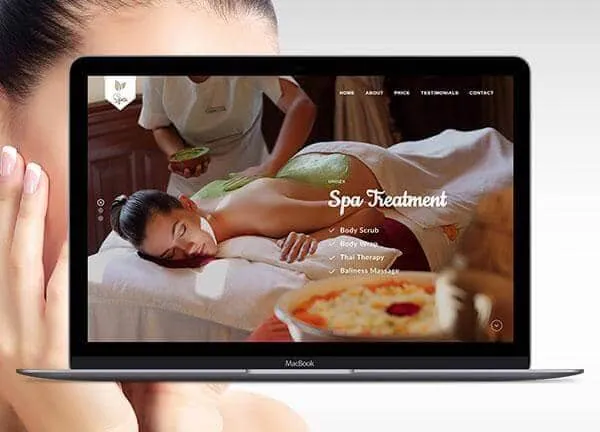
Spa demo, live preview (opens in a new tab)
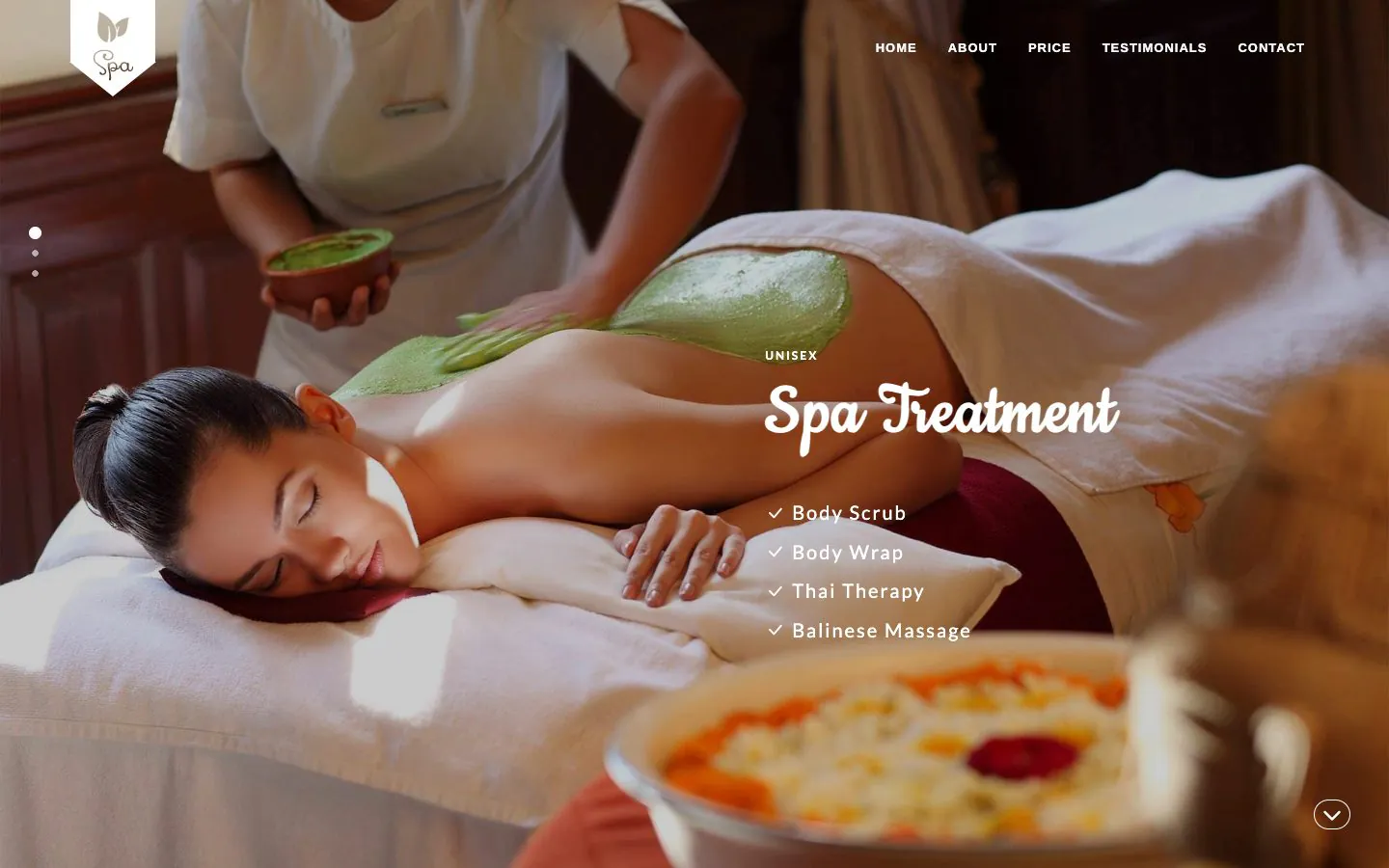
Beauty & Spa · 1 page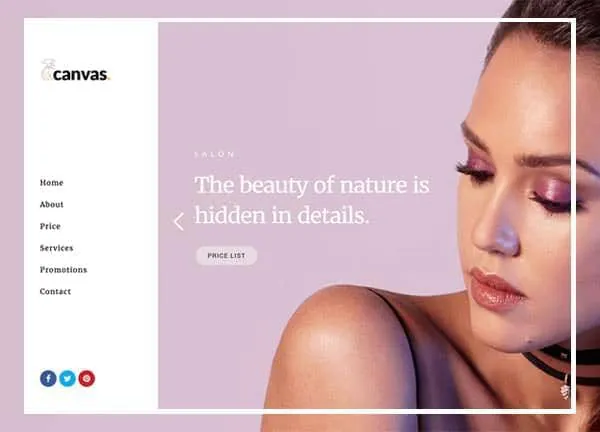
Beauty Salon demo, live preview (opens in a new tab)
Beauty & Spa · 1 page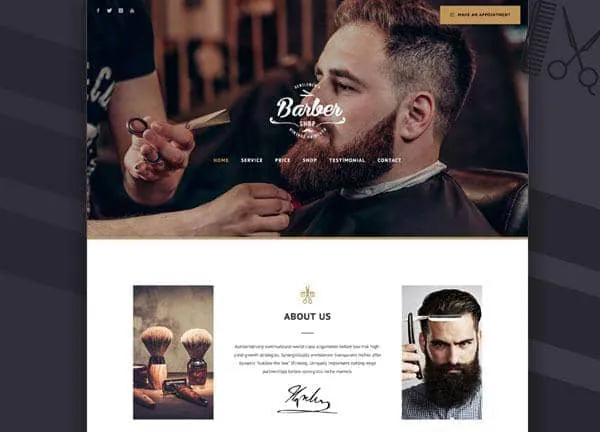
Barber Shop demo, live preview (opens in a new tab)
Beauty & Spa · 7 pages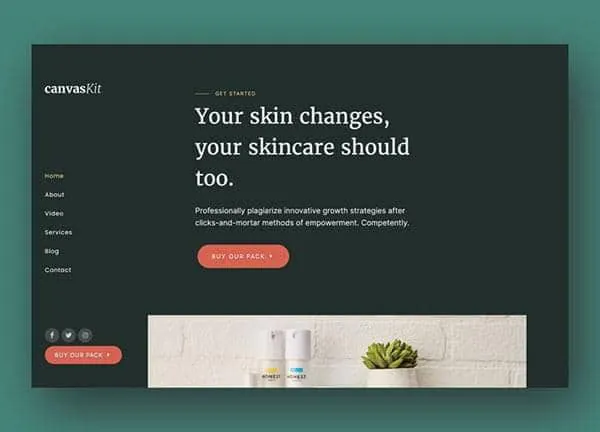
Beauty Kit demo, live preview (opens in a new tab)
Beauty & Spa · 5 pagesA treatment is a record with its own page
The Spa demo registers a Treatments content type on import. Each treatment carries a photo, a category, a price, a duration and a description, and gets its own page with a reserve button and a list of related treatments underneath. Change the price on the record and the menu page, the single page and the related lists all follow.
- 16 treatments in the Spa demo, filed under four categories: spa therapy, body scrubs, body wraps and beauty facials
- The Barber Shop demo lists its 8 services the same way, each with a price, a duration and a one-line description
- The Beauty Salon demo keeps a shorter price table on the page itself, which is the right shape for a single-page site
- Categories give each group of treatments its own listing, so a new wrap appears wherever wraps are shown
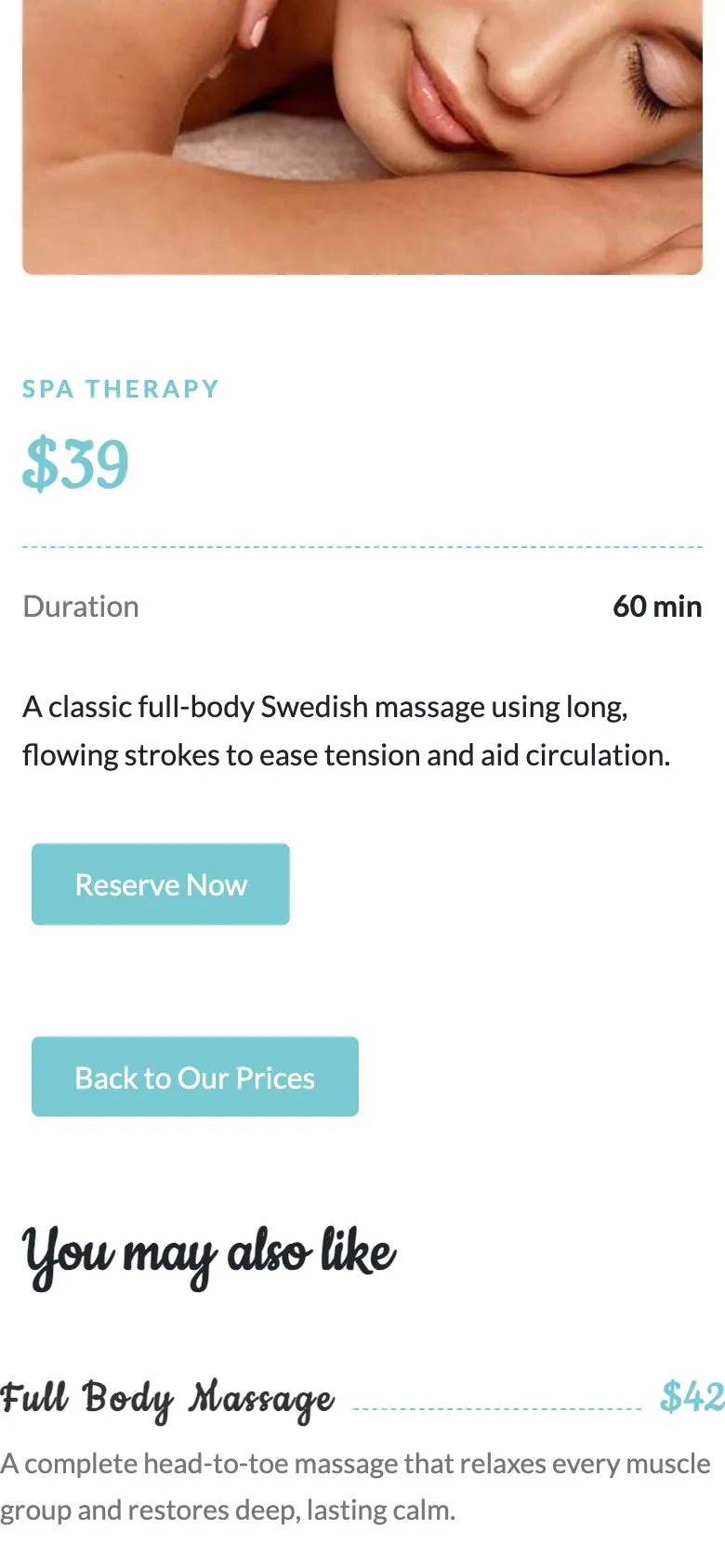
The form takes the request. A plugin takes the diary.
Every spa and salon buyer asks about booking first, so here is the plain answer. Canvas has no booking engine: no calendar of free slots, no staff rota, no deposits, no reminders. What ships is a working request form on a page you edit like any other, and a booking plugin adds the diary behind it.
- The Spa demo's Reserve Now form asks for a name, a phone number, an email and a message, and keeps every request as an entry in WordPress
- The Barber Shop form emails the shop as well, and screens bots with a honeypot
- Beauty Salon ships 2 forms and a promotions popup for the offer you want in front of a first-time client
- Confirmation email, webhooks, Mailchimp, reCAPTCHA v3 and Cloudflare Turnstile are all settings on any Canvas Form
A shop in the same design as the salon
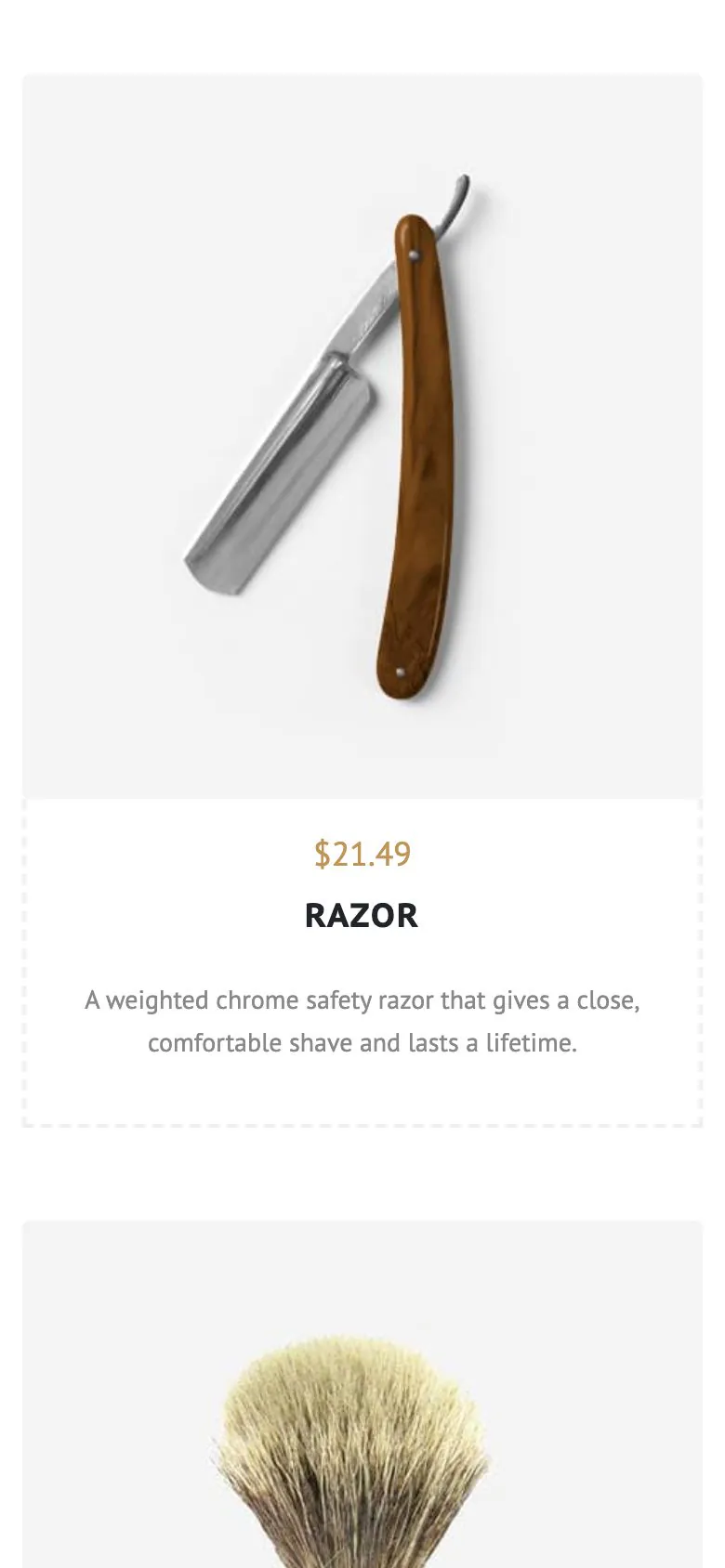
The Barber Shop demo is a WooCommerce store as well as a service site: products with sale prices, a Products page, and a basket and checkout drawn in the demo's own design, with the WooCommerce default nowhere in sight. Every plan includes the 22 WooCommerce blocks, so retail can arrive after opening.
- Barber Shop ships 4 products alongside its services, with its own Shopping Basket and Checkout pages
- Beauty Kit is the product-led version: 6 kits, each with a price, a size, the skin types it suits and when to use it
- Beauty Kit also ships a page each for the kits, the ingredients, the results and the stories, plus 6 journal posts

Clients read your price list on a phone
Often in somebody else's waiting room, comparing you with the salon down the road. The treatment menu, the prices and the request form come off the same responsive blocks, so there is no separate mobile layout to maintain. The screenshot is the Spa demo as shipped, 390 pixels wide.
- One-page demos keep their section links in the phone menu, so the price list is one tap away
- Theme Options carries phone rules for the header, the footer and the page title bar
- Images get width, height, lazy loading and responsive sizes from WordPress
- Canvas loads only the CSS and JavaScript a page actually renders
What a salon site has to get right
The price list and the form, both live
An import brings the pages, the menus, the forms and the treatment records, so a client can read a price and ask for a slot the moment it finishes.
Edited in WordPress itself
A price, a duration, a photograph: each one is a field in the editor WordPress ships. No page builder to learn, and none to renew.
Reversible
Canvas logs everything an import writes. Delete Demo Data clears it again, so looking at the barber demo after the spa one costs you nothing.
Copy help included
Treatment descriptions are hard to write twenty times over. Canvas AI drafts and rewrites text in any block field, with monthly credits on every plan.
Salon websites, asked plainly
Answers that hold for the four beauty demos as shipped.
Is online booking included?
No, Canvas ships the booking form, not a booking engine: there is no calendar of free slots, no staff rota, no deposits and no reminders. The form takes the request and you confirm it. A booking plugin adds the diary, and because the form is a block on a page, swapping it for a plugin's booking block is one edit.
What do the demo forms actually do?
The Canvas Spa demo's Reserve Now form asks for a name, a phone number, an email and a message, then keeps every request as an entry inside WordPress. The Barber Shop's form emails the shop as well as storing the entry, with a honeypot screening bots. Email, a confirmation to the client, a webhook, Mailchimp, reCAPTCHA v3 and Cloudflare Turnstile are all settings on a Canvas Form, so switching one on is a checkbox in the editor.
Which demo should a salon start from?
Of the four Canvas beauty demos, Spa is a one-page site built round a treatment menu of 16 treatments with their own pages. Beauty Salon is a one-page salon site with a slider, a price table, a promotions popup and two forms. Barber Shop adds services, a shop and a checkout. Beauty Kit is the product-led one: kits, ingredients, results pages and a journal.
How is the treatment menu managed?
In the Canvas Spa demo every treatment is its own record, carrying a photo, a category, a price, a duration and a description, with a page of its own for the reserve button and the related treatments. Change a price on the record and the menu, the single page and the related lists all follow. The Beauty Salon demo keeps its price list on the page itself, which suits a shorter menu.
Can I sell products as well as treatments?
Yes: Canvas designs a WooCommerce store, and the Barber Shop demo ships as one, with grooming products at sale prices, a Products page, and a basket and checkout in the demo's own design. Every plan includes the 22 WooCommerce blocks, so a salon that starts with services only can add a shop later without changing theme.
Do the demos work in a language that reads right to left?
Some Canvas demos ship a dedicated right-to-left stylesheet: 6 of the 80 do. None of these four is one of them, and Canvas is not a fully right-to-left theme, so treat it as a per-demo fact, never a product claim.
How many websites does one licence cover?
A Canvas licence on Starter costs $39 a year and covers 3 websites; Pro covers 10 and Agency 100. Every plan includes every demo and every block; the plans differ by seats, AI credits and the Agency plan's multisite activation.
Open your salon online with Canvas
One licence covers every demo and every block. Import the spa demo from the setup wizard, put your own treatments and photographs in, and add a booking plugin when you want the diary.